Paper Editorial
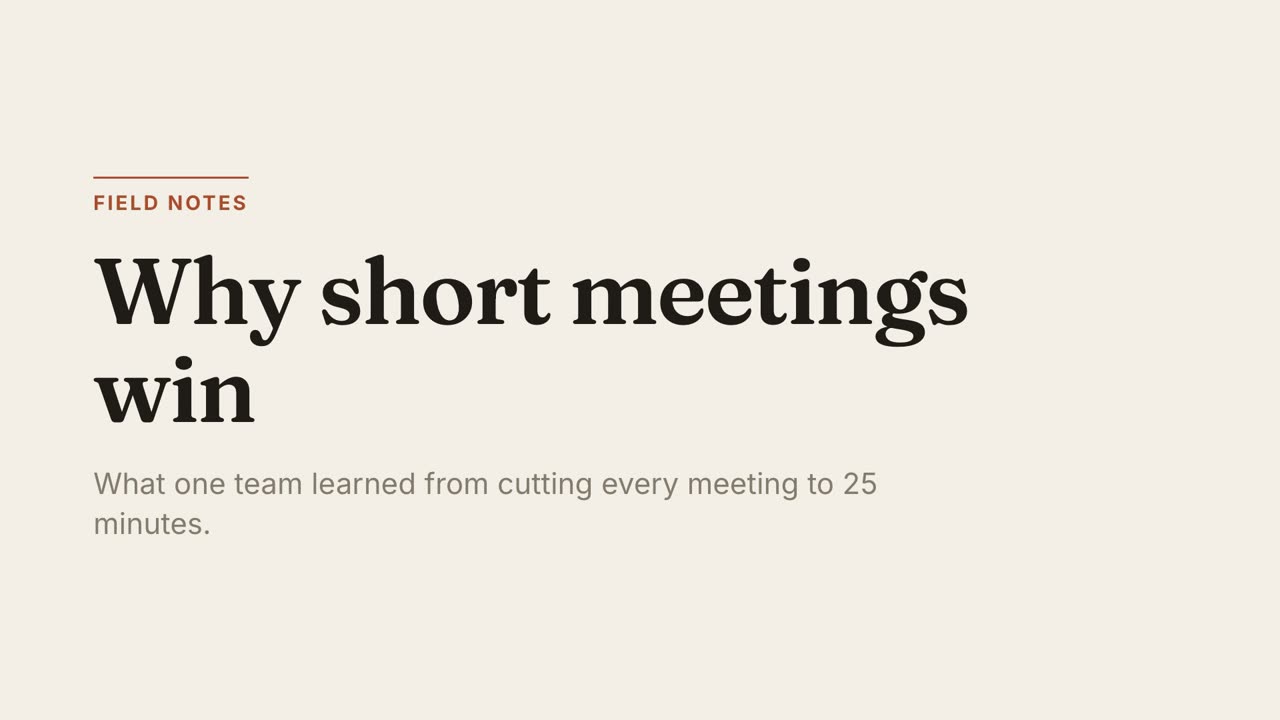
Essays, explainers, thought piecesWarm paper, a serif headline and one rust accent. Unhurried, like a magazine feature.
You asked Claude for an animation, it made a lovely artifact, and now you want a video file. Artifacts do not have an export-to-MP4 button, so here are the real options.
Fastest, and fine for a one-off. The drawbacks are frame drops, a visible cursor if you are not careful, and whatever resolution your screen happens to be.
A renderer steps through the animation frame by frame and encodes each one, so the result is exact and repeatable. For that to work the animation has to be seekable: driven by a timeline that can jump to any moment, not by timers or by "whatever the browser does next".
Most artifacts are not written that way. The practical route is to give the artifact’s code to a coding agent and ask it to rebuild the animation as a HyperFrames composition, then render.
If you know you want a video, skip the artifact and have a coding agent build a renderable composition from the start. MotionKit gives the agent finished styles and the rules that make a composition render correctly first time.





Artifacts are interactive web pages shown beside the chat. They do not include a step that renders them to a video file.
Screen recording captures whatever frames your machine manages in real time. Frame-by-frame rendering avoids that because each frame is captured exactly once.
Usually yes. Give the code to a coding agent and ask it to keep the colours, fonts and layout while moving the animation onto a seekable timeline.
MotionKit is an independent product and is not affiliated with Anthropic, HeyGen, Runway, Canva, Remotion or Motion Canvas. Product names belong to their owners and are used only to describe and compare.
One command, then hand your agent a document.