Examples · updated 10 October 2026
Claude Motion-style examples, rendered for real
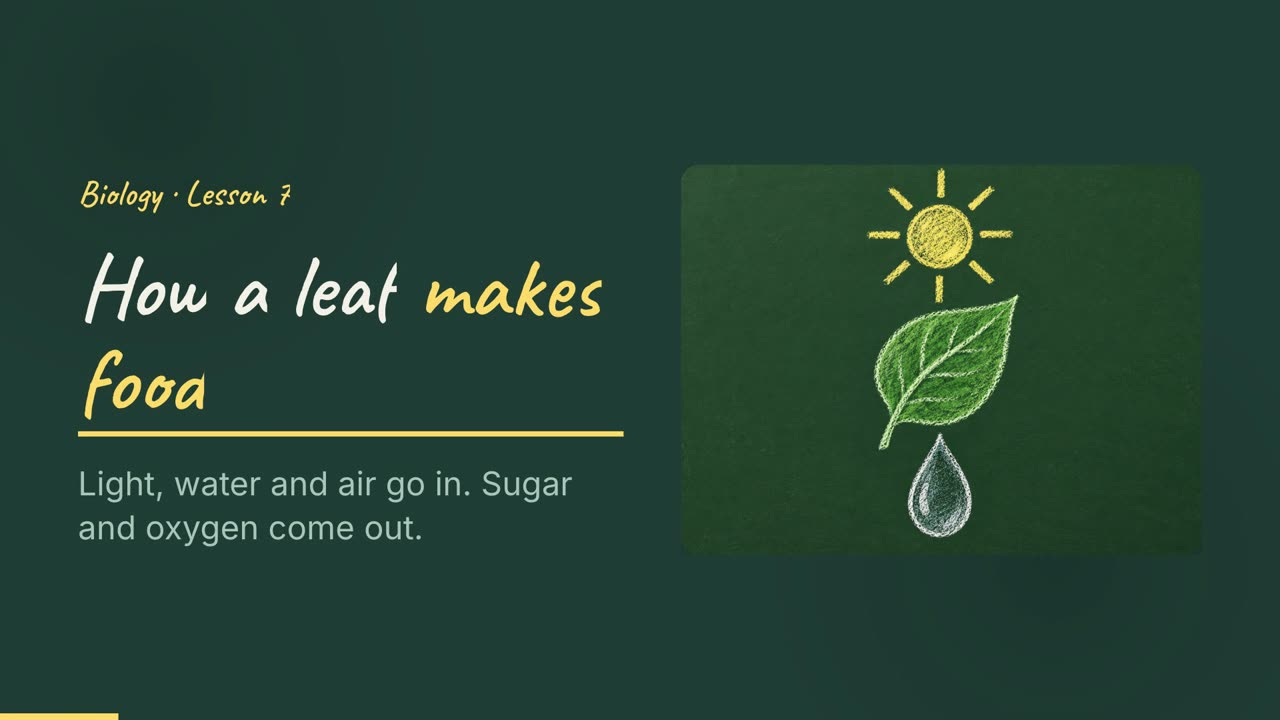
Most example pages show a cover image. These are the actual videos, rendered exactly as the tools produce them, with sample data. Hover a card to play it.
What you are looking at
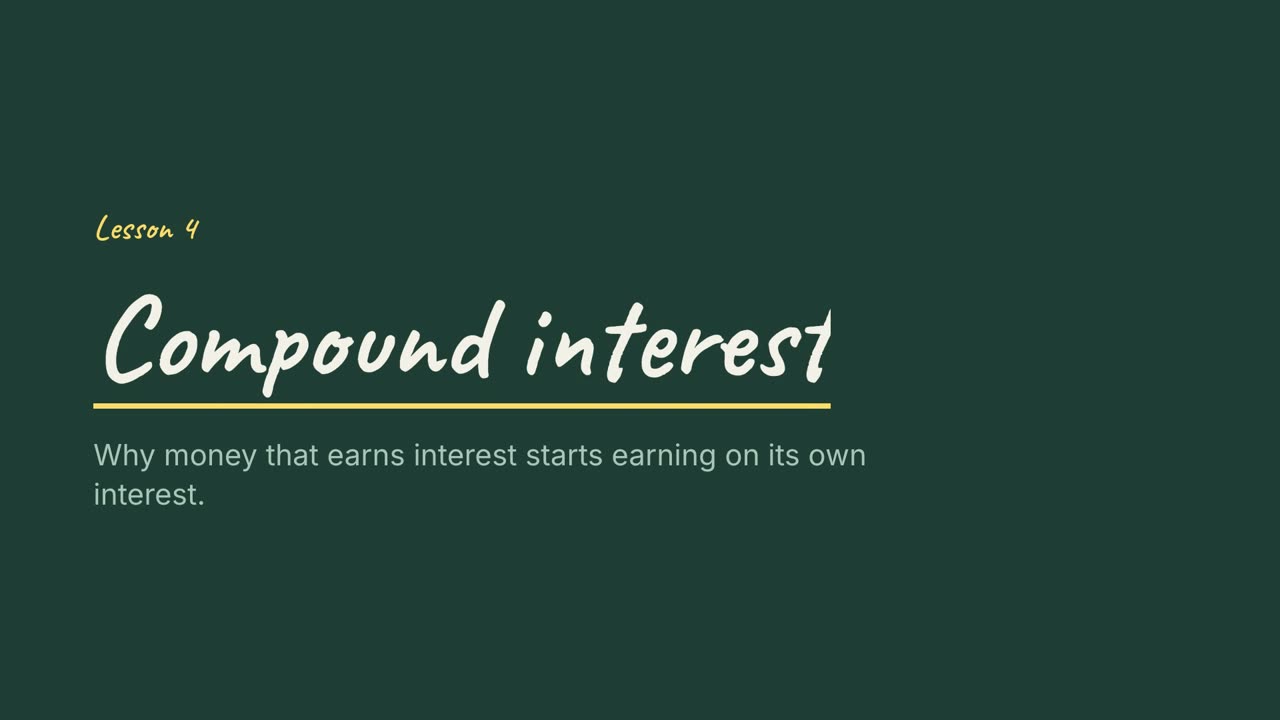
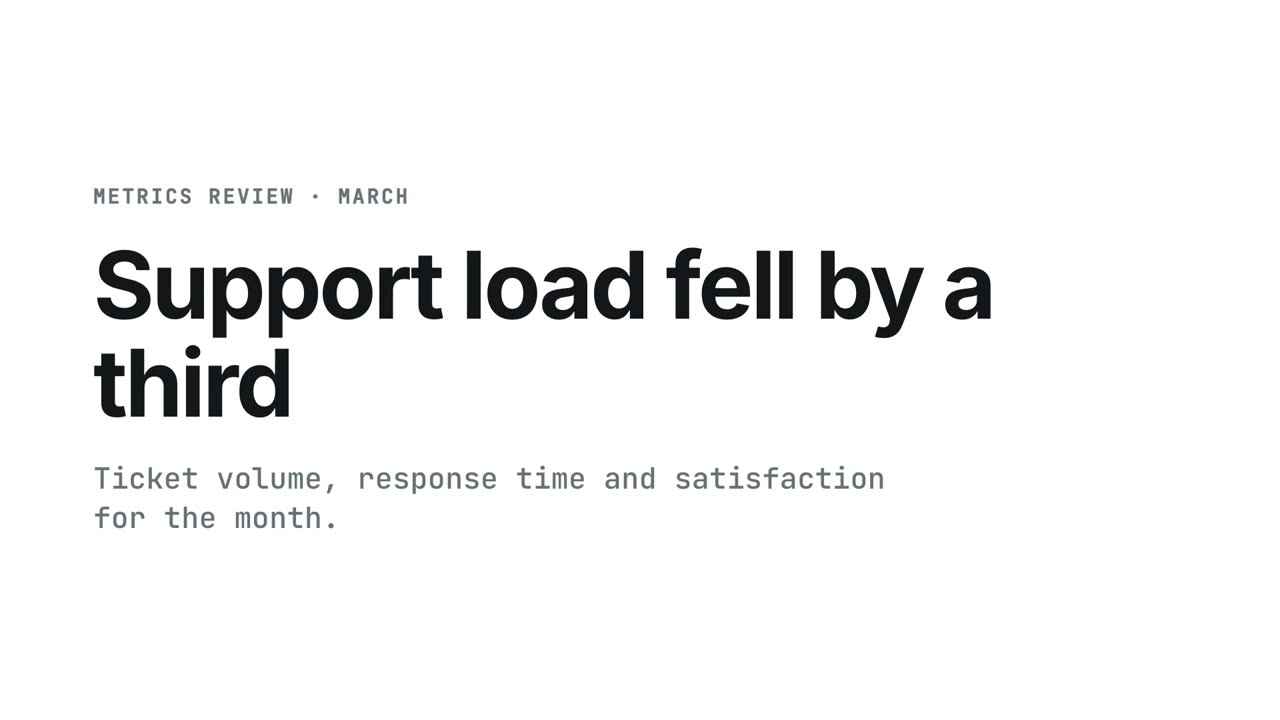
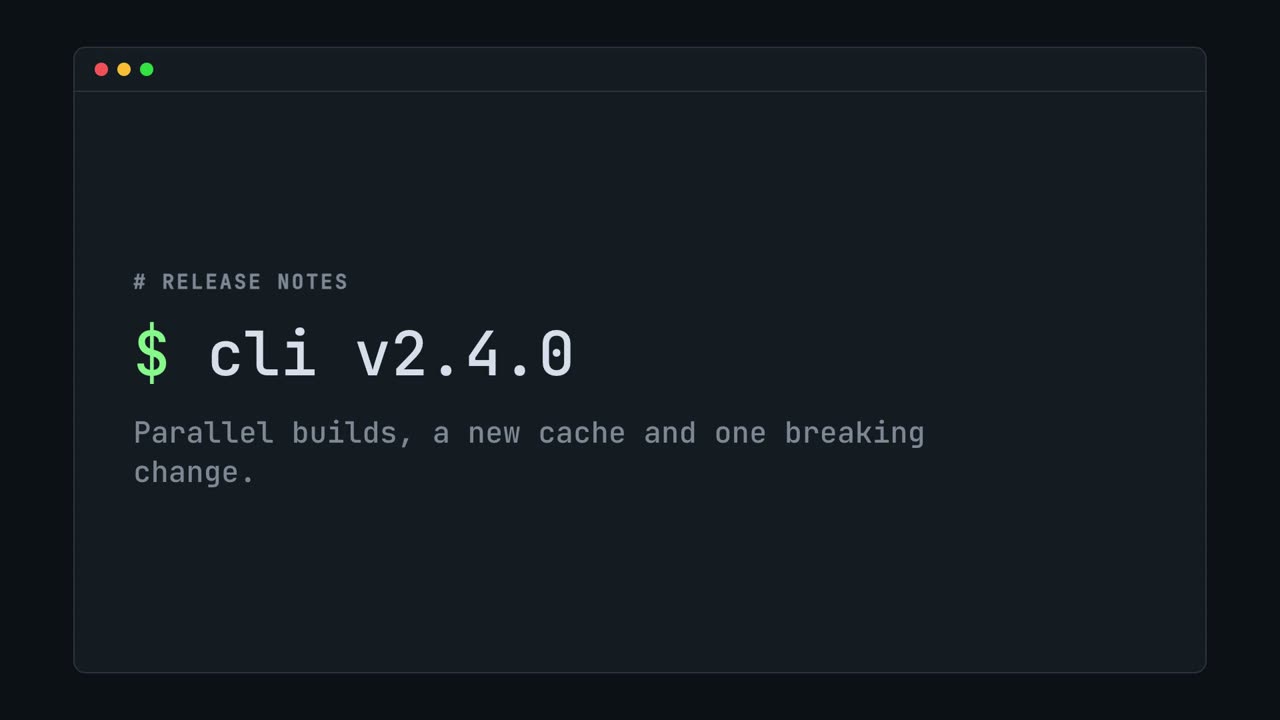
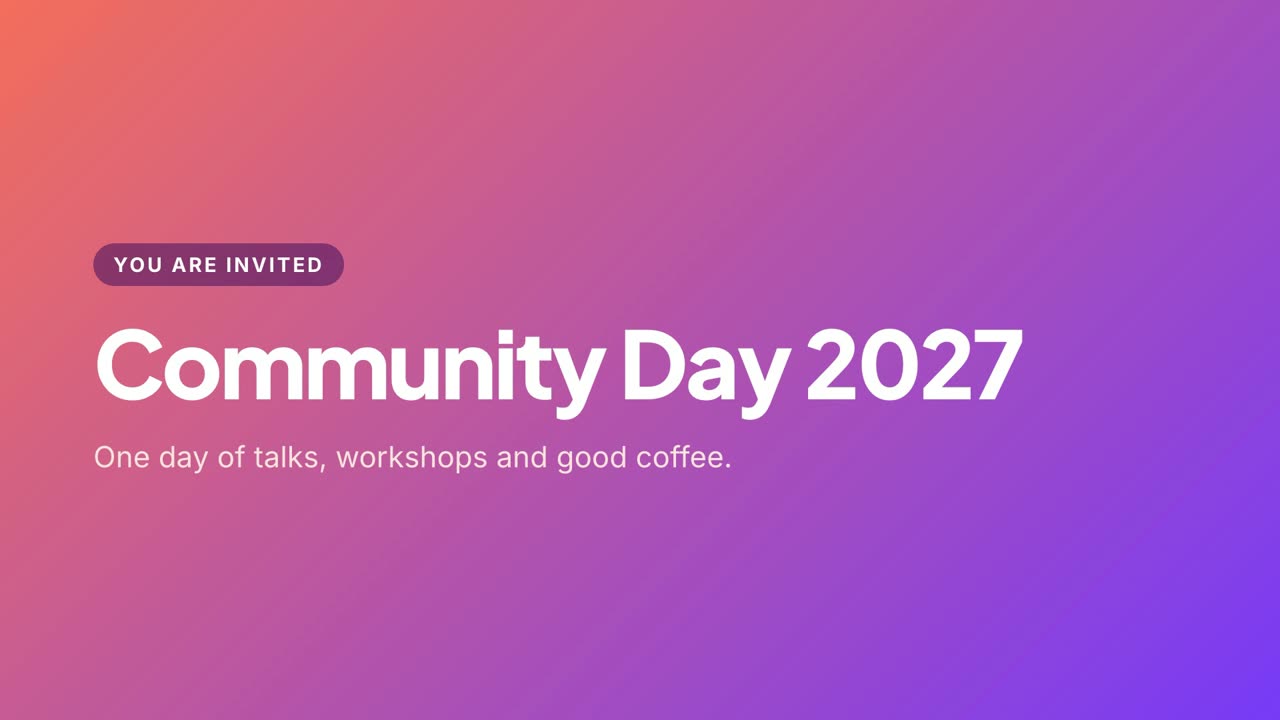
The first 104 are whole videos by use case: a lesson, a board update, a launch teaser, a pitch, release notes and more. Each mixes scene types (comparisons, cards with icons, line and bar charts, picture scenes) and has pictures drawn in the look of its style.
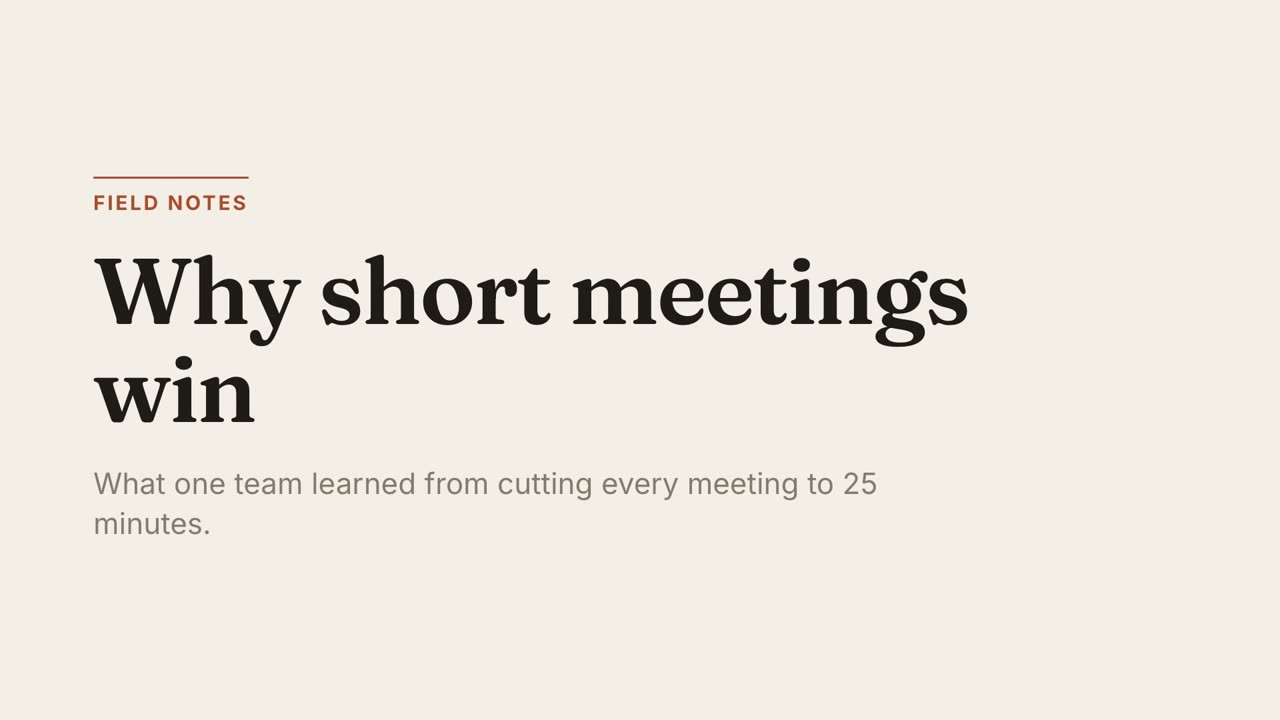
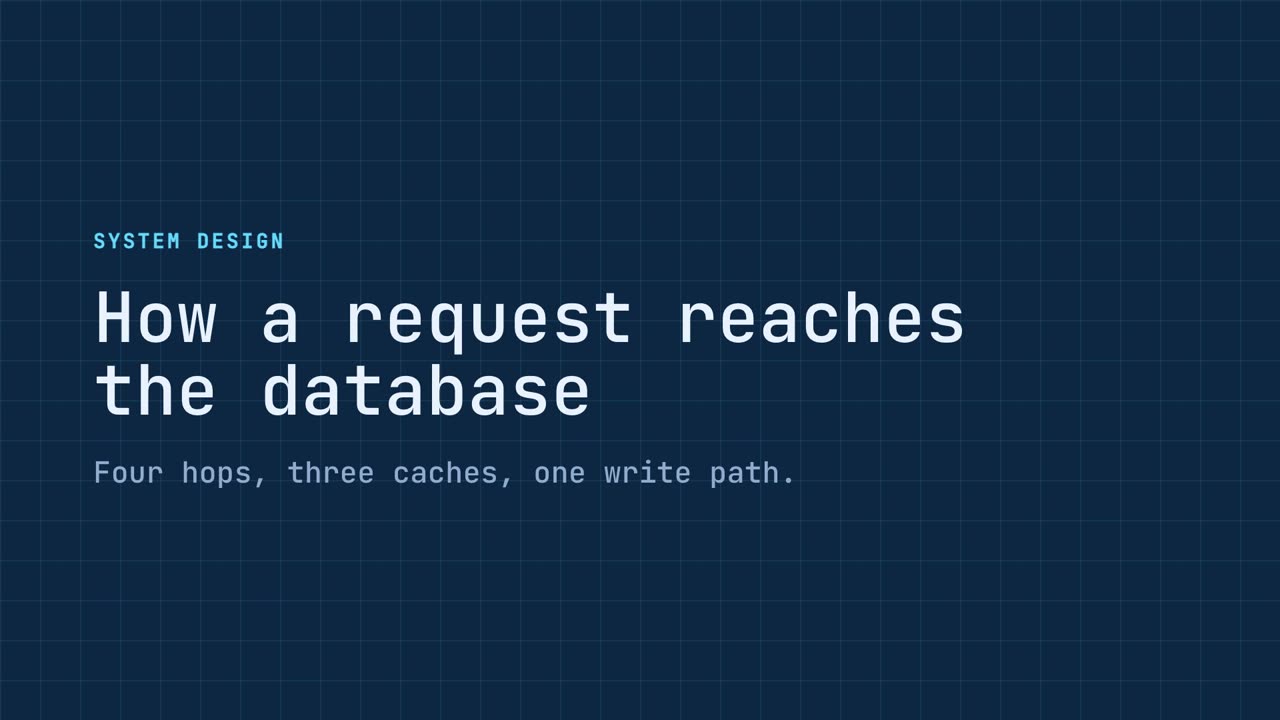
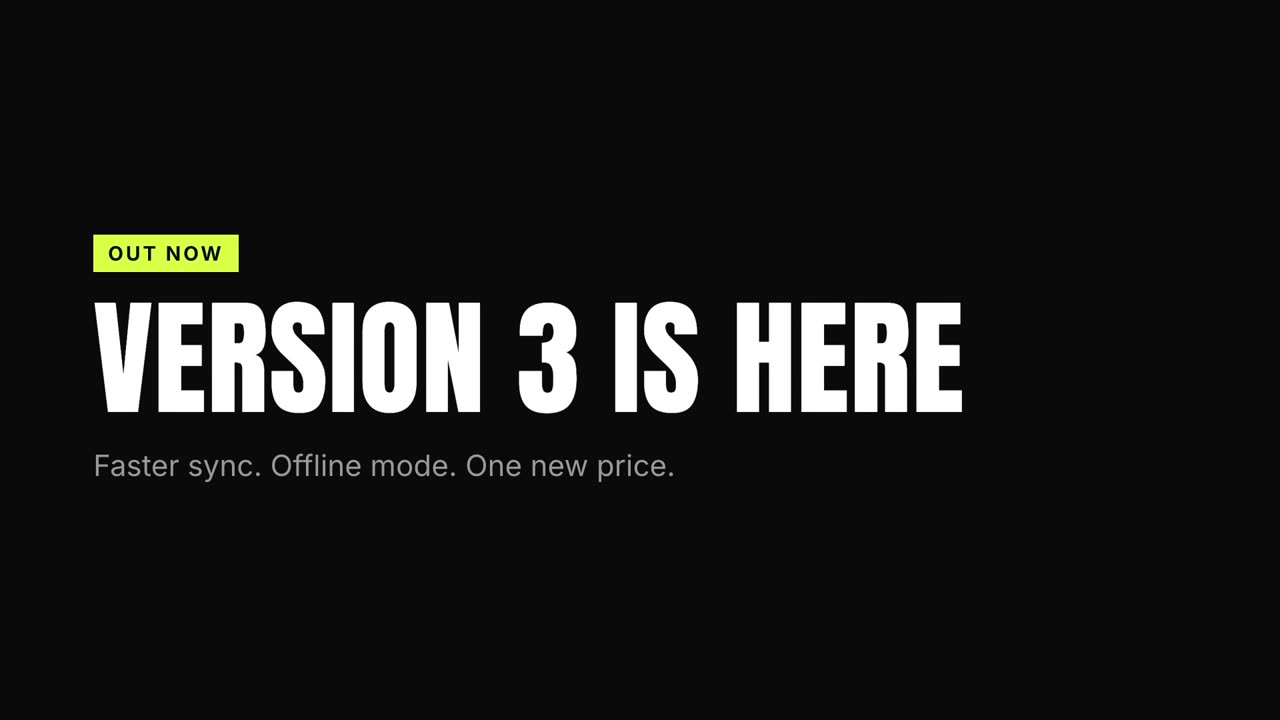
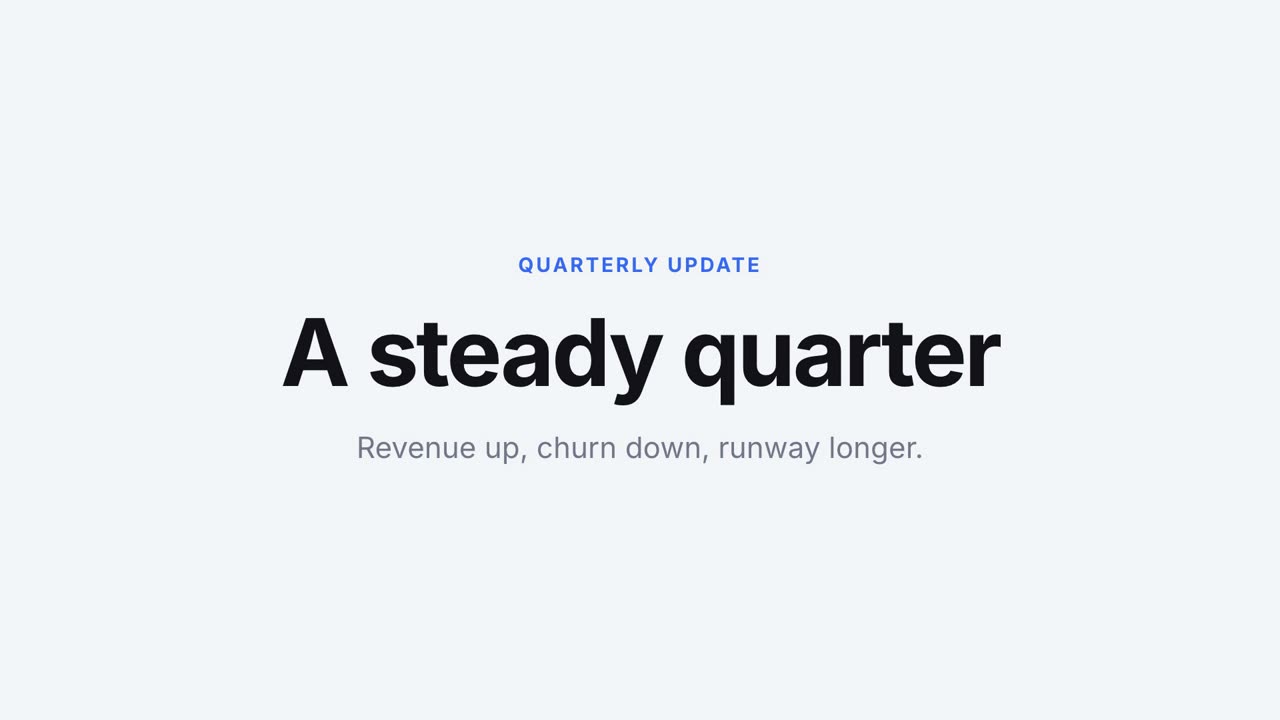
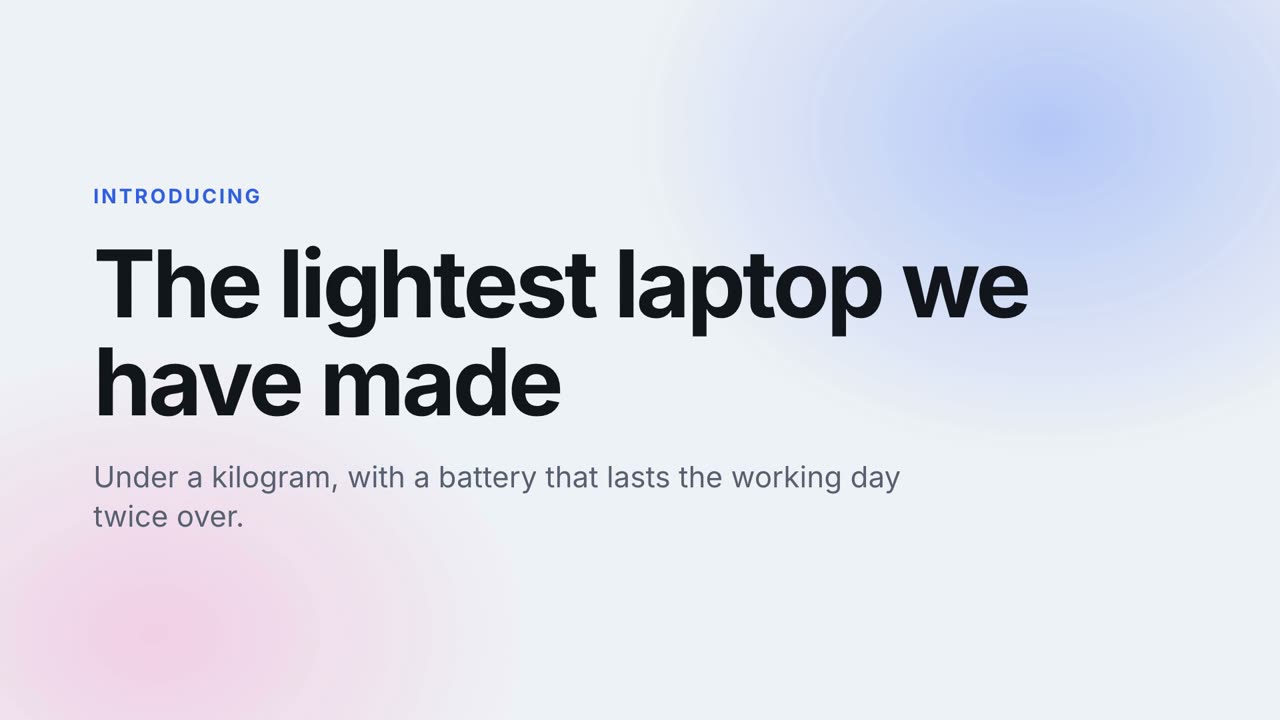
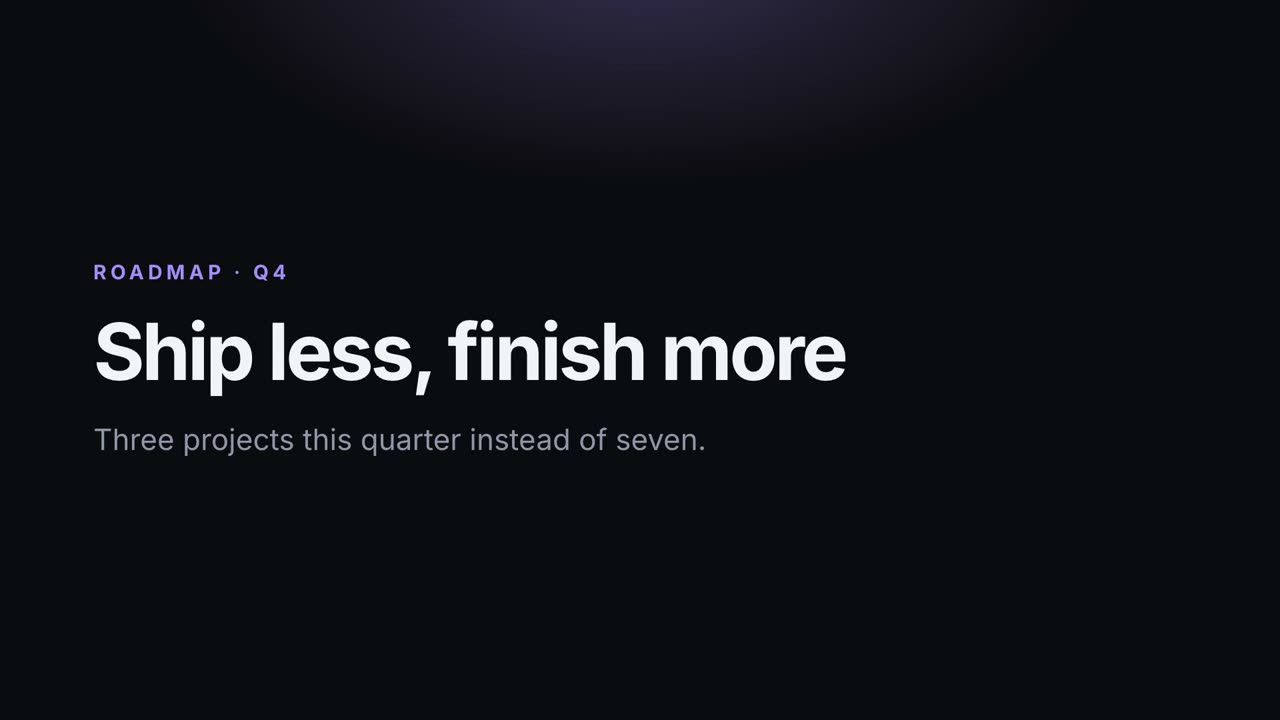
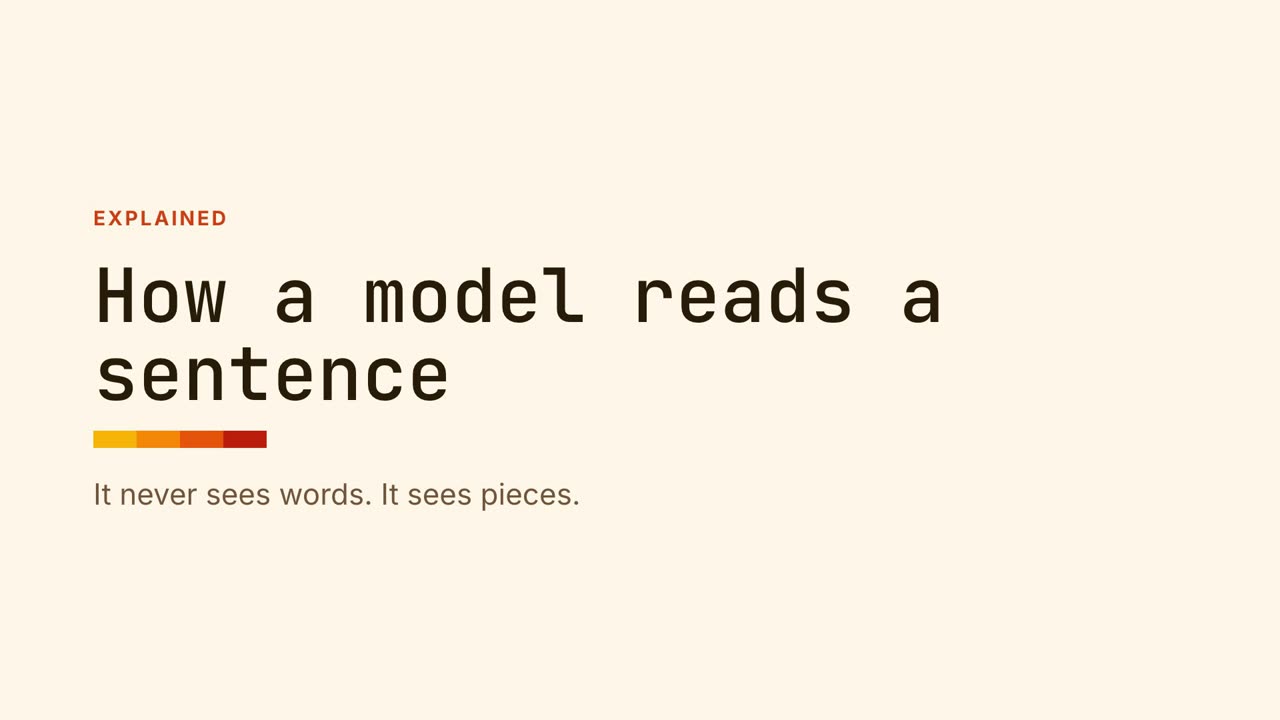
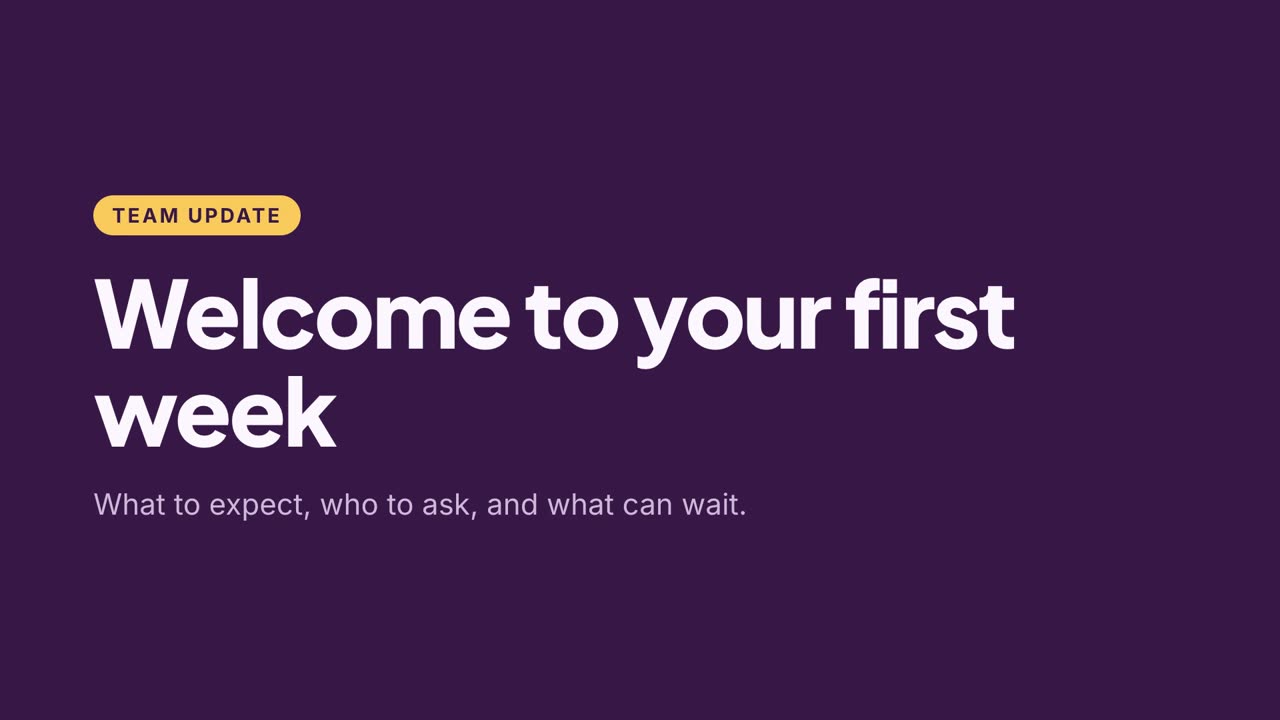
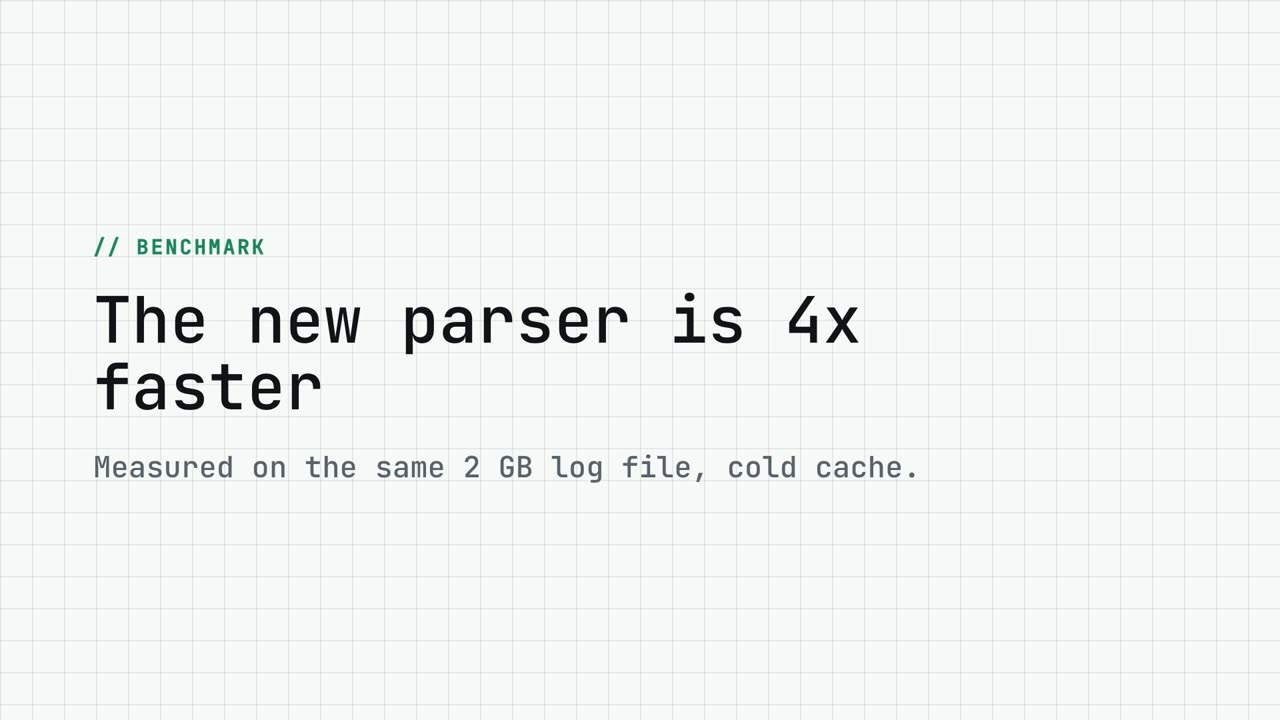
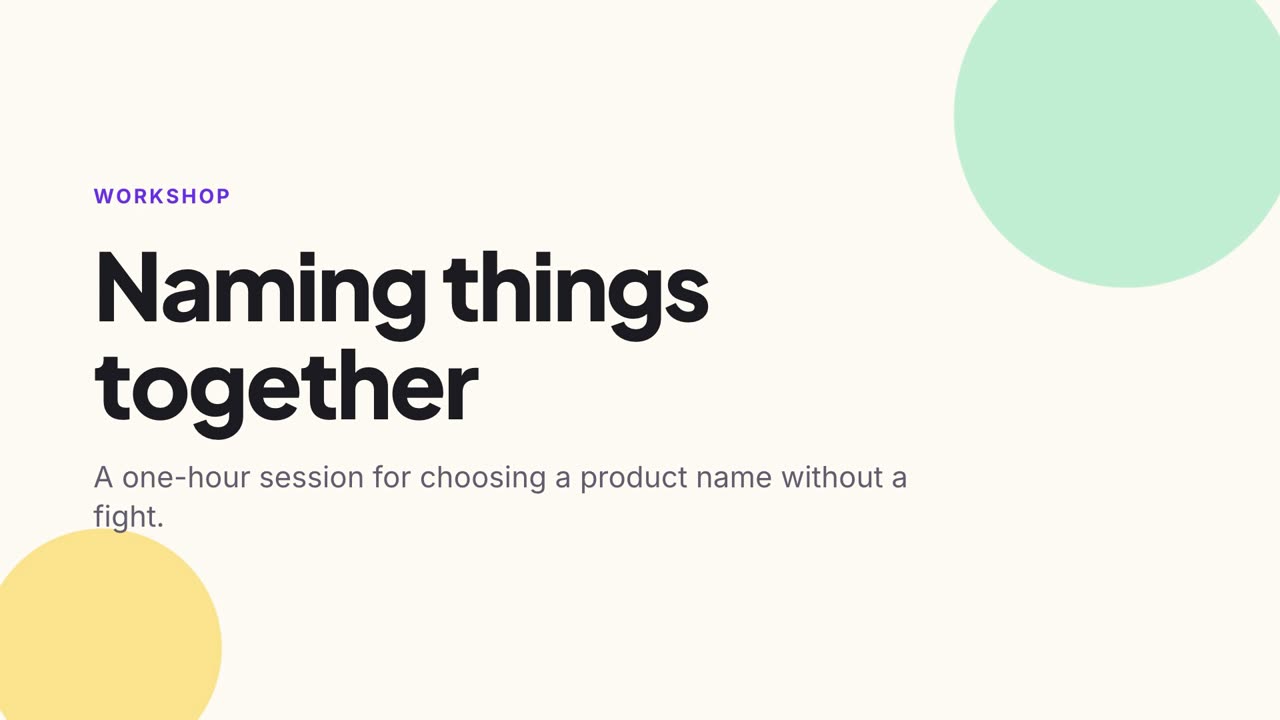
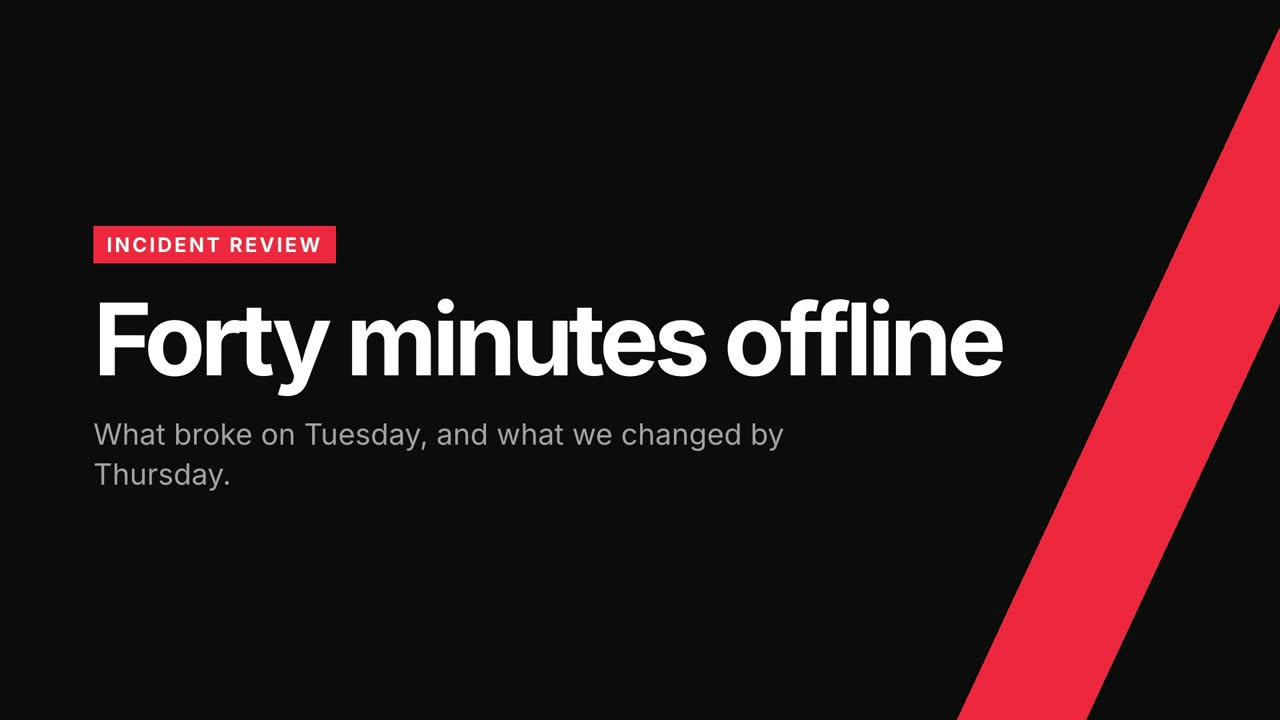
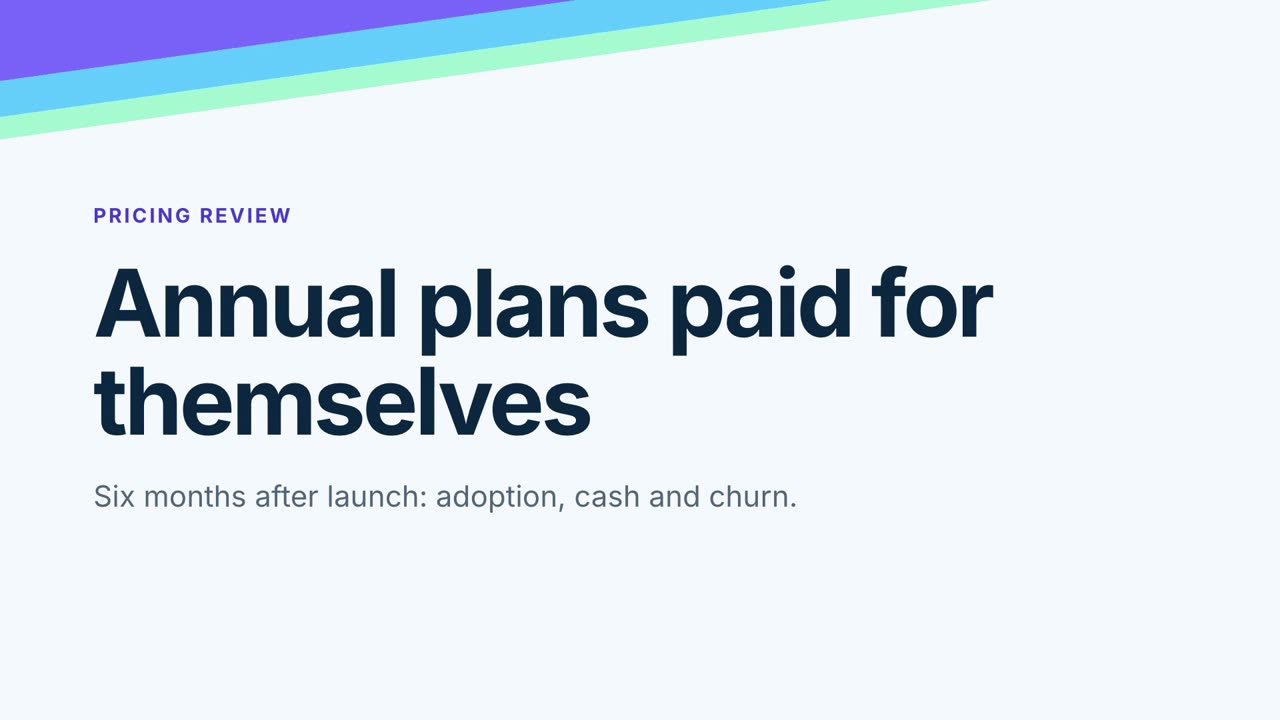
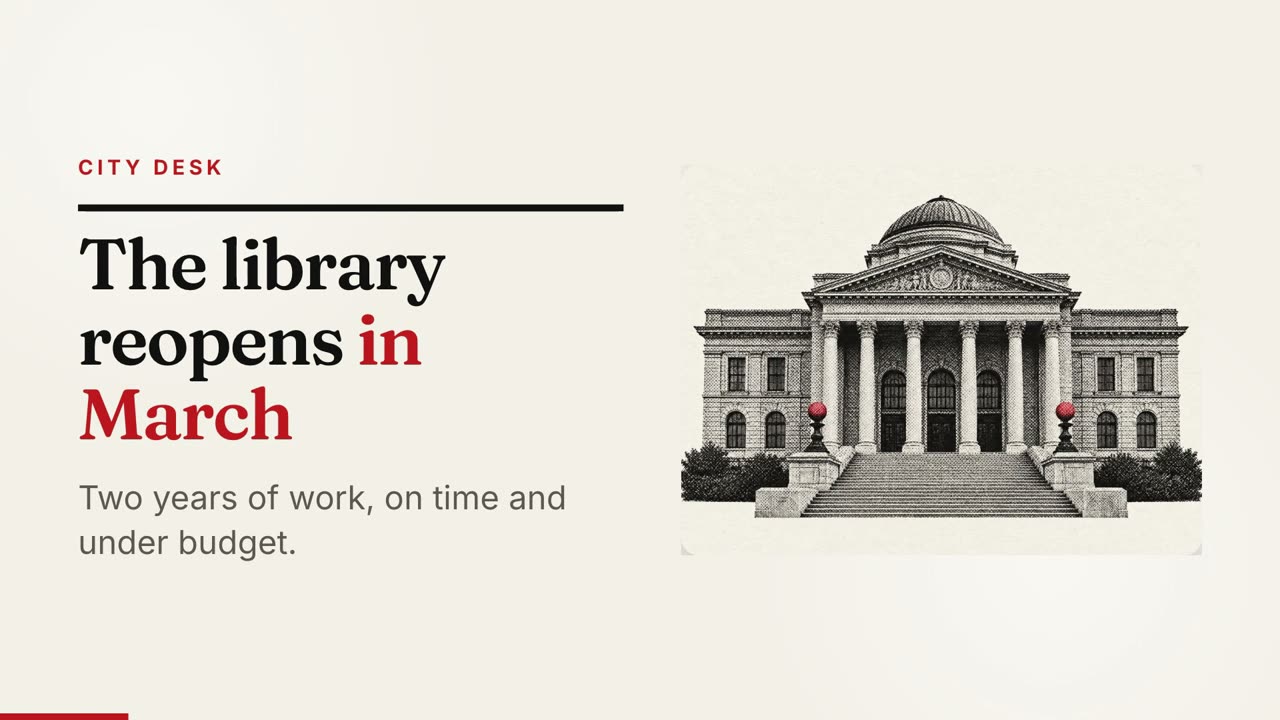
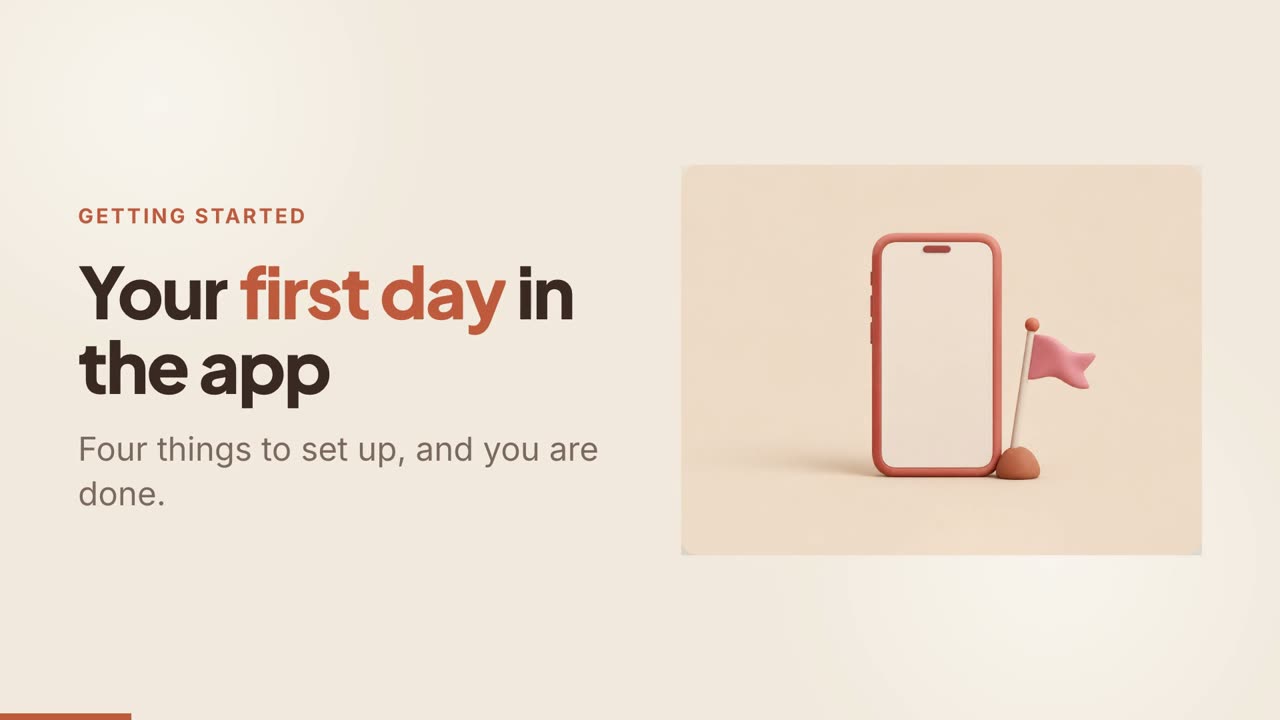
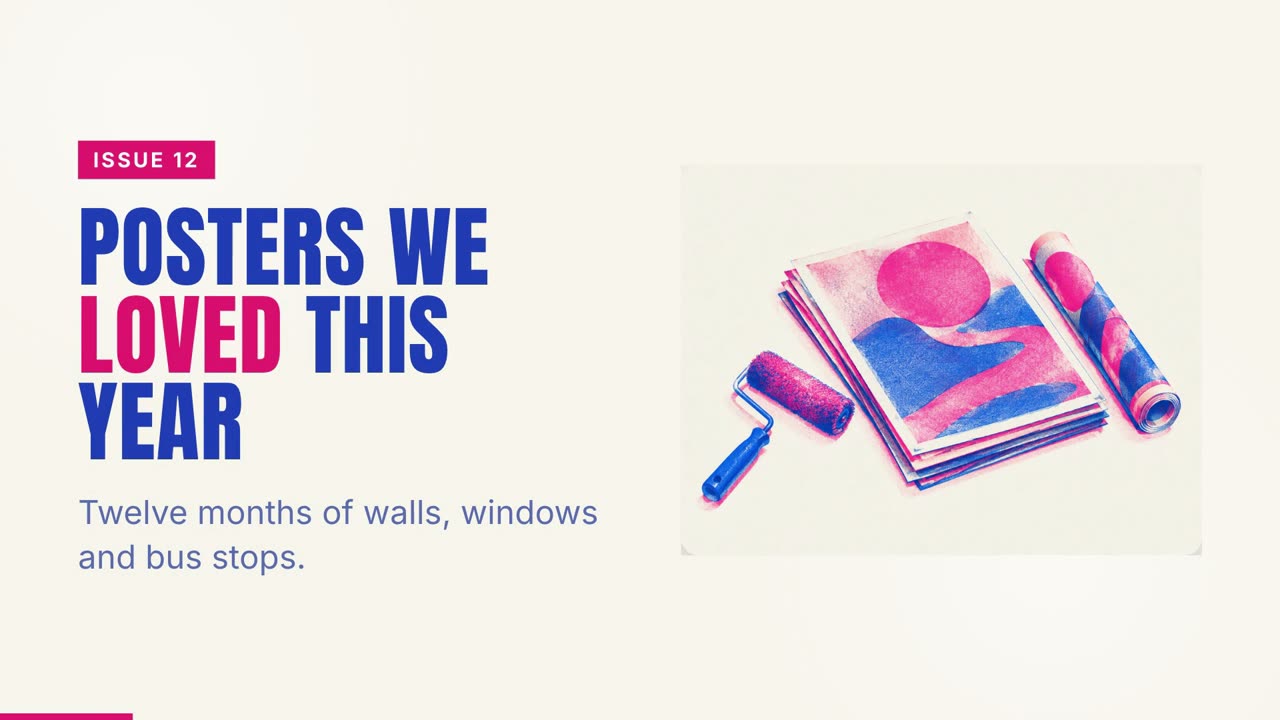
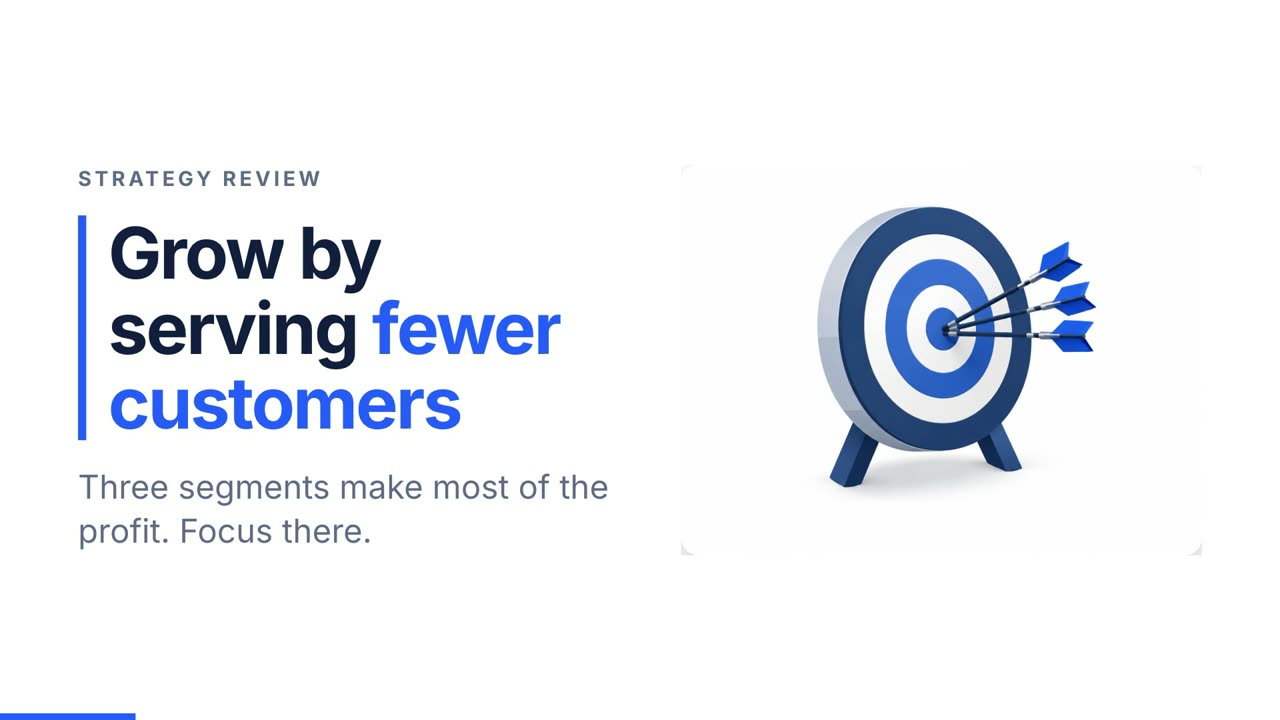
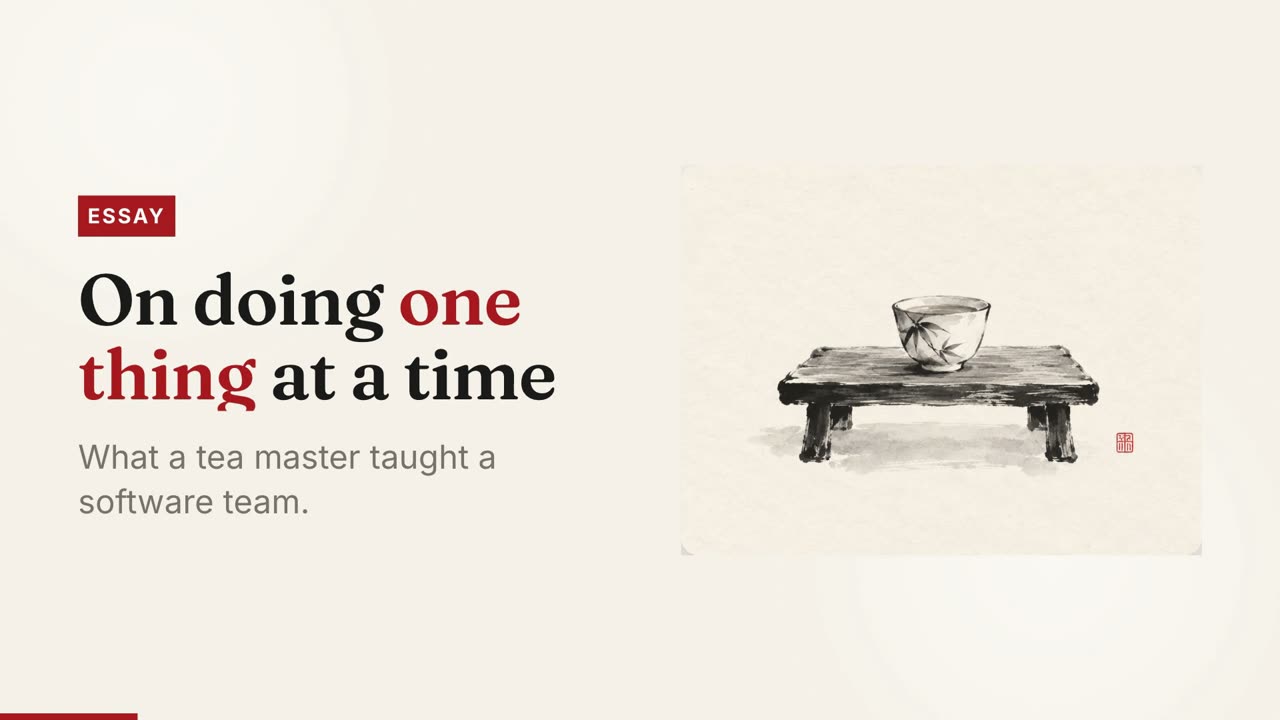
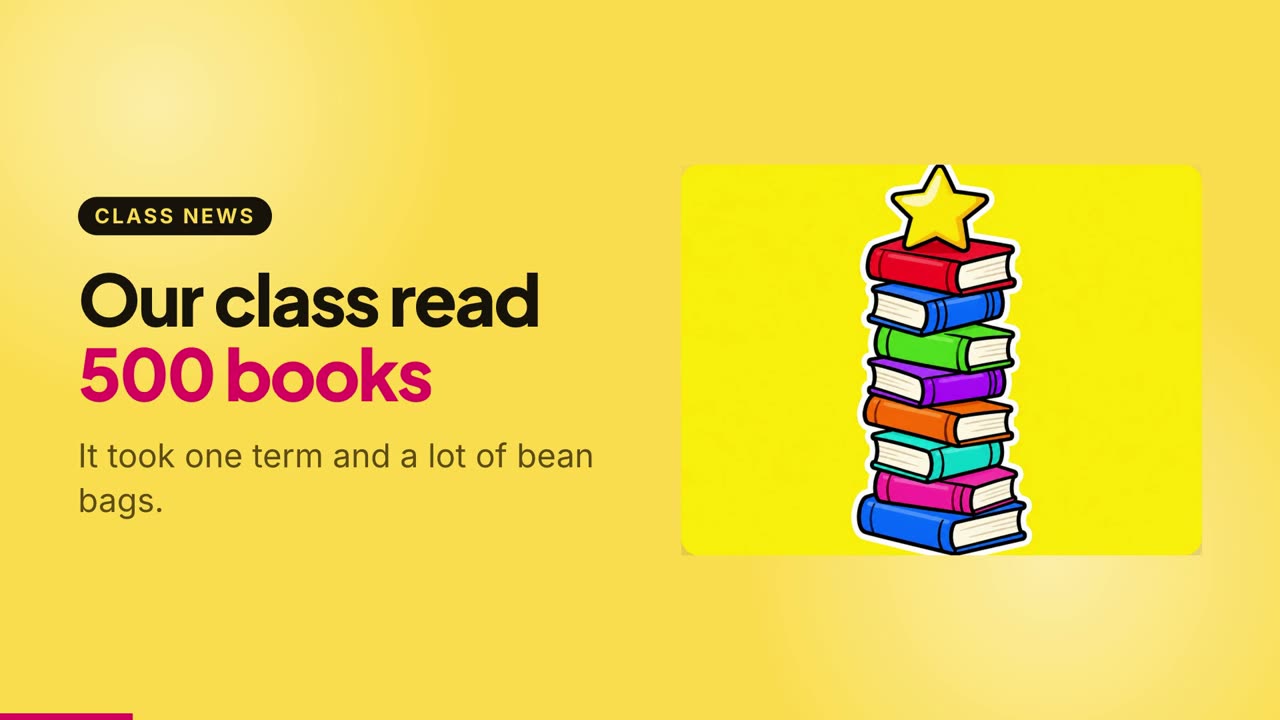
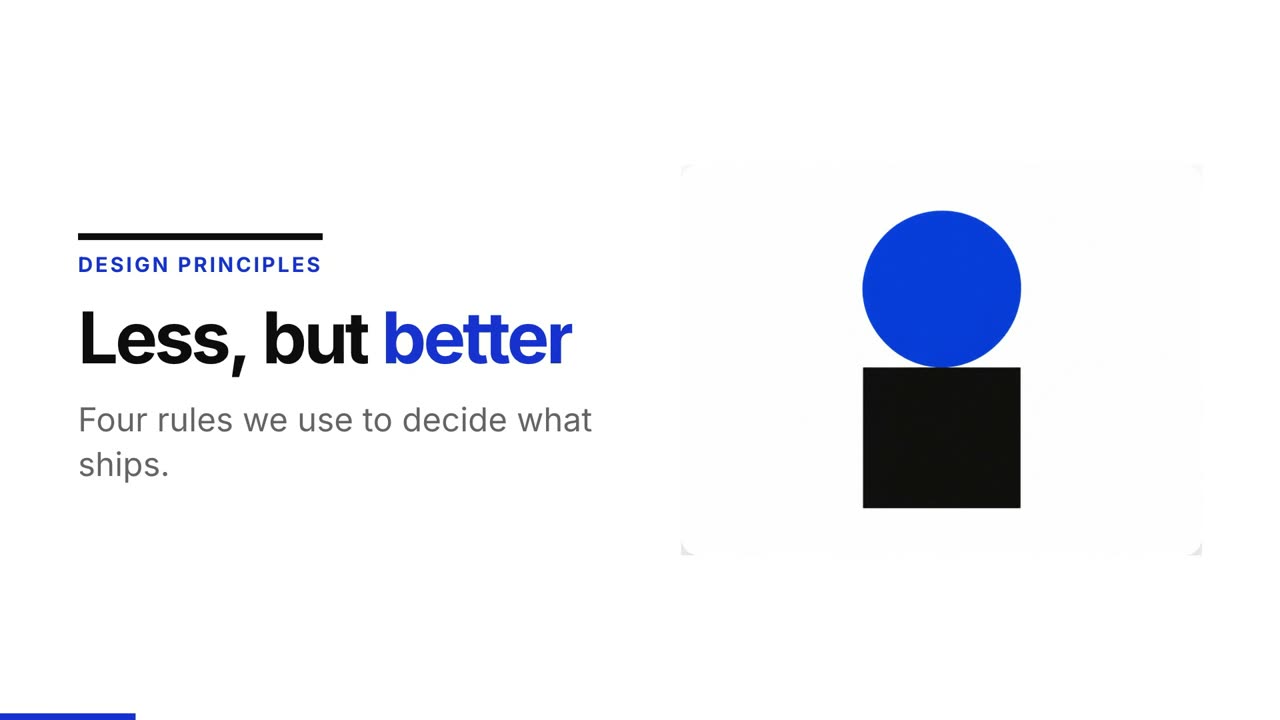
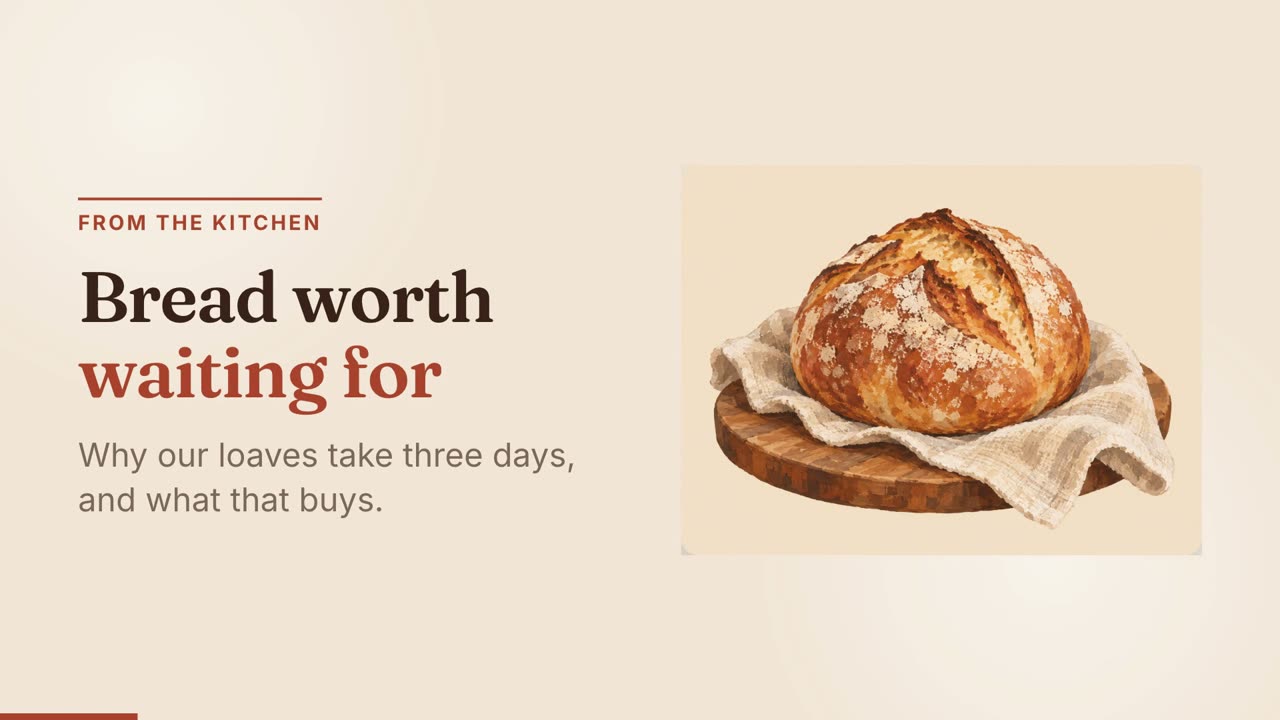
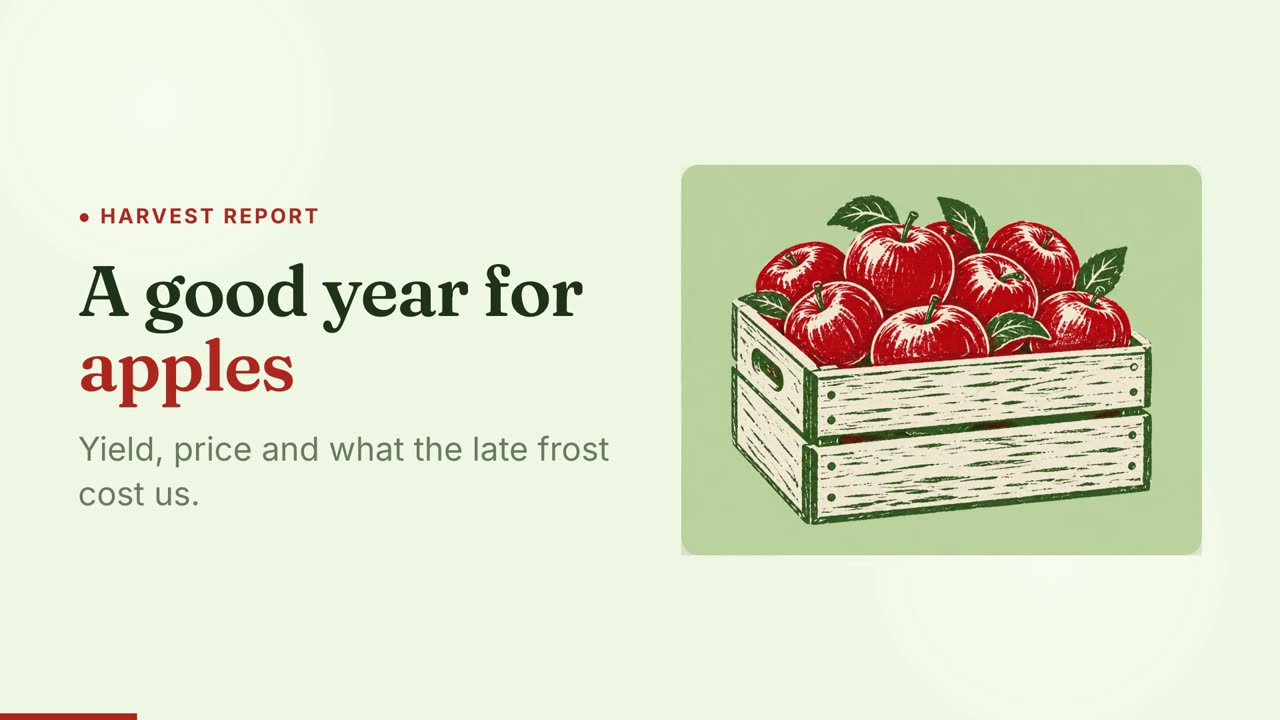
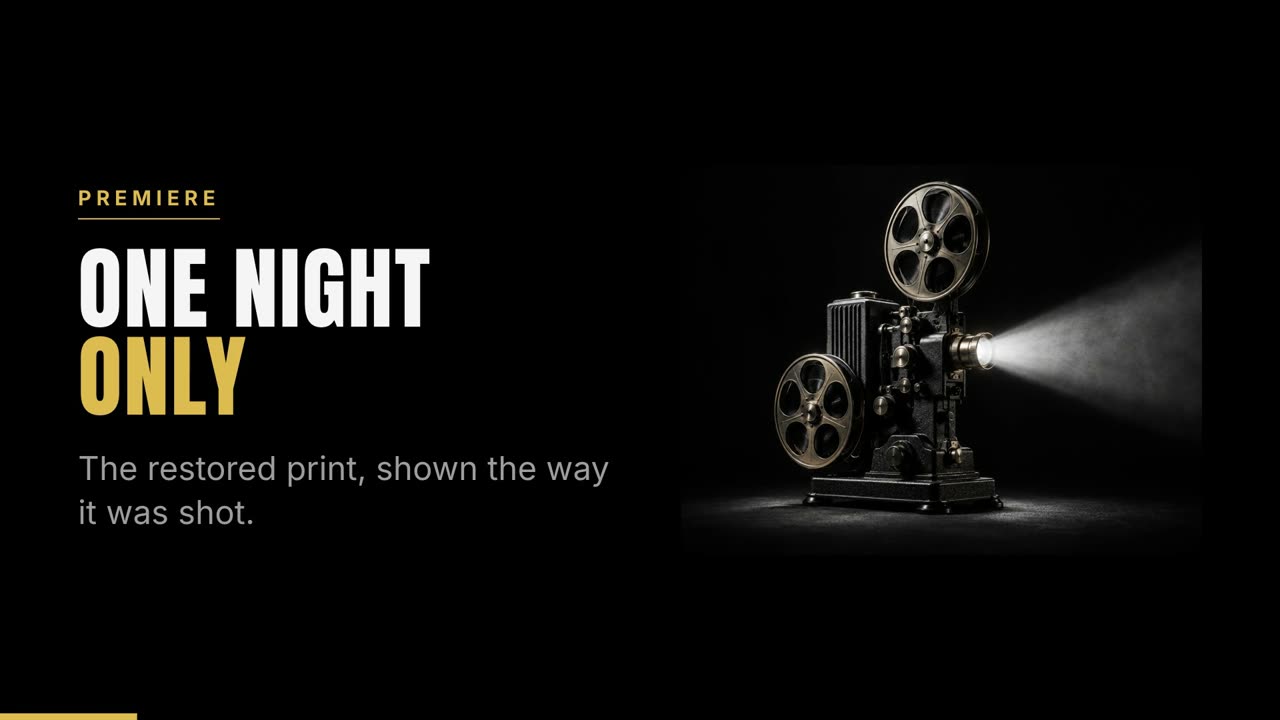
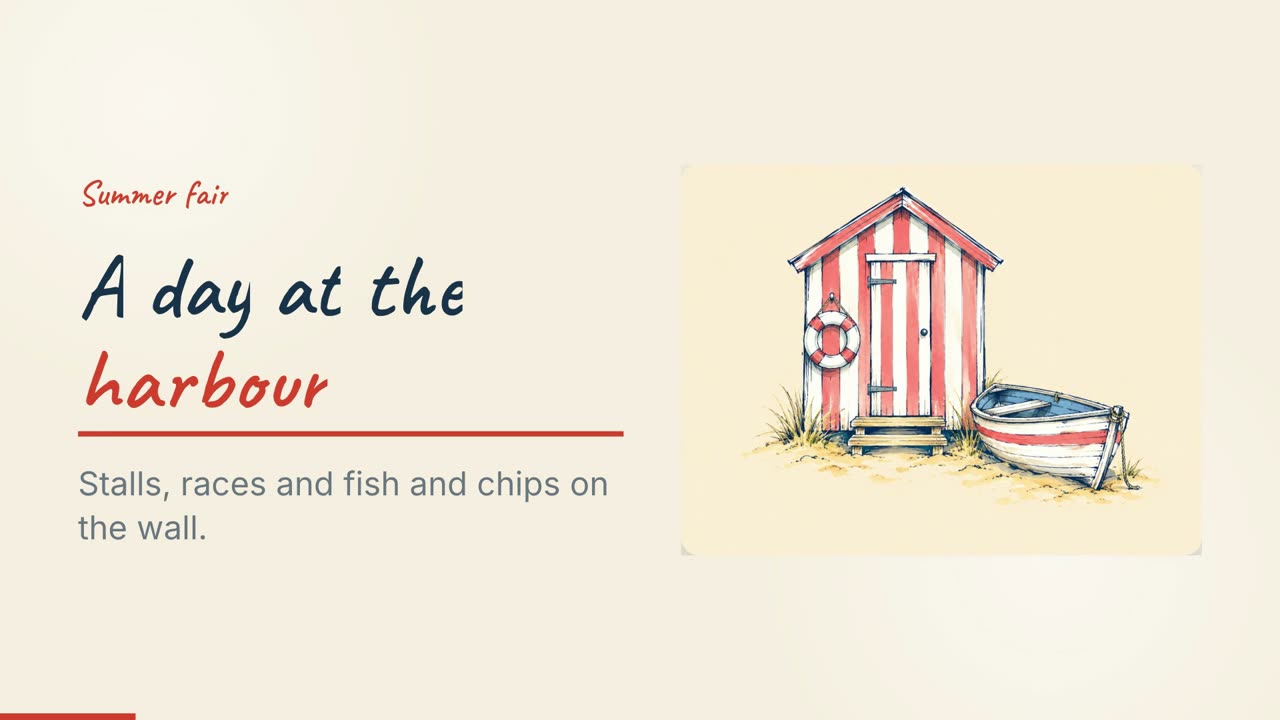
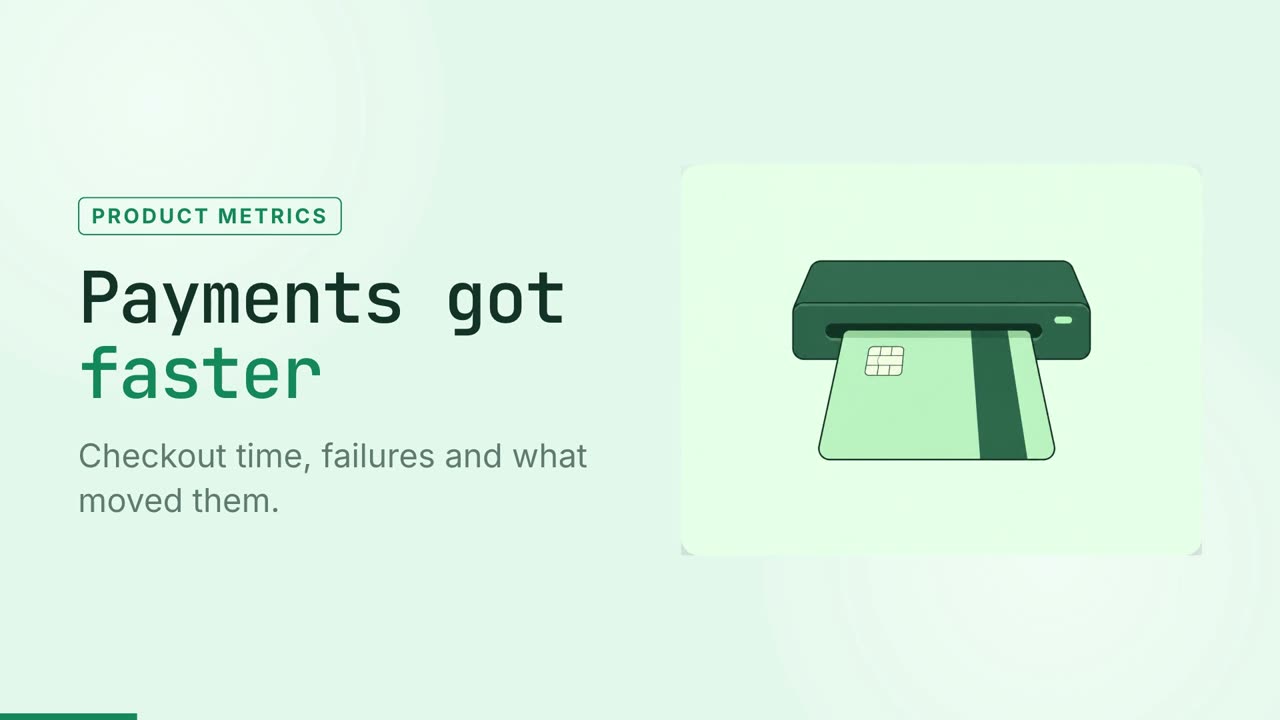
Below them, the same six scenes appear in every one of the styles, so you can compare looks rather than content.
The numbers and names are sample data, written to be obviously fictional.
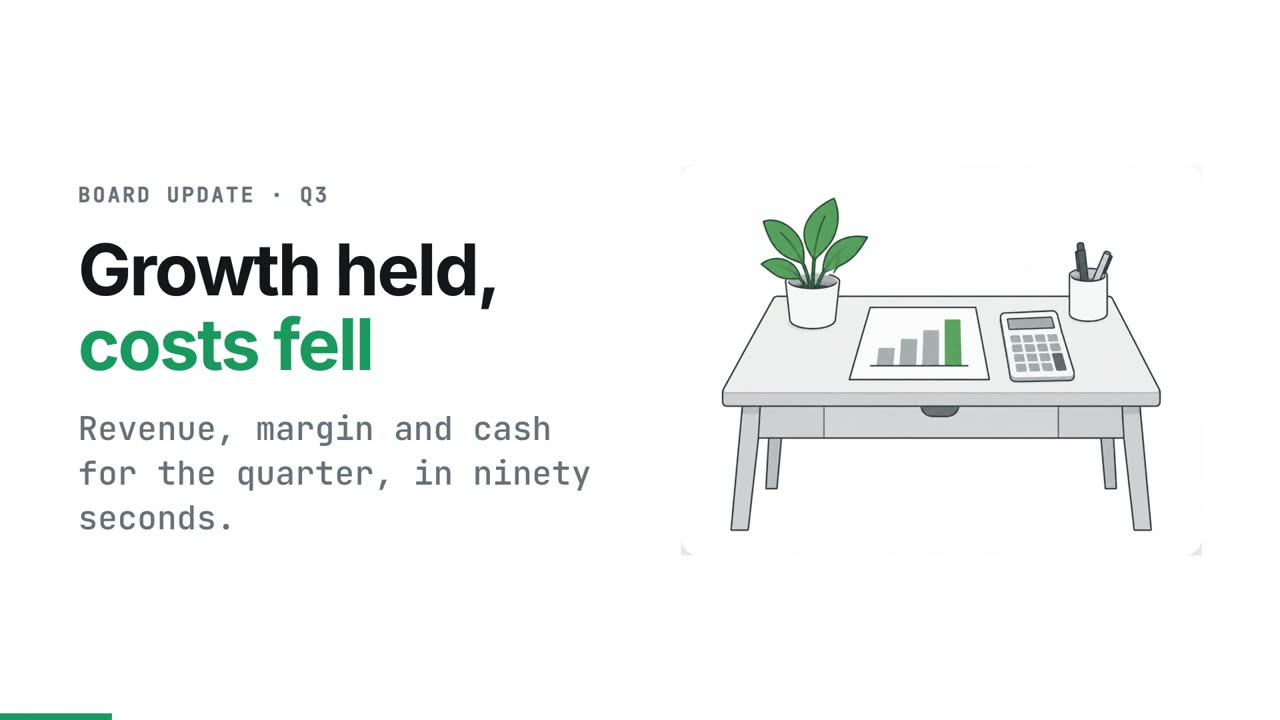
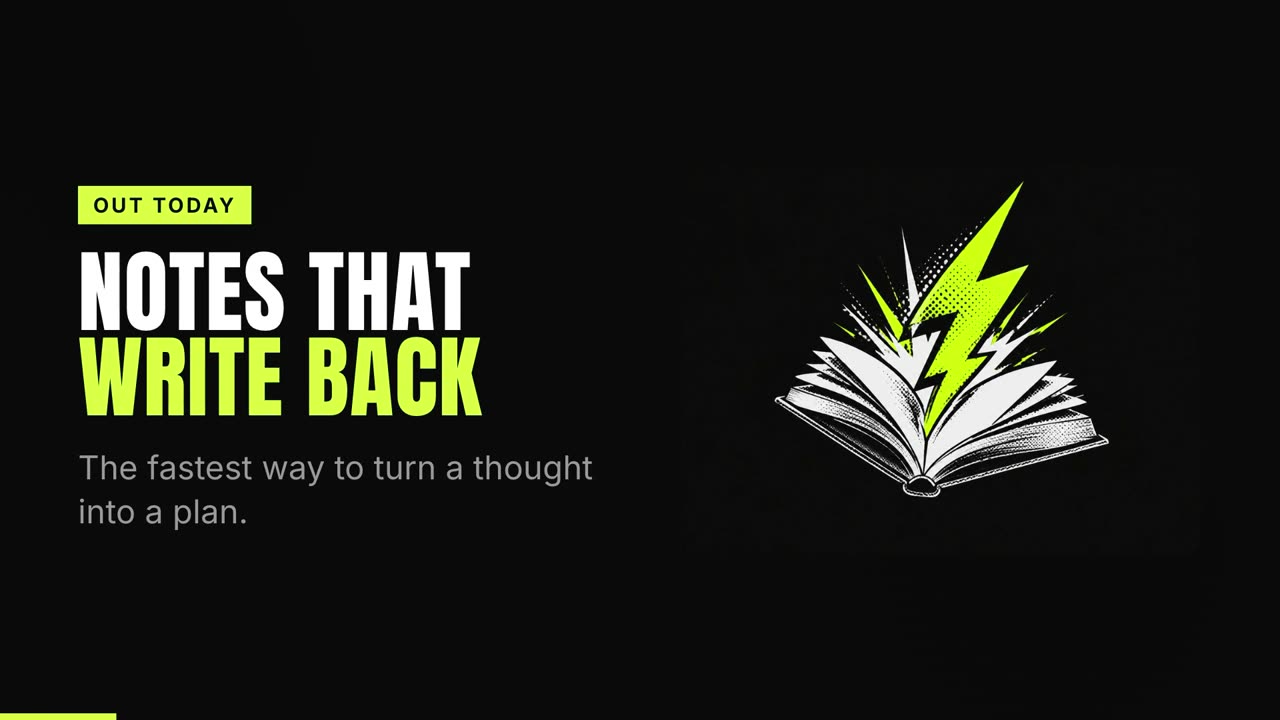


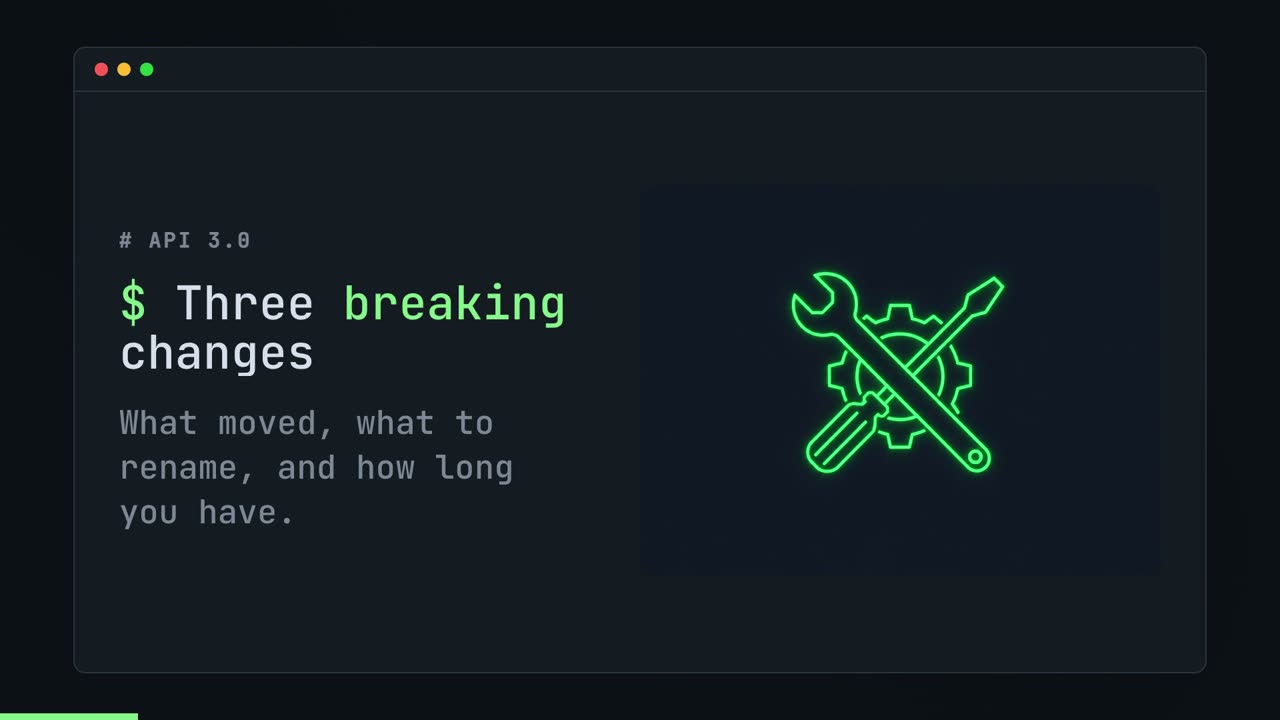
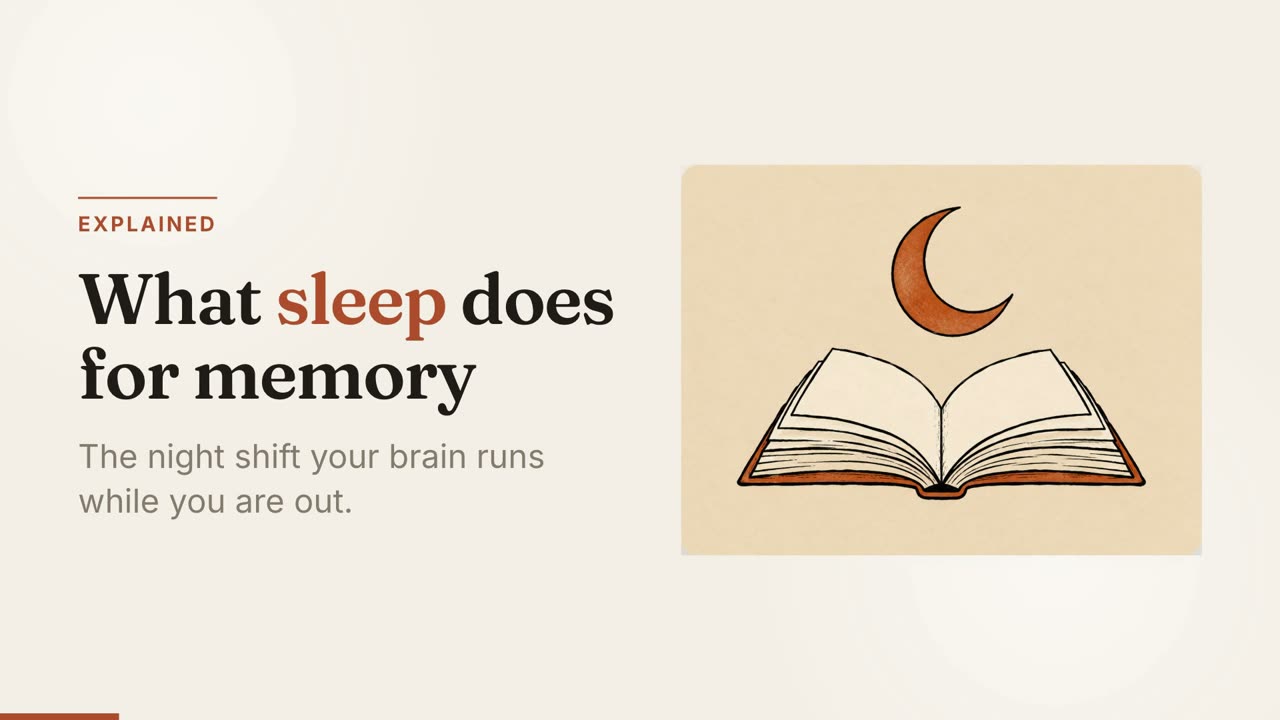
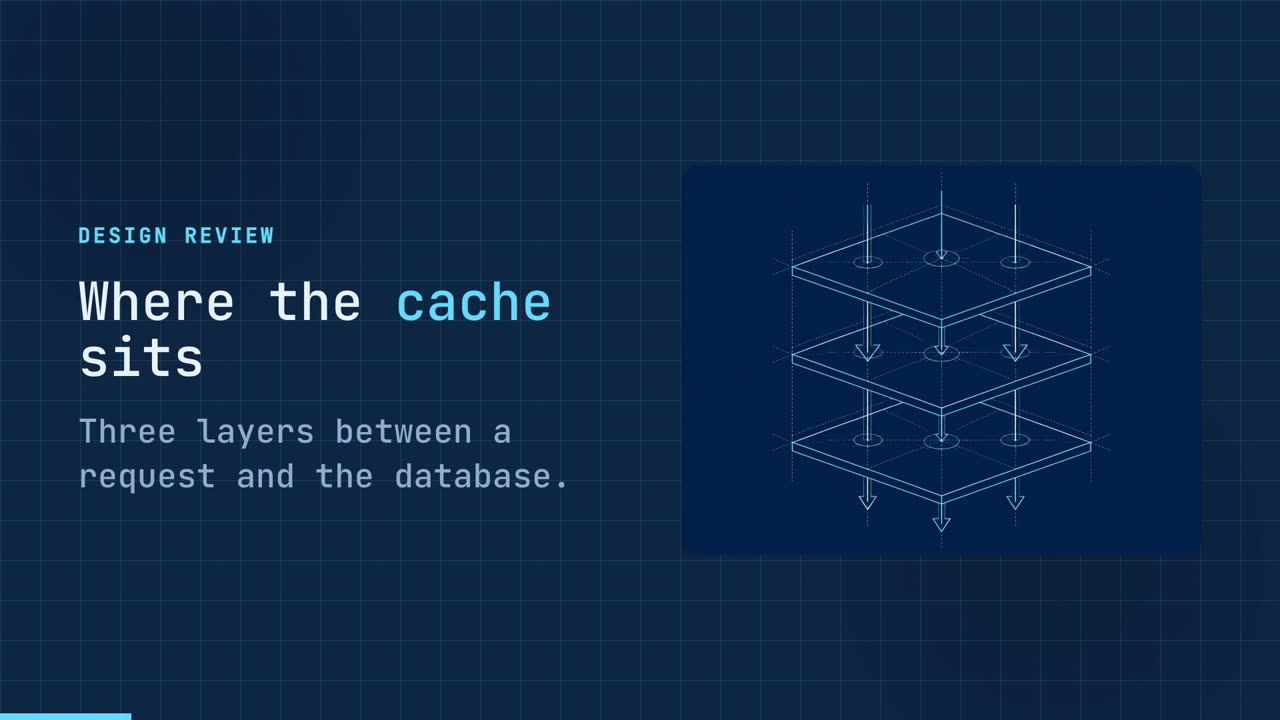
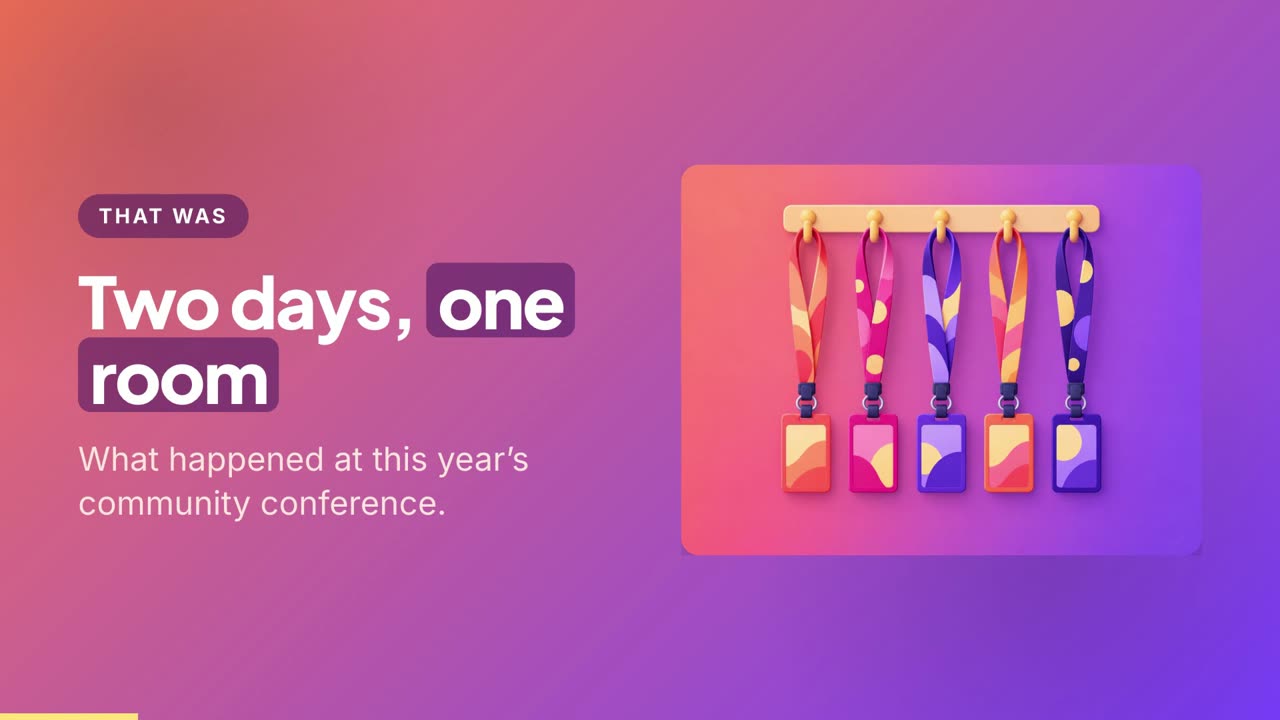
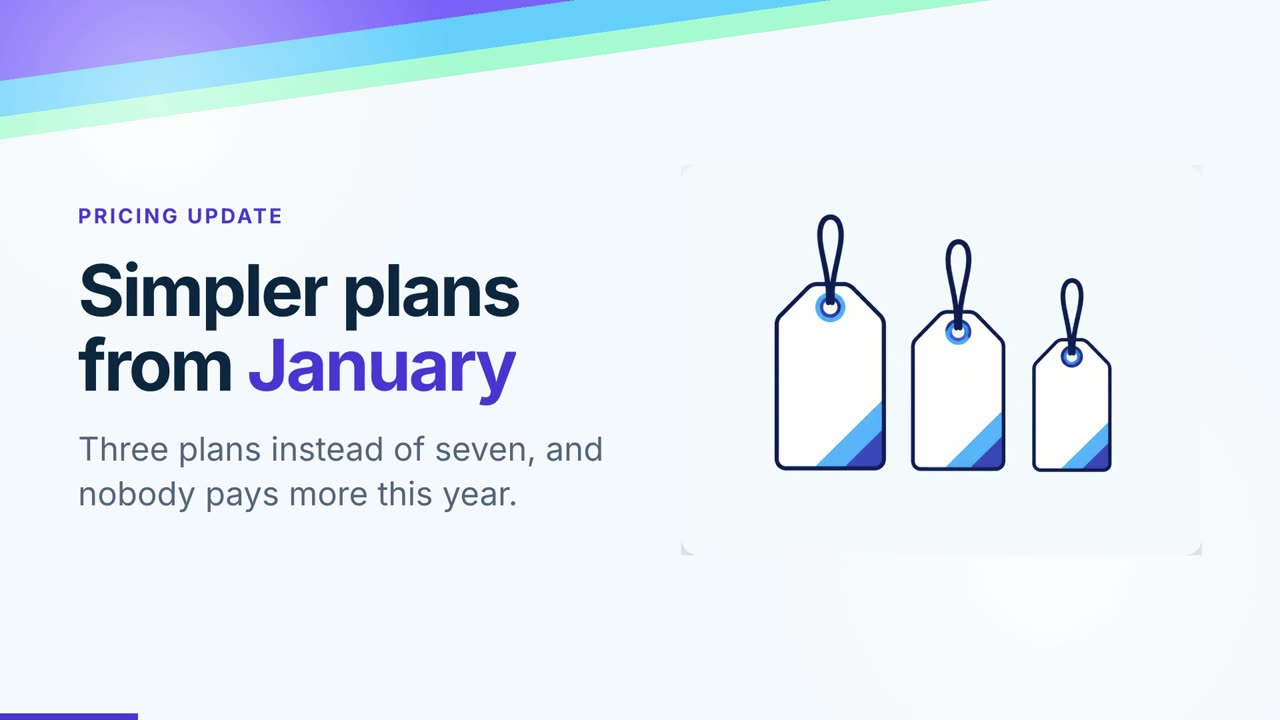
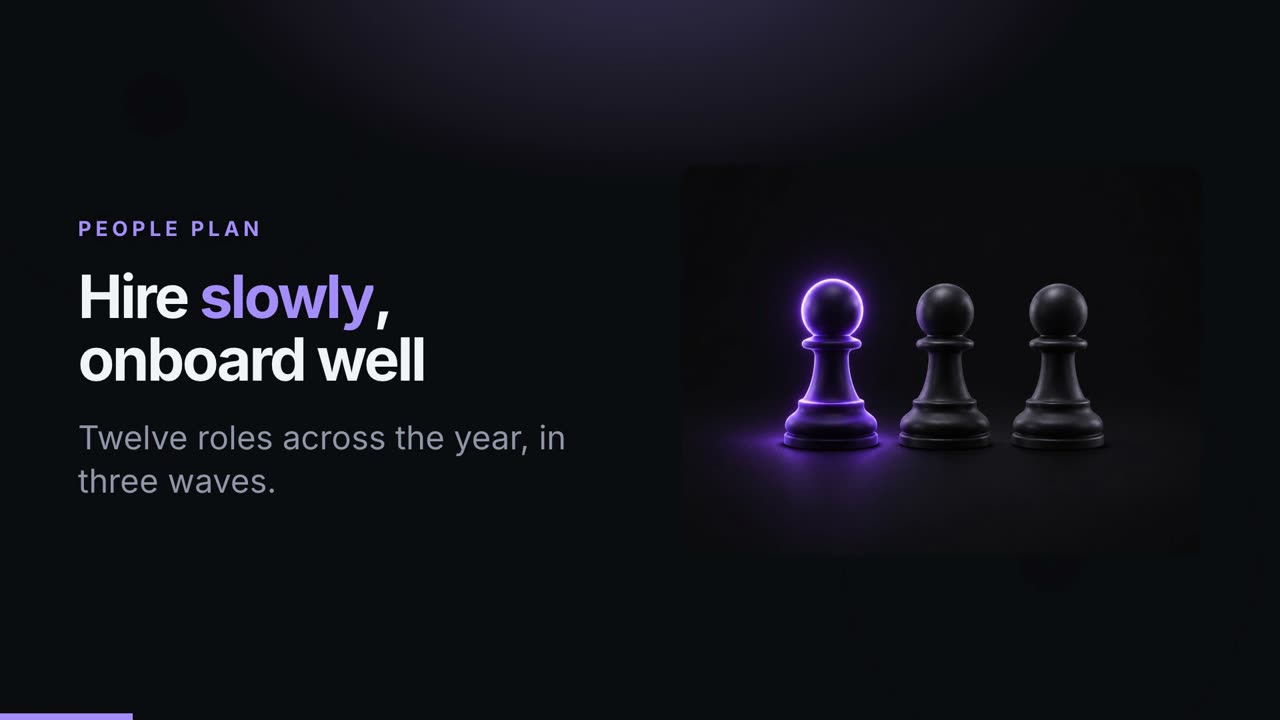
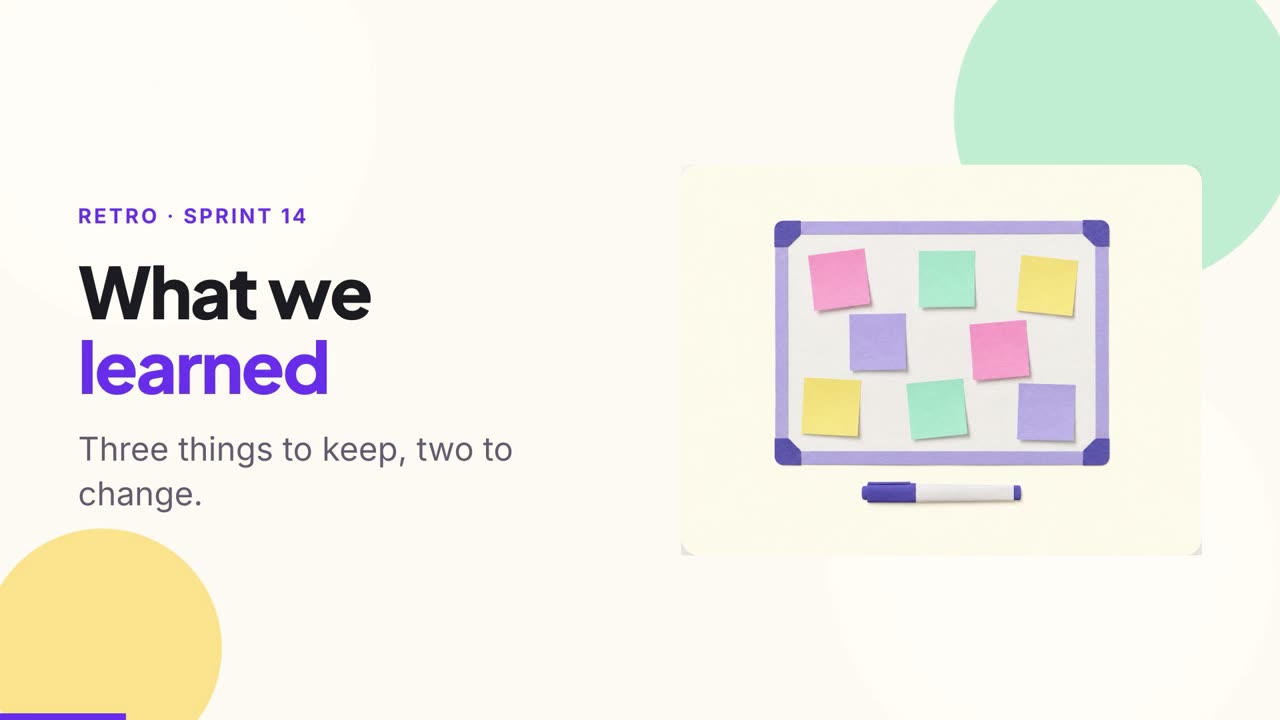
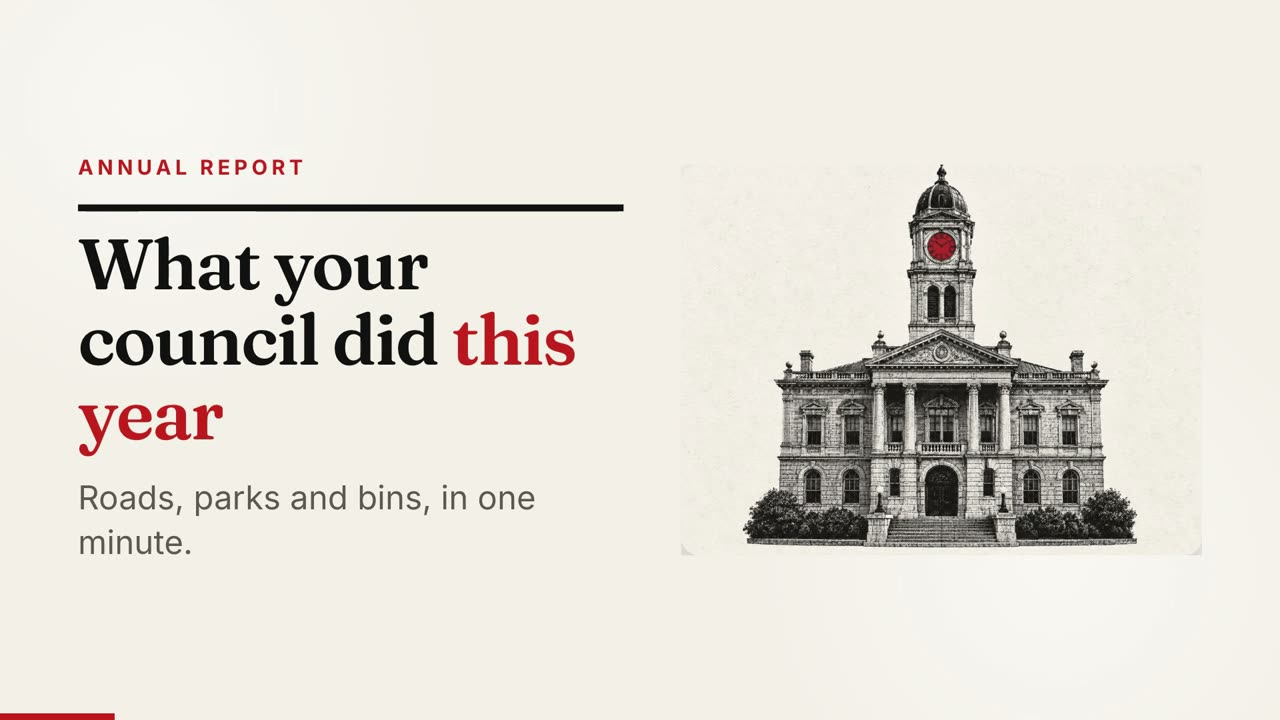

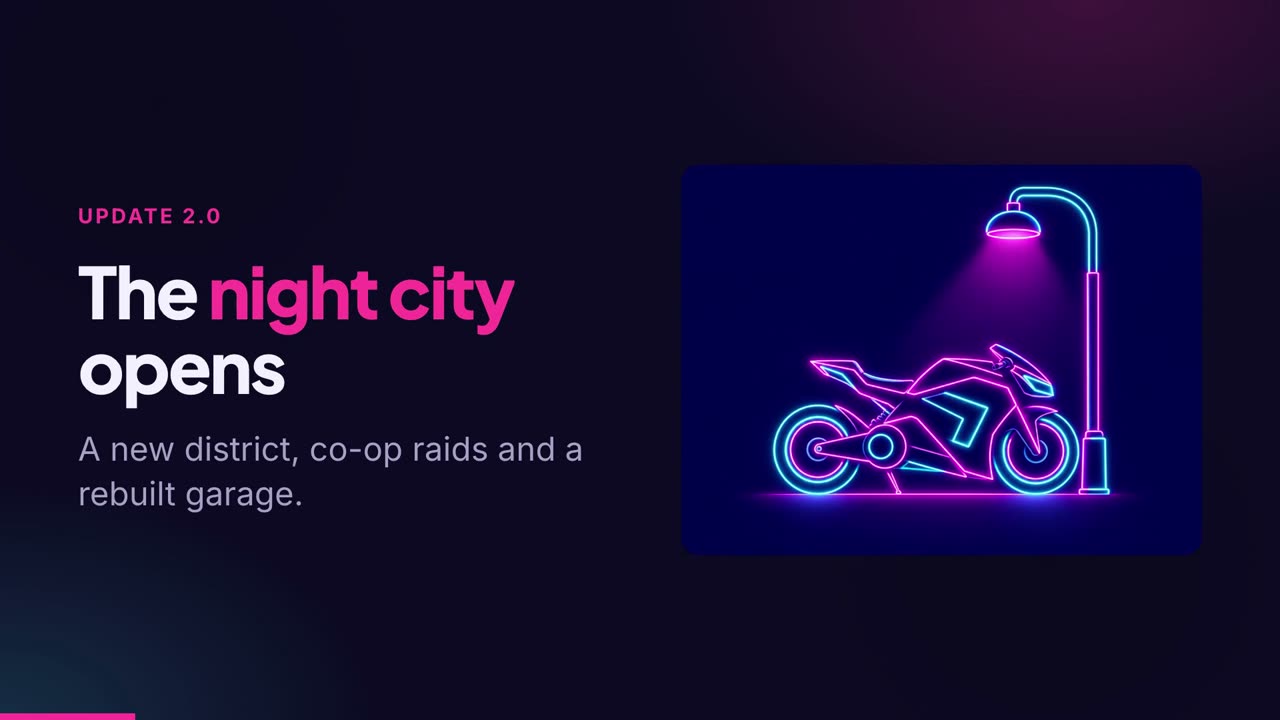

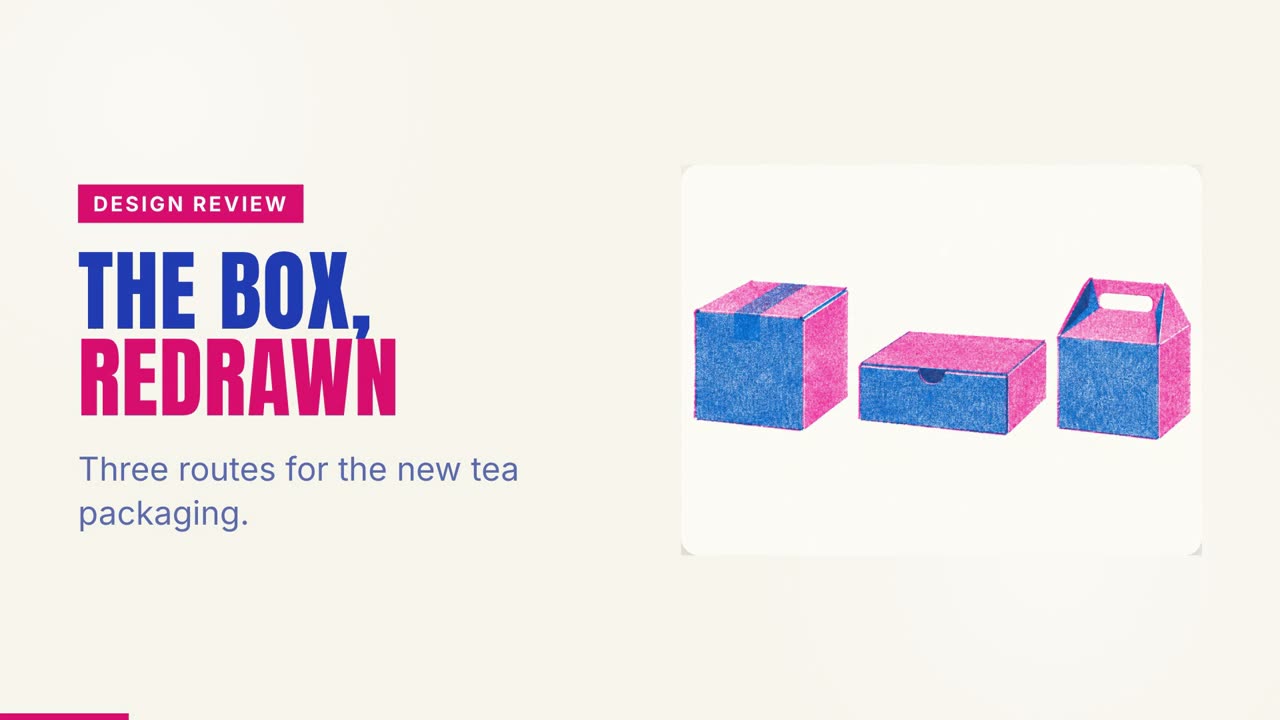
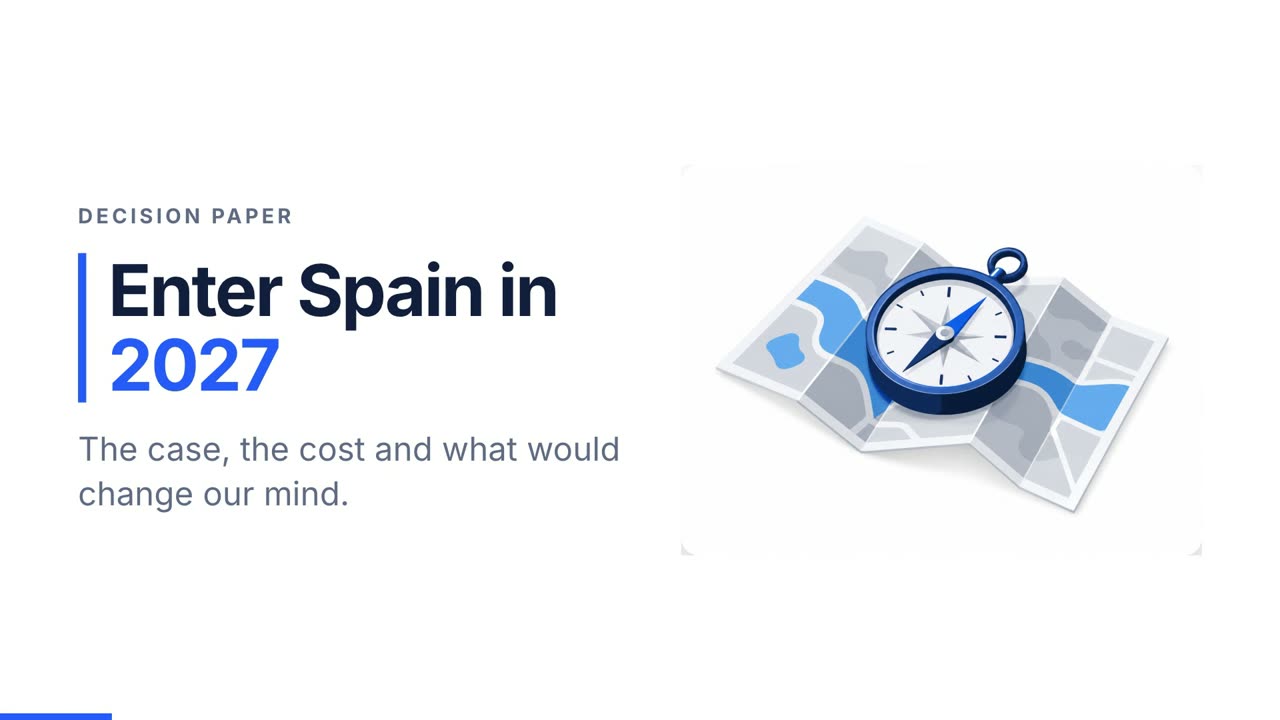
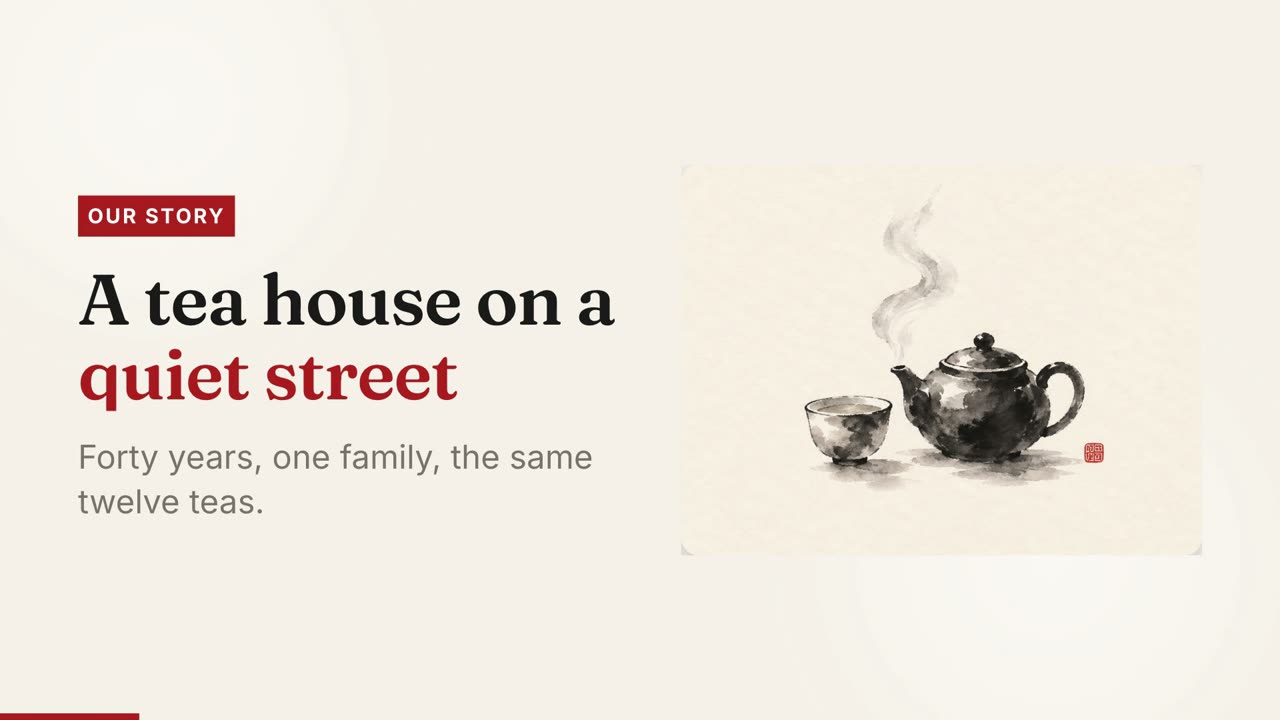
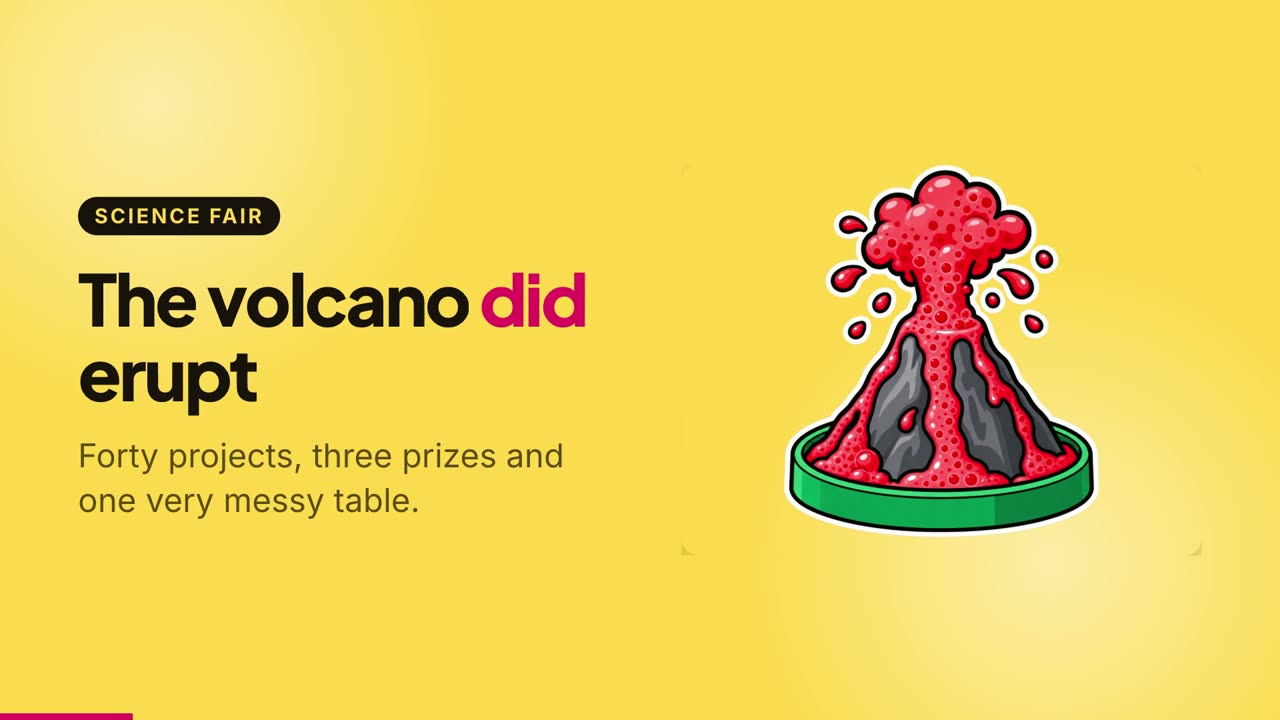
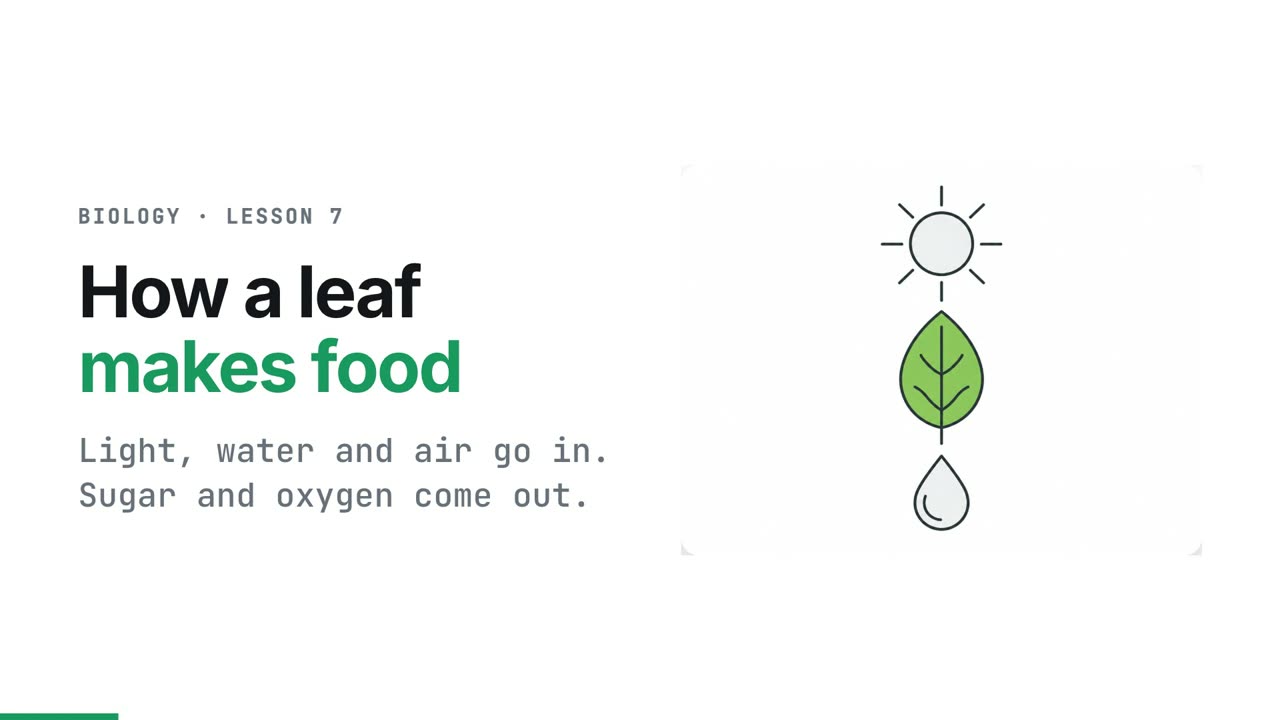
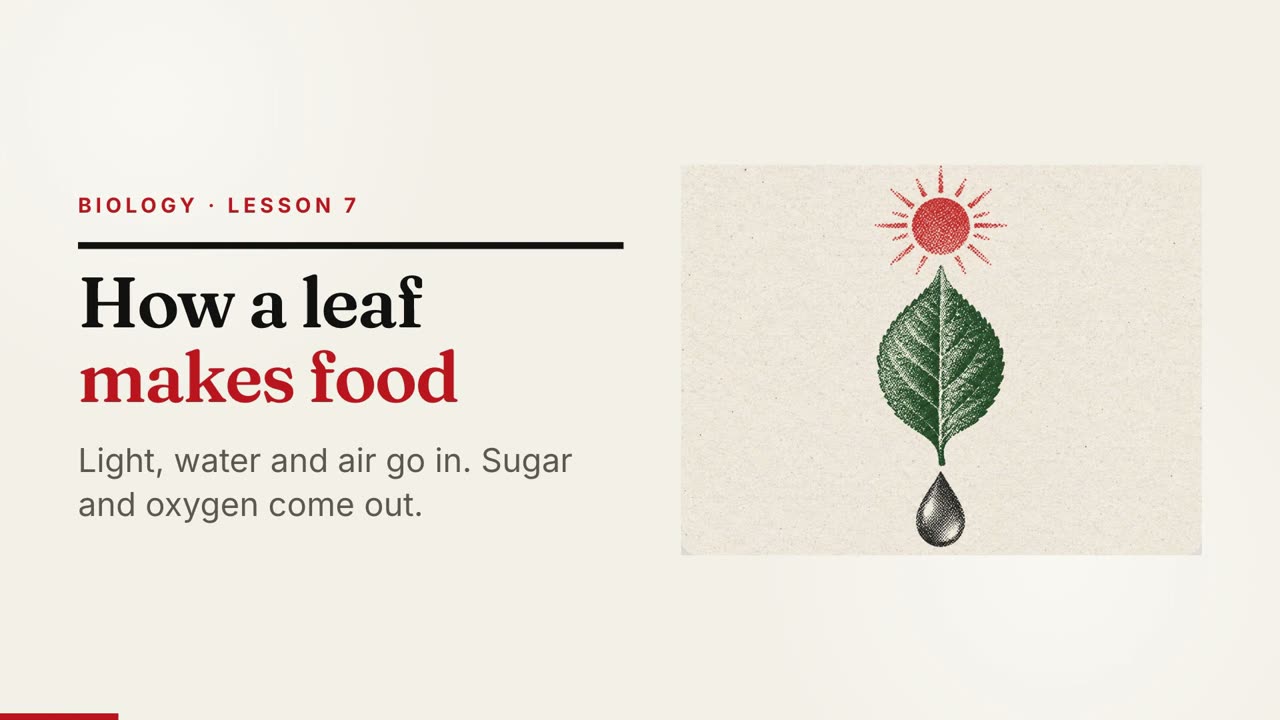
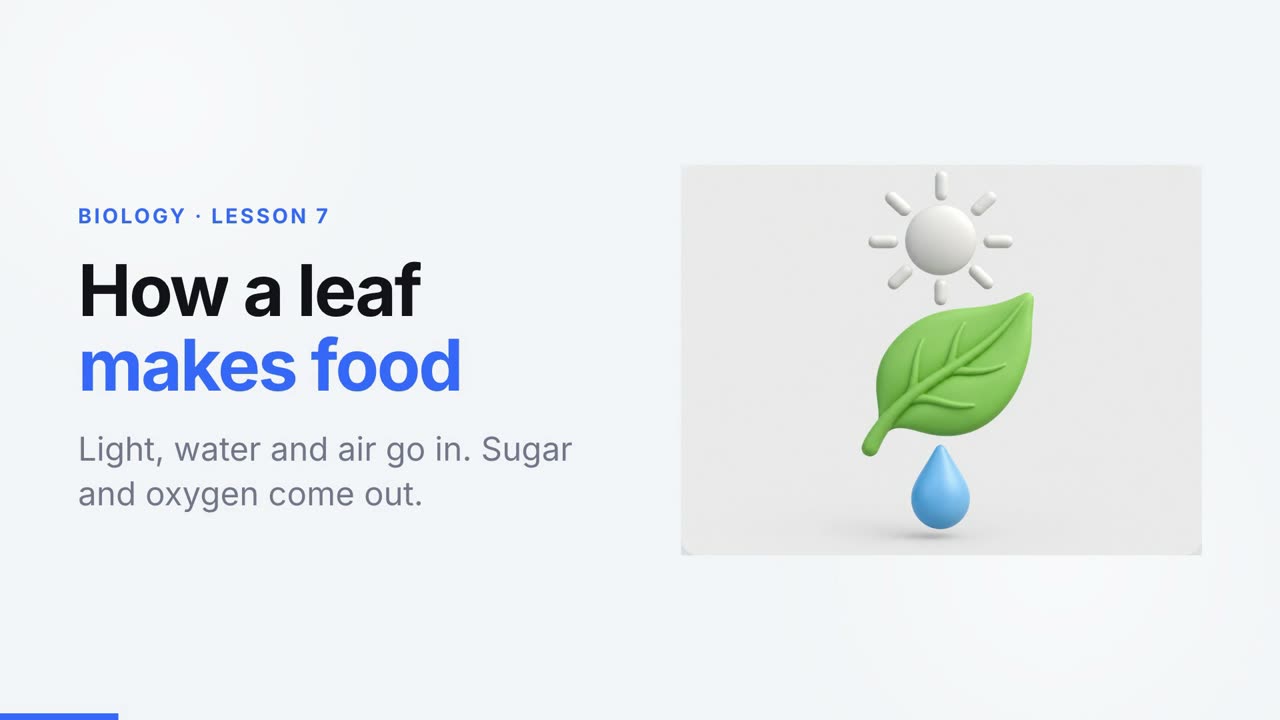
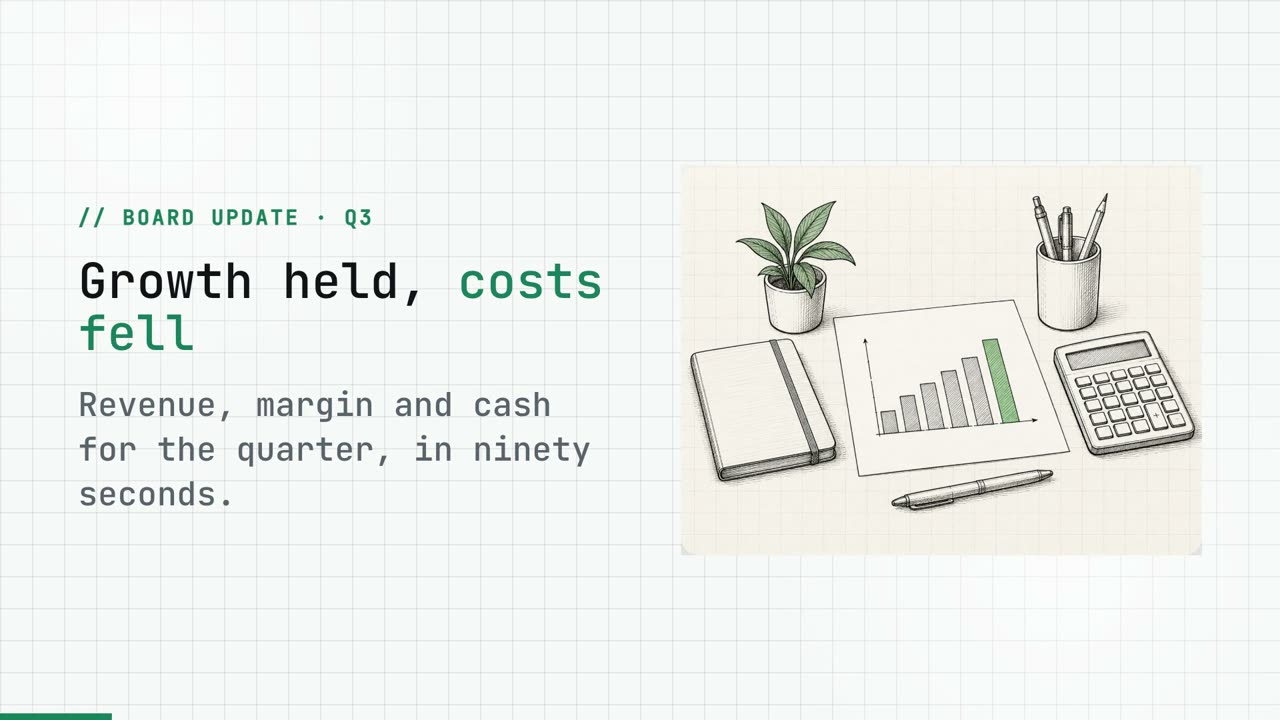
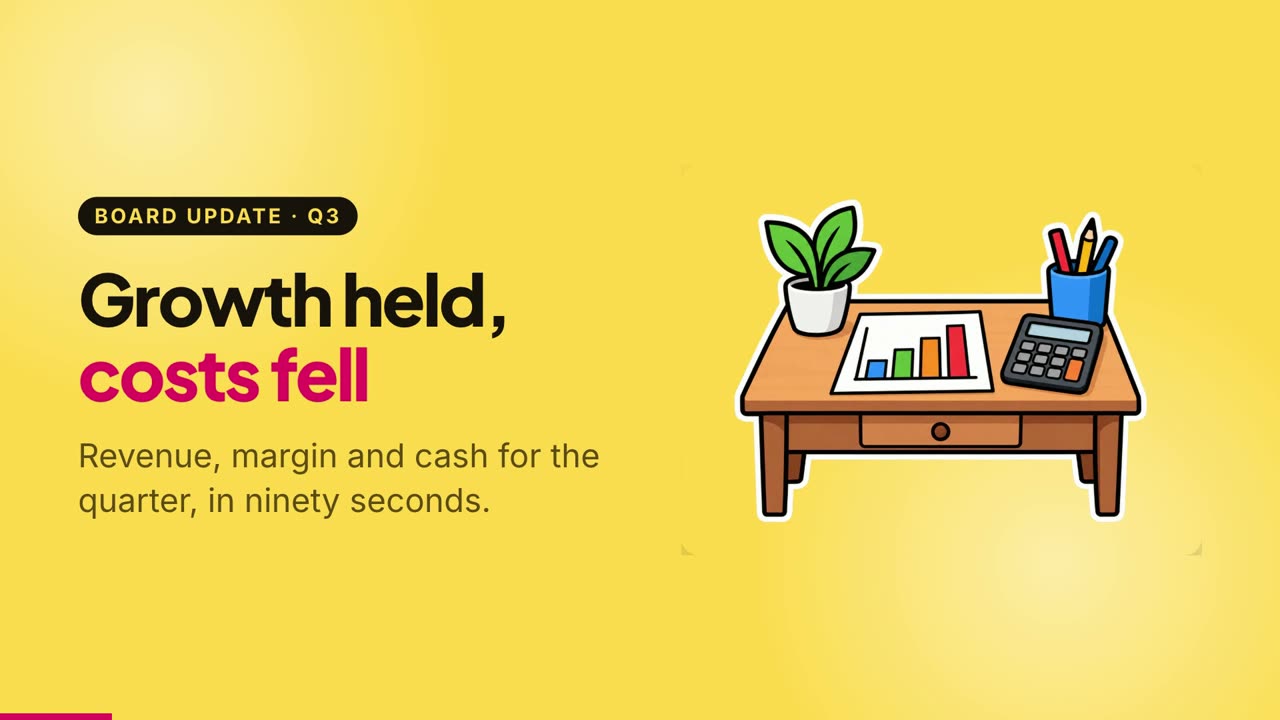
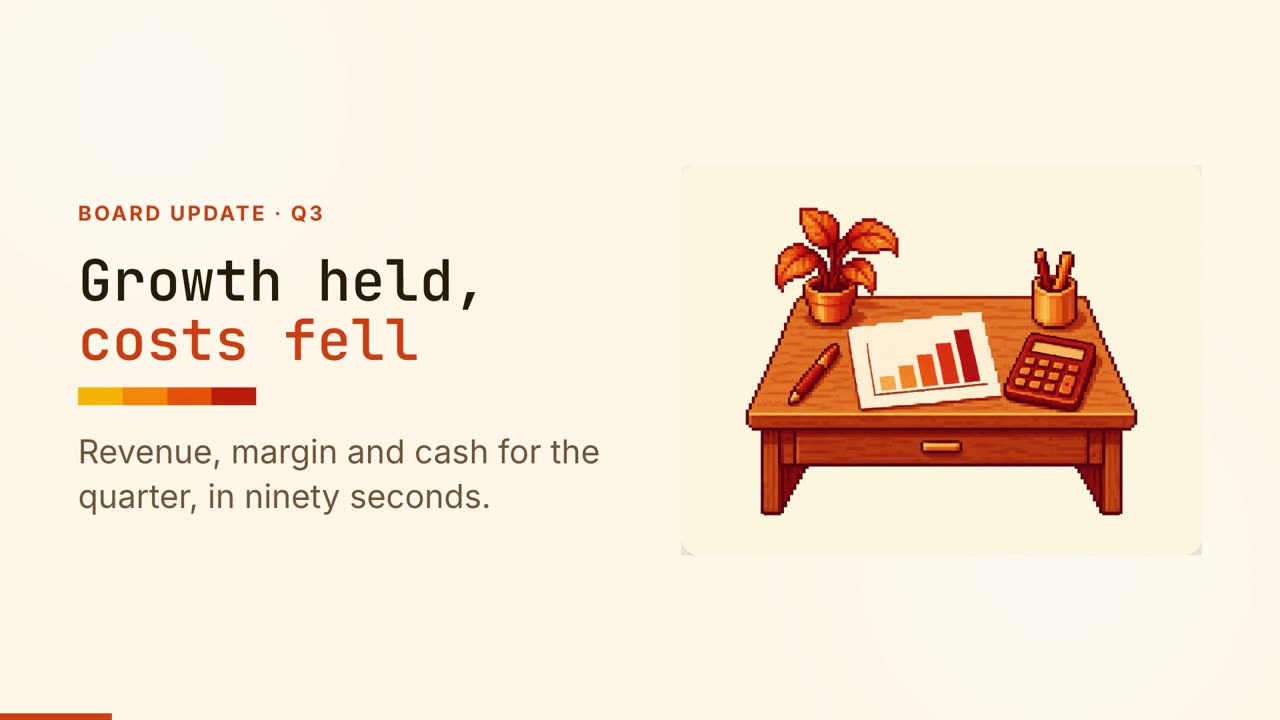
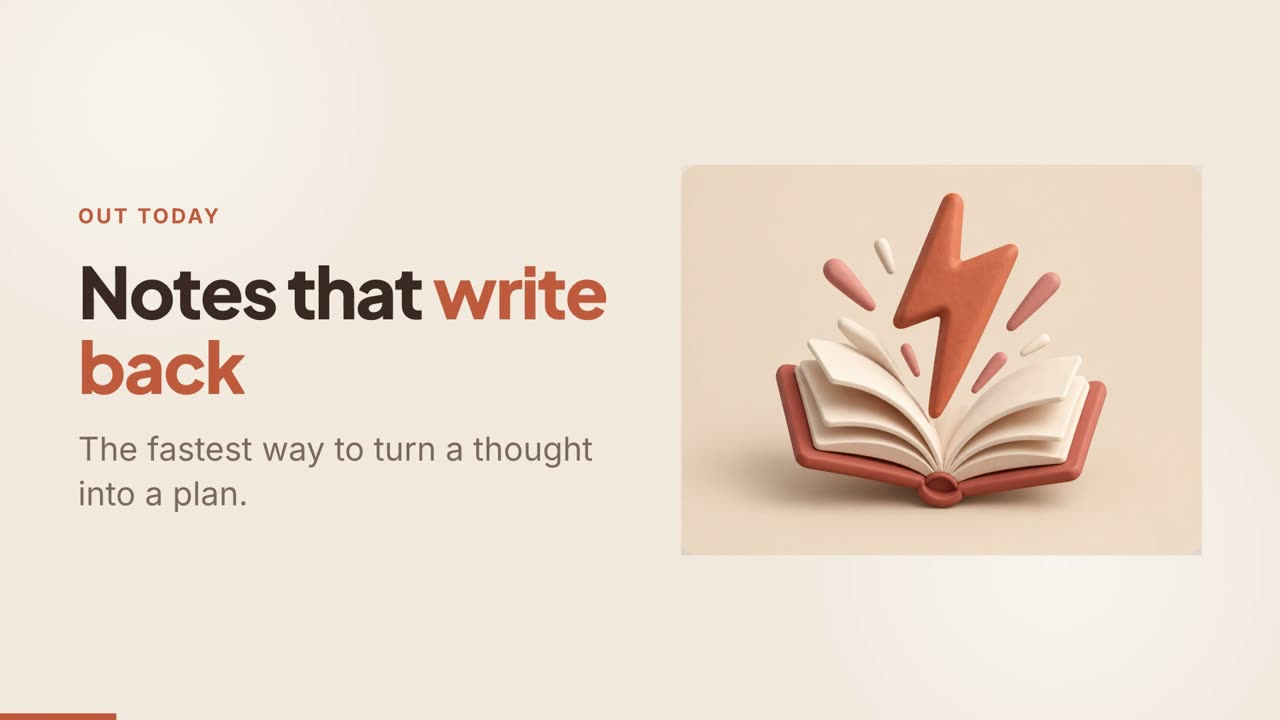
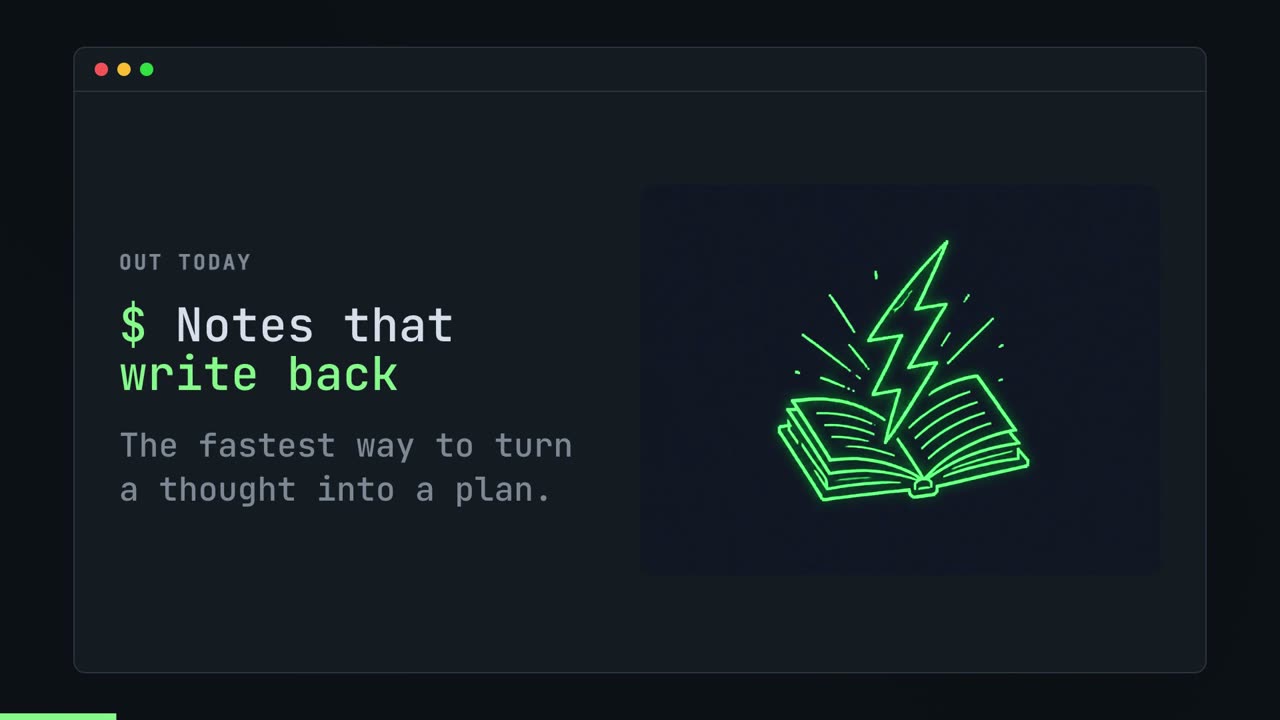
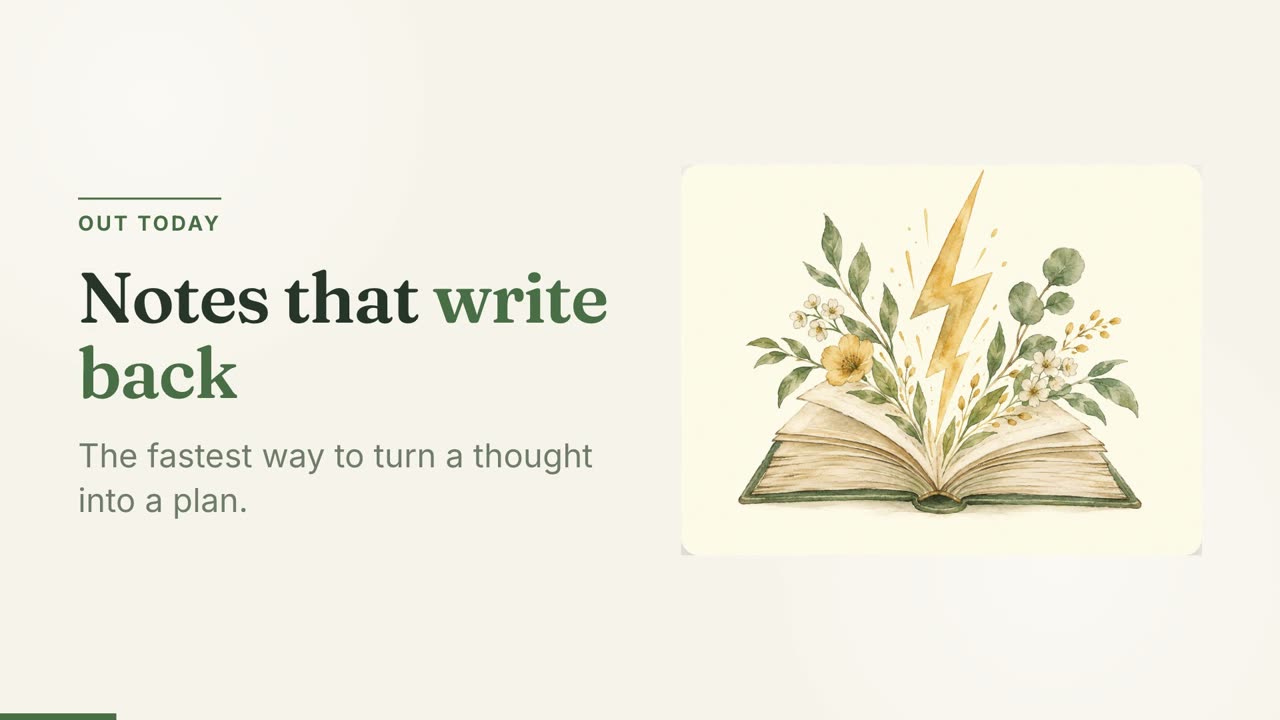
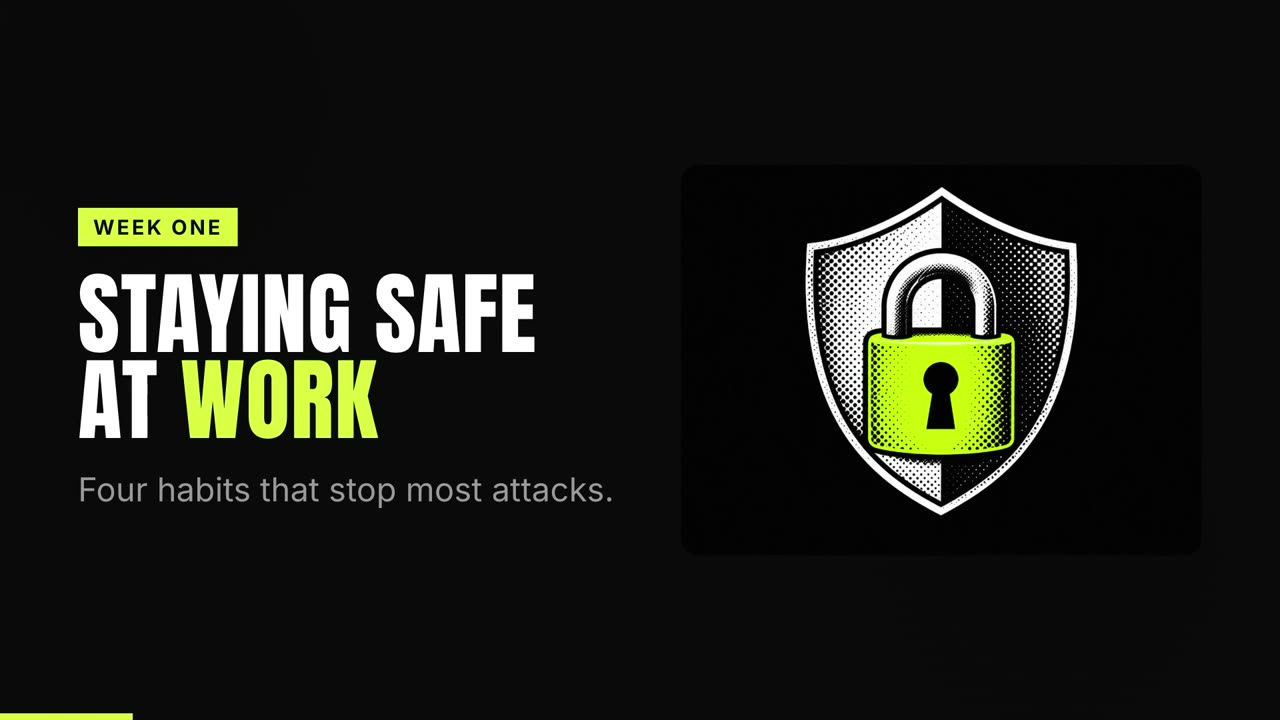
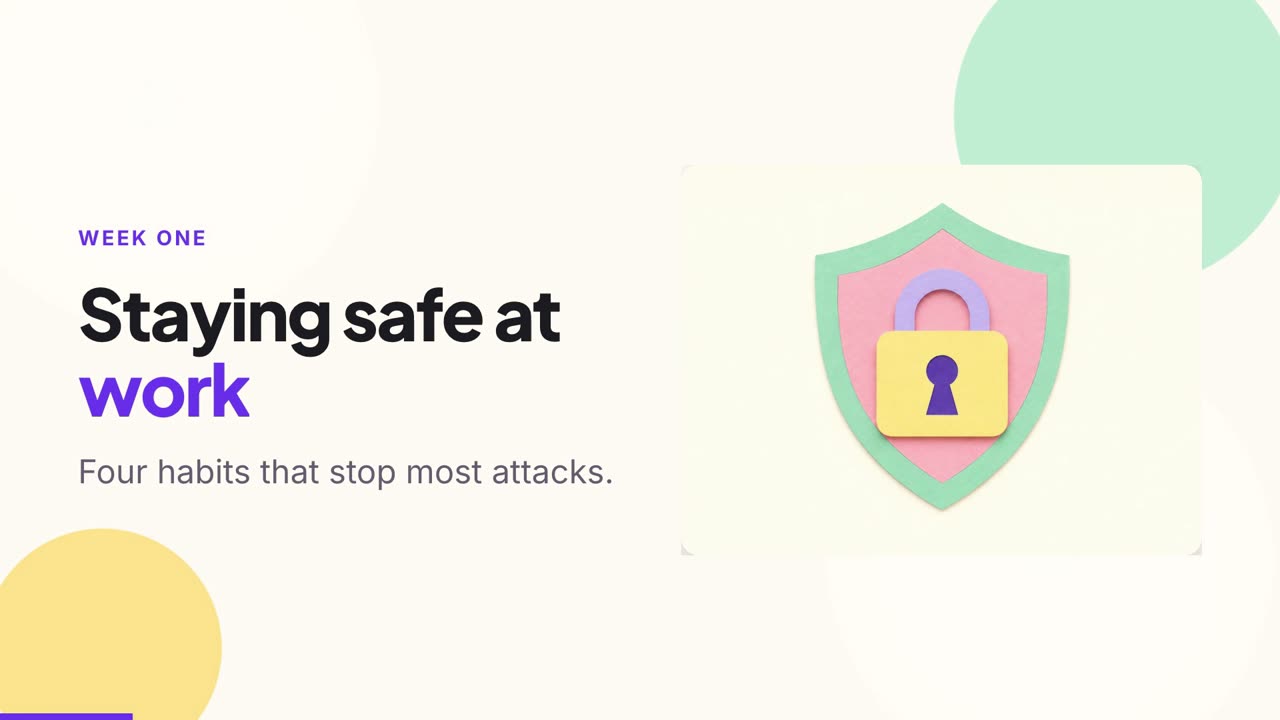
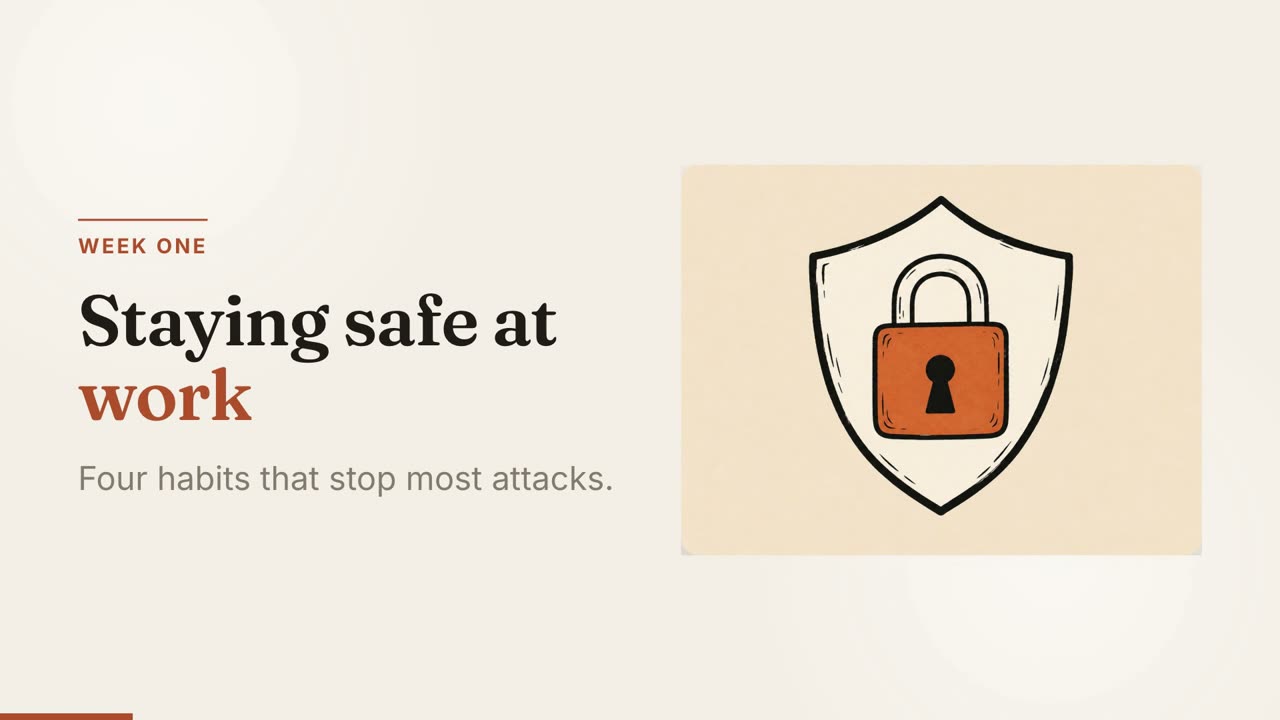
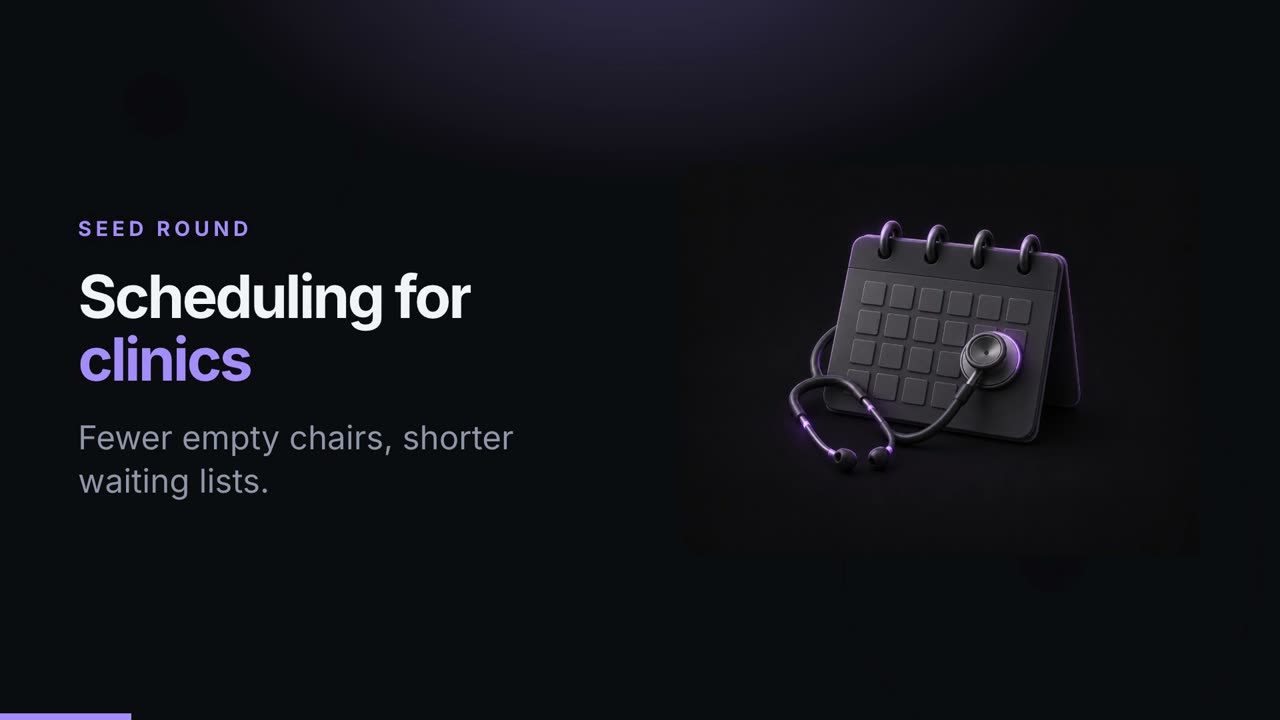


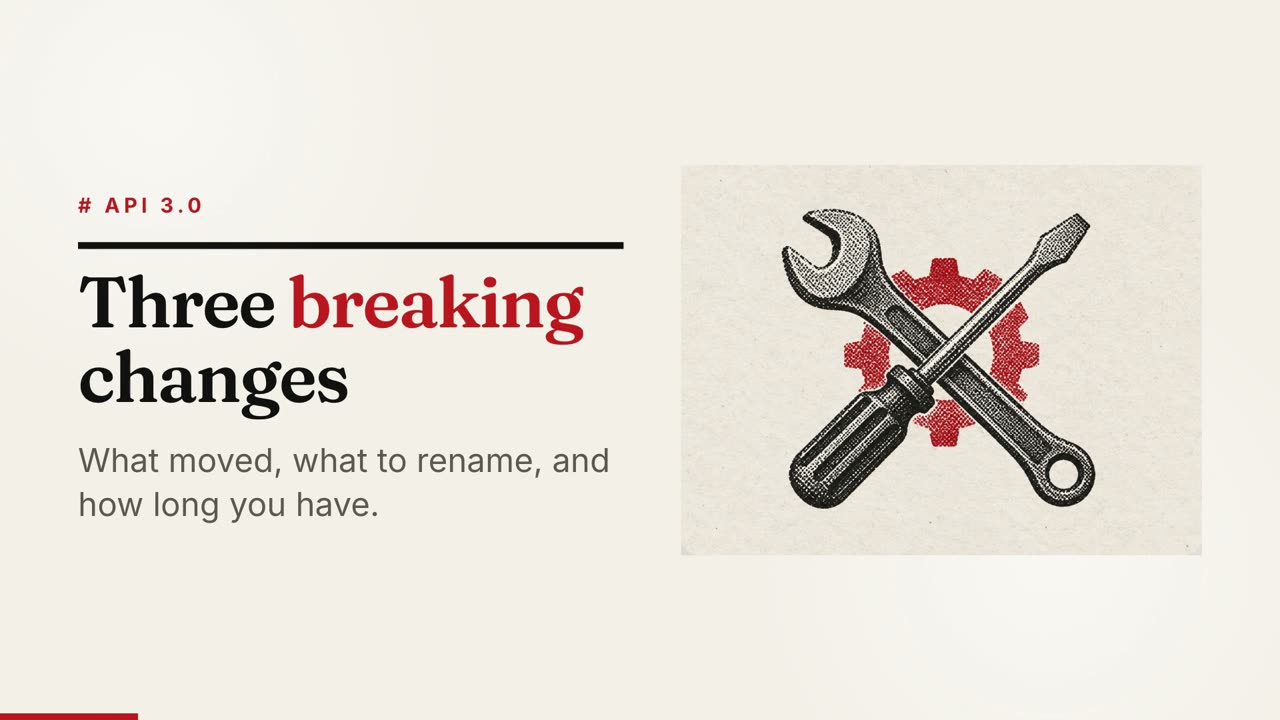
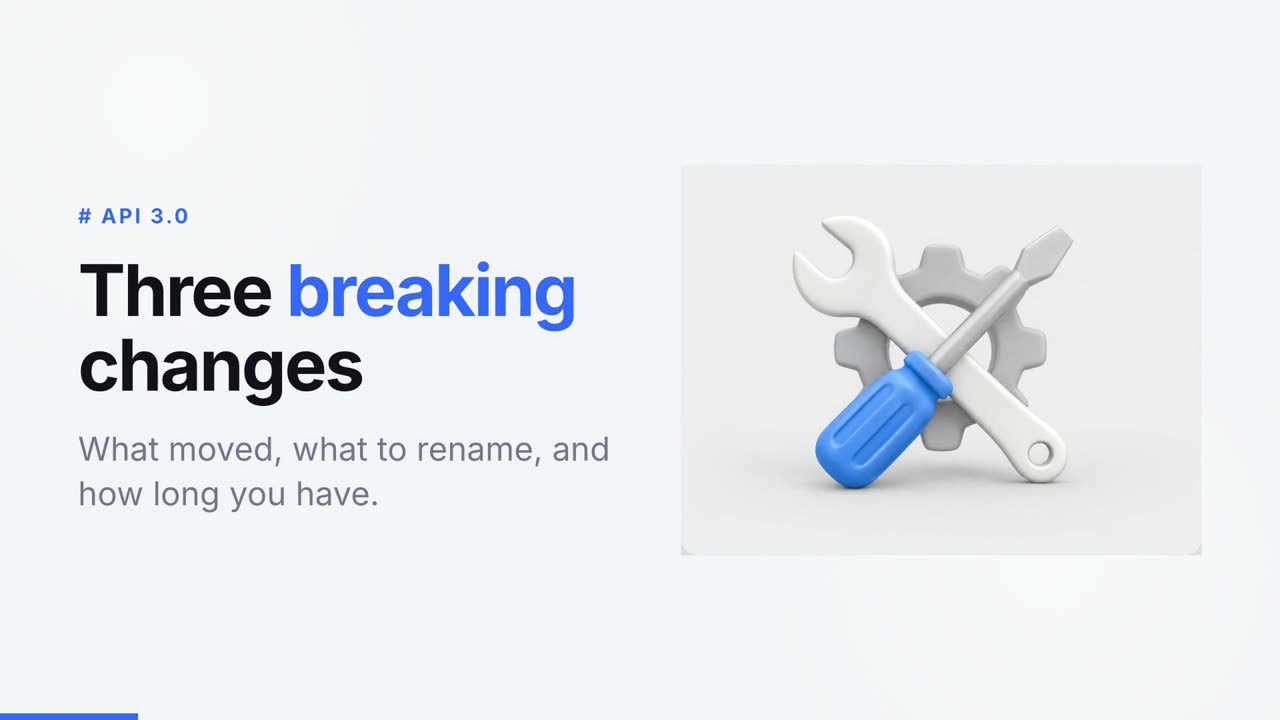
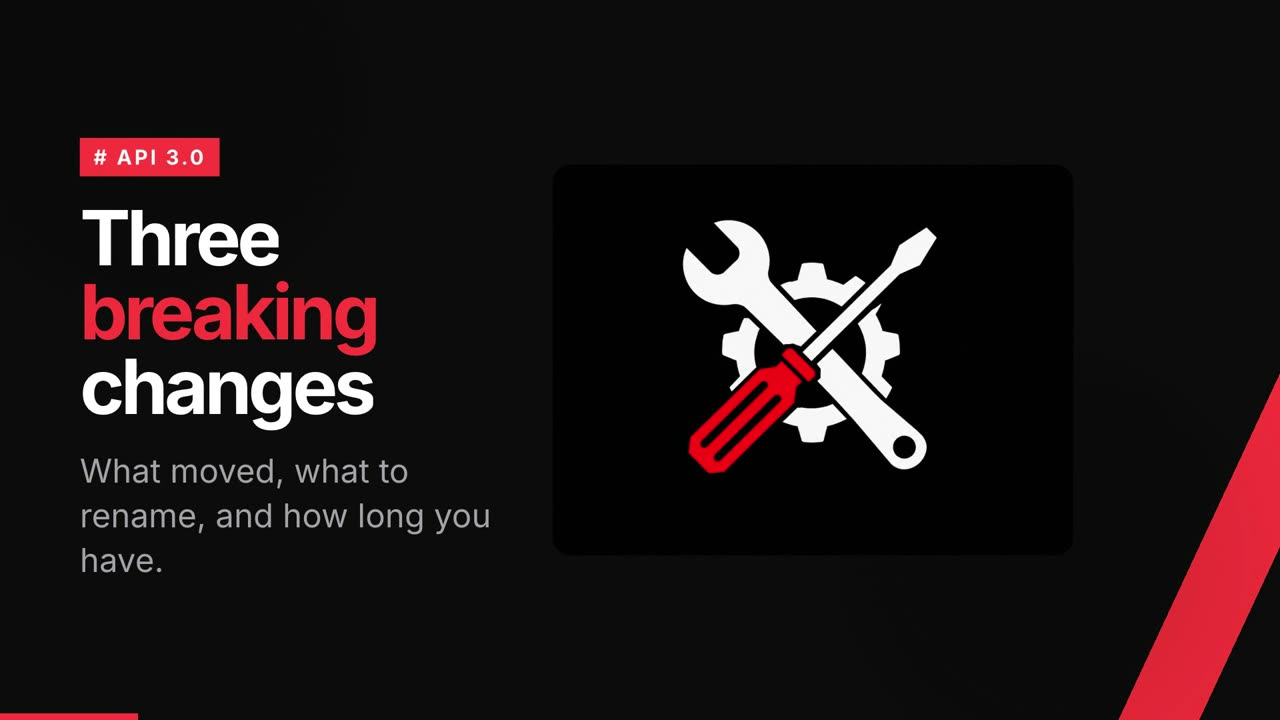
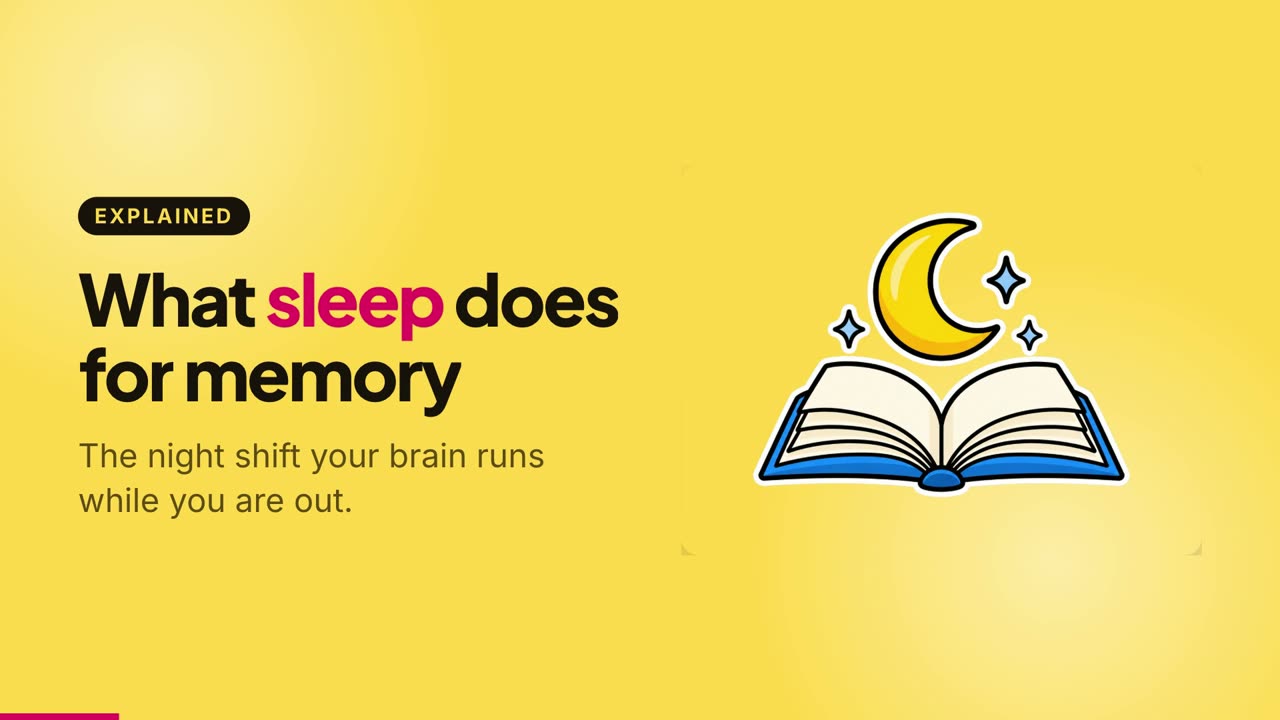
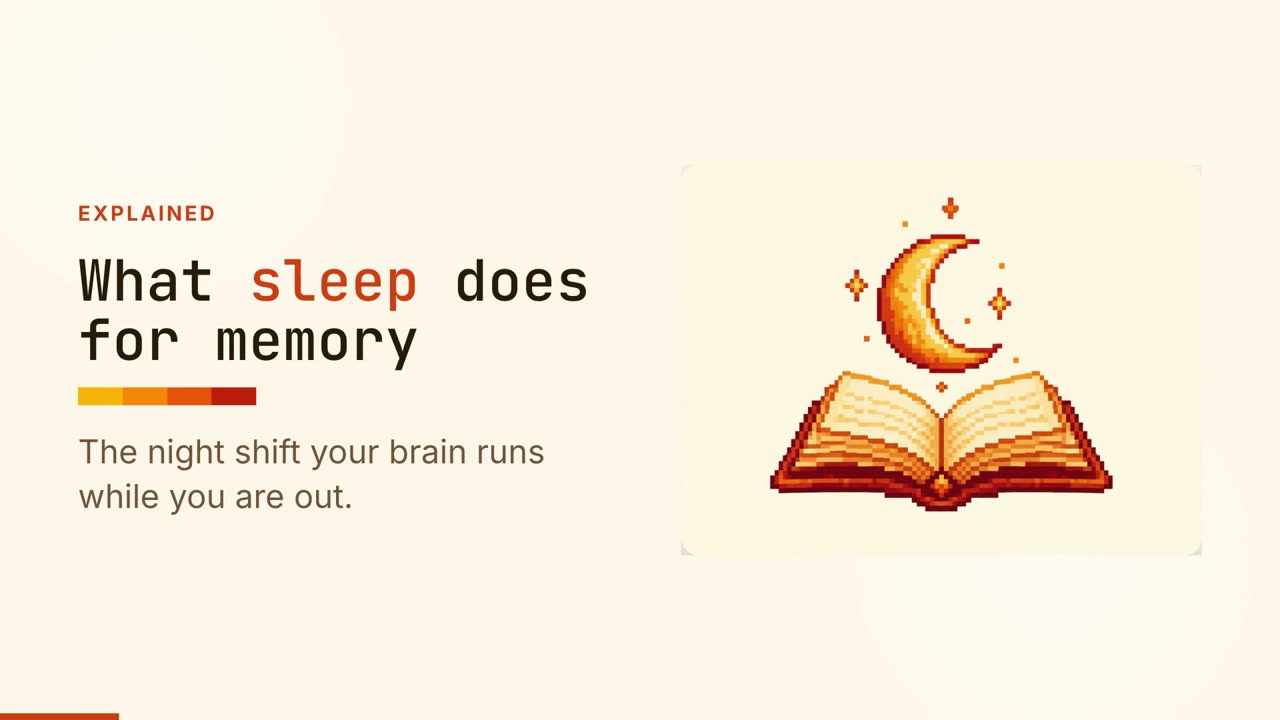

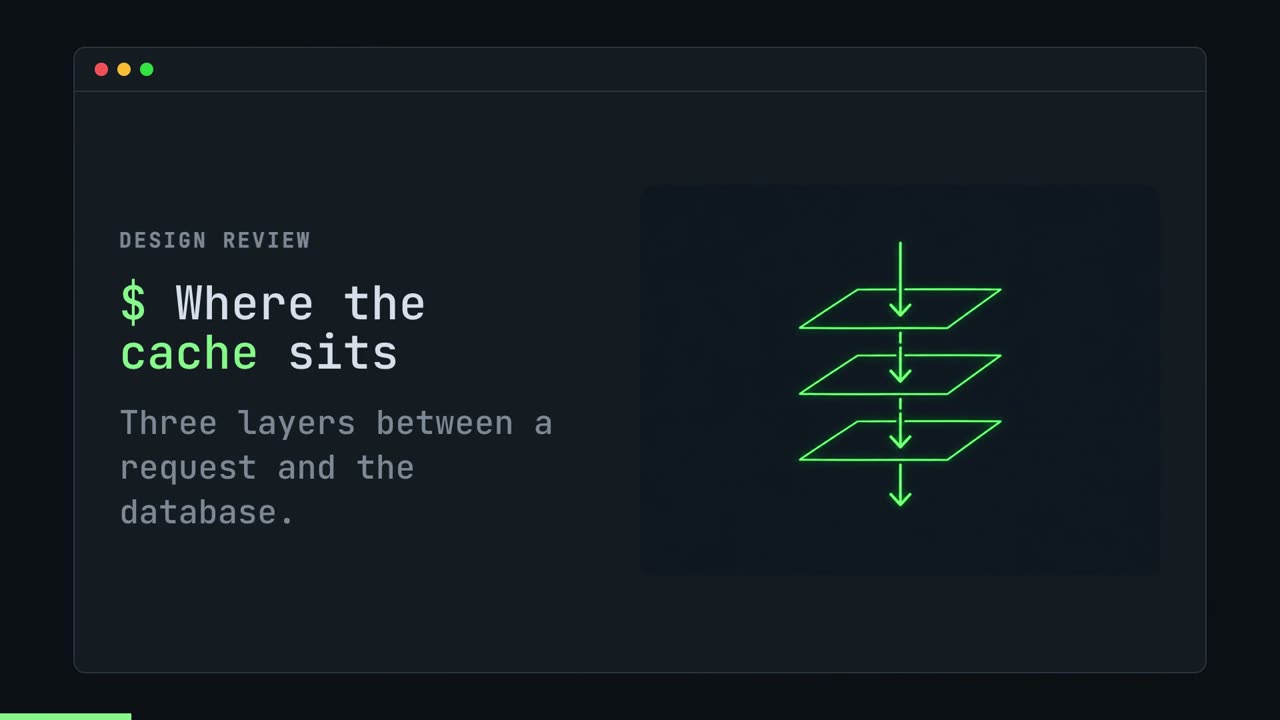
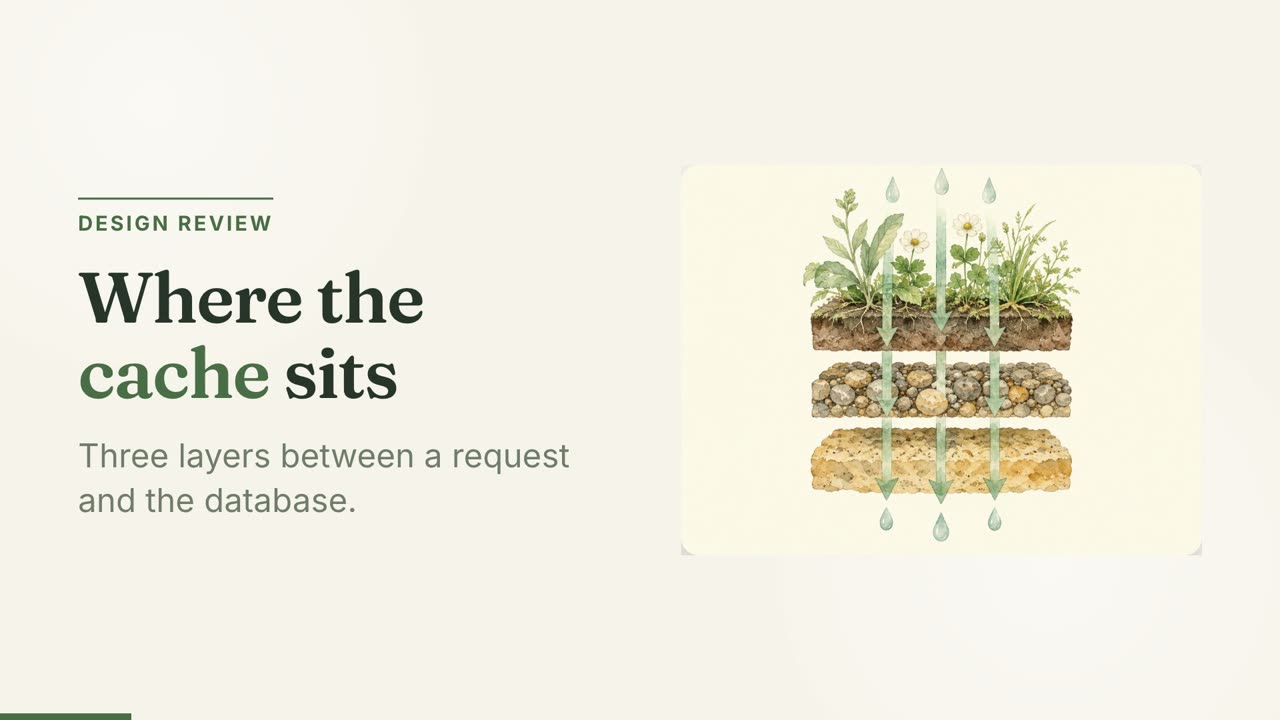
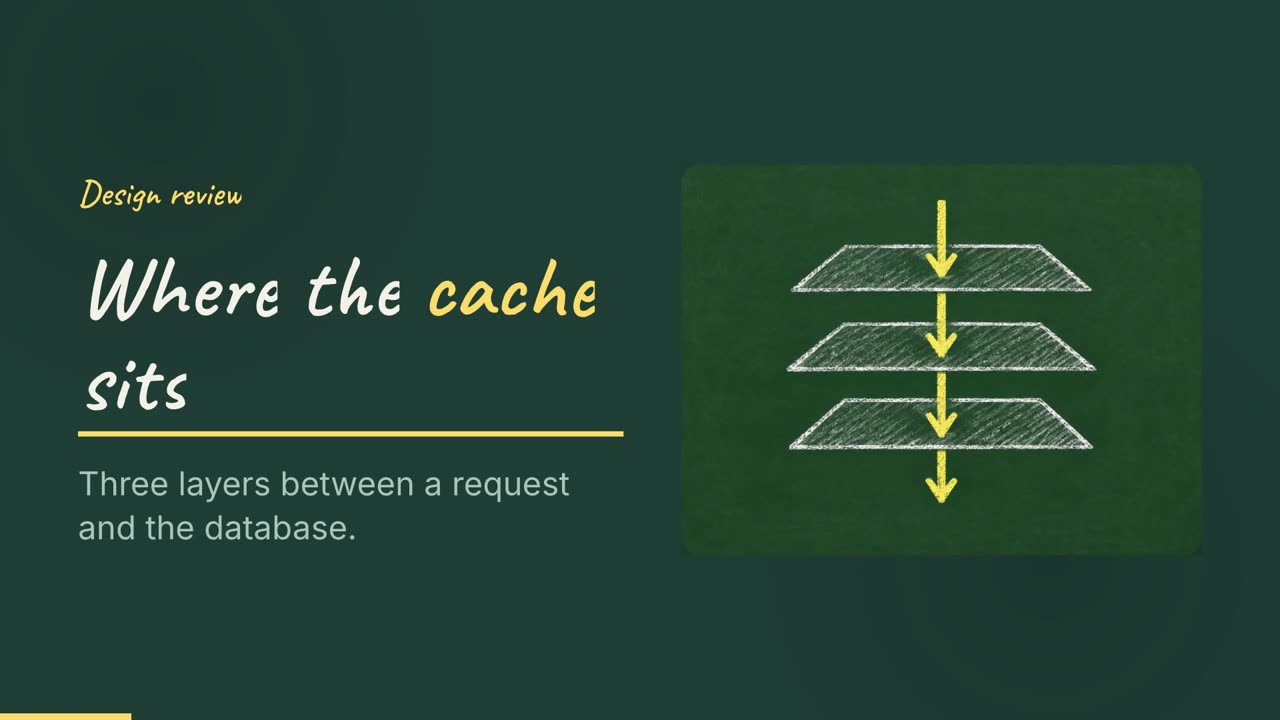
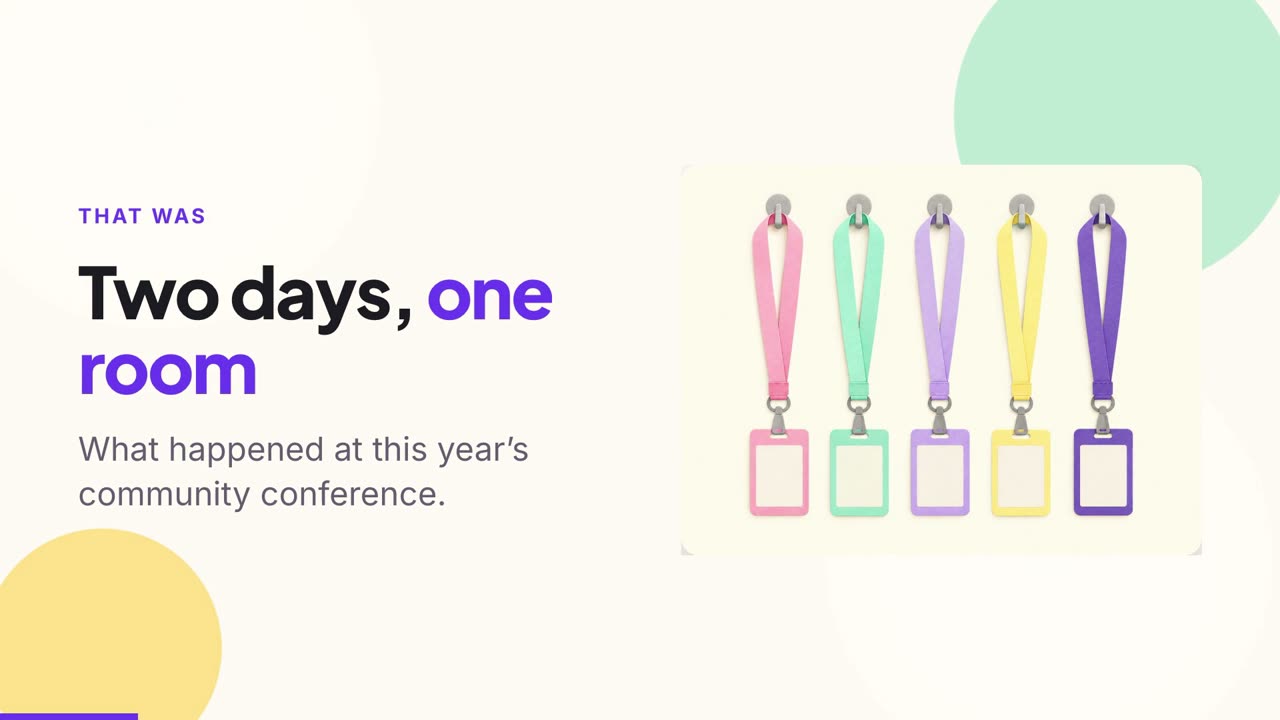
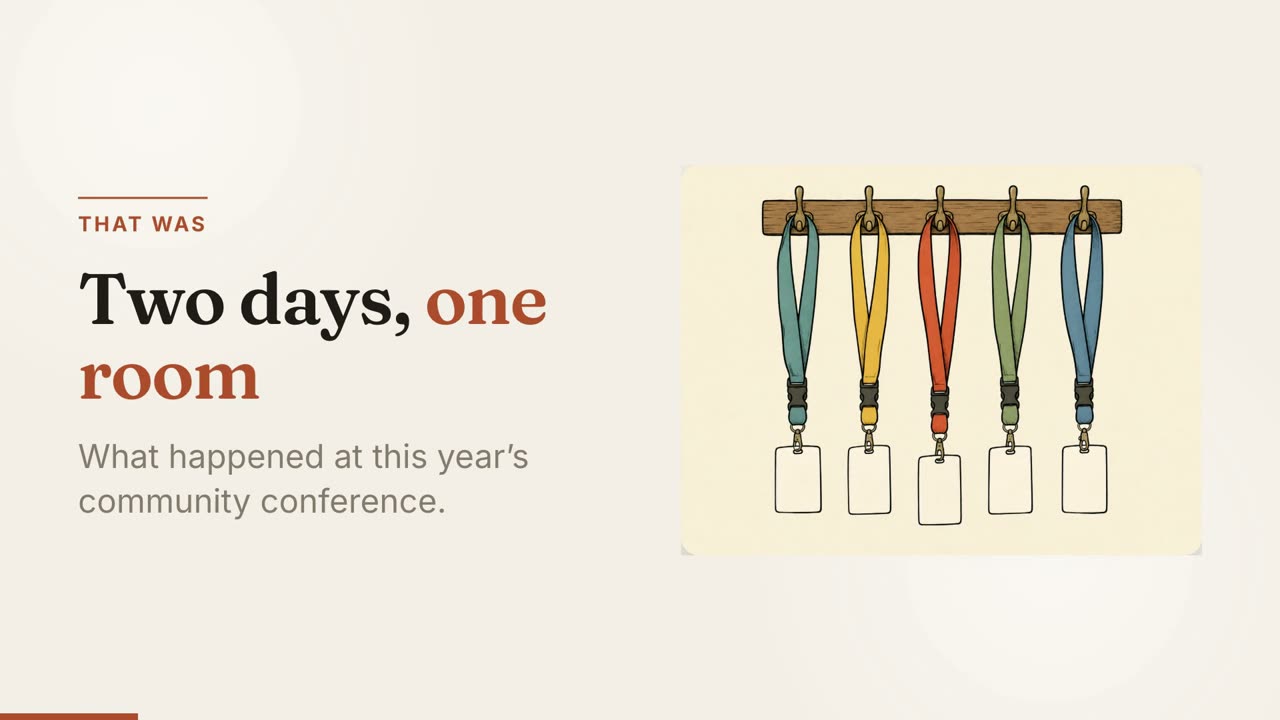
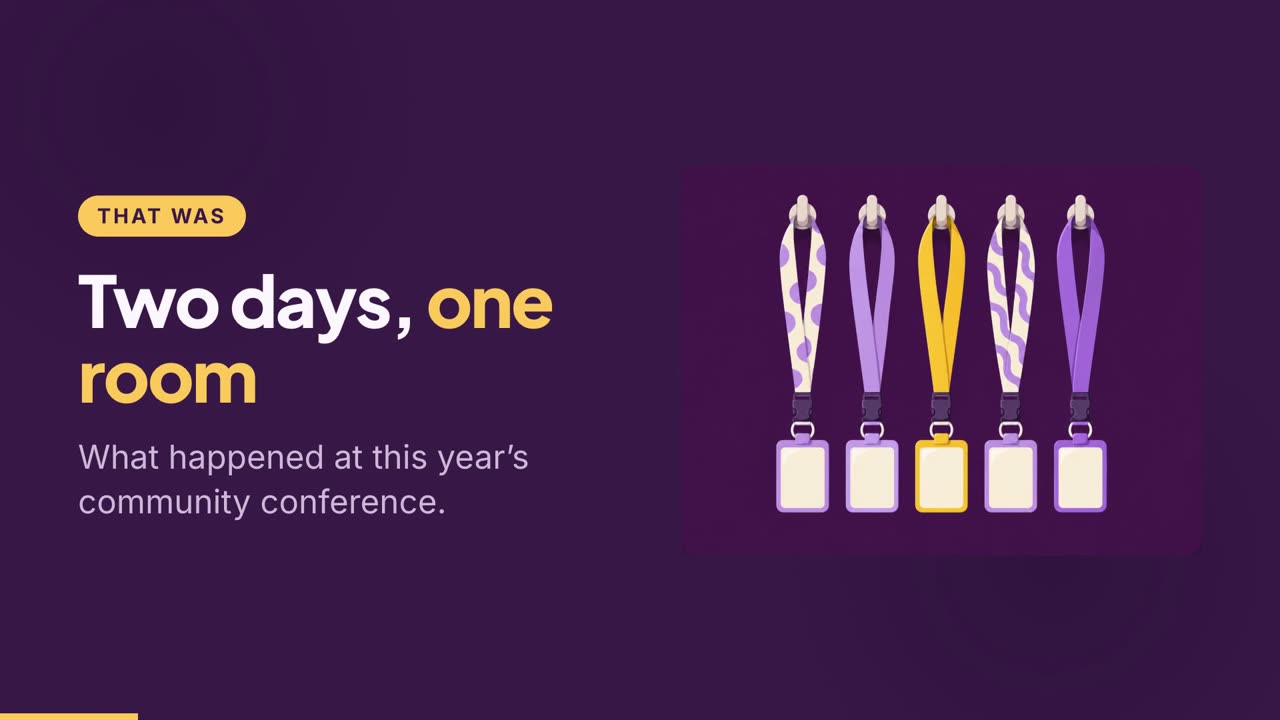
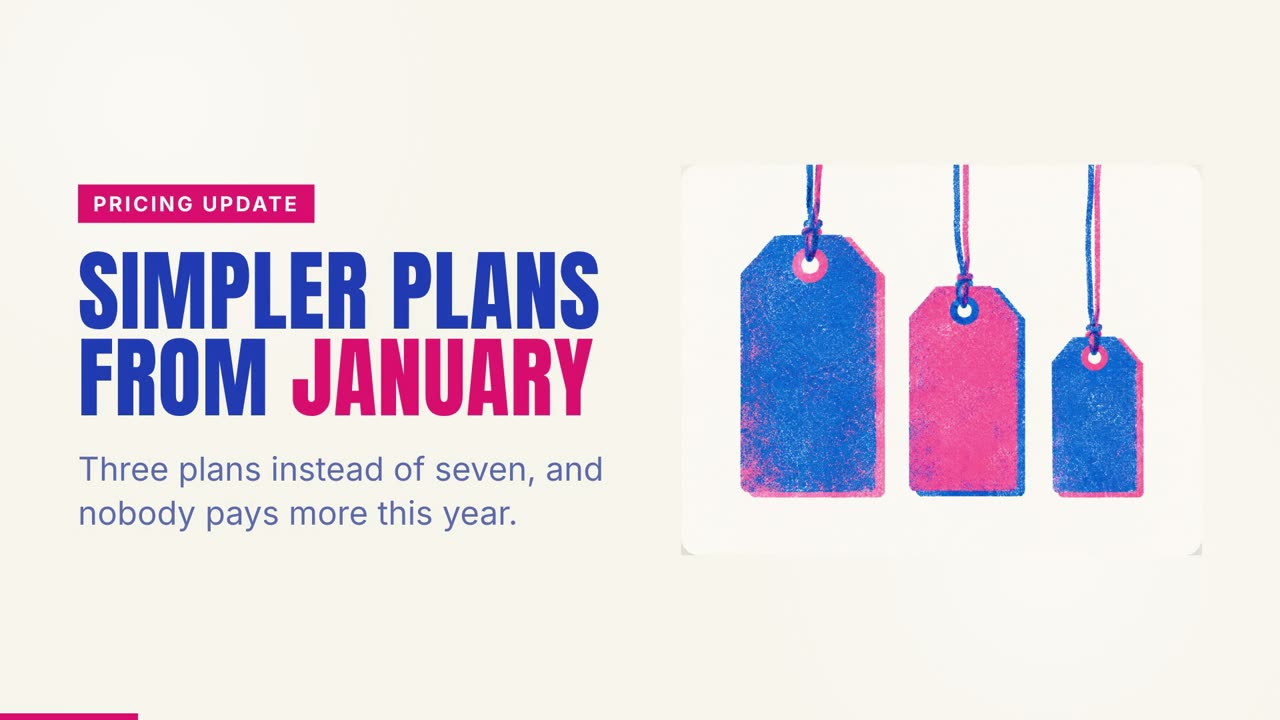
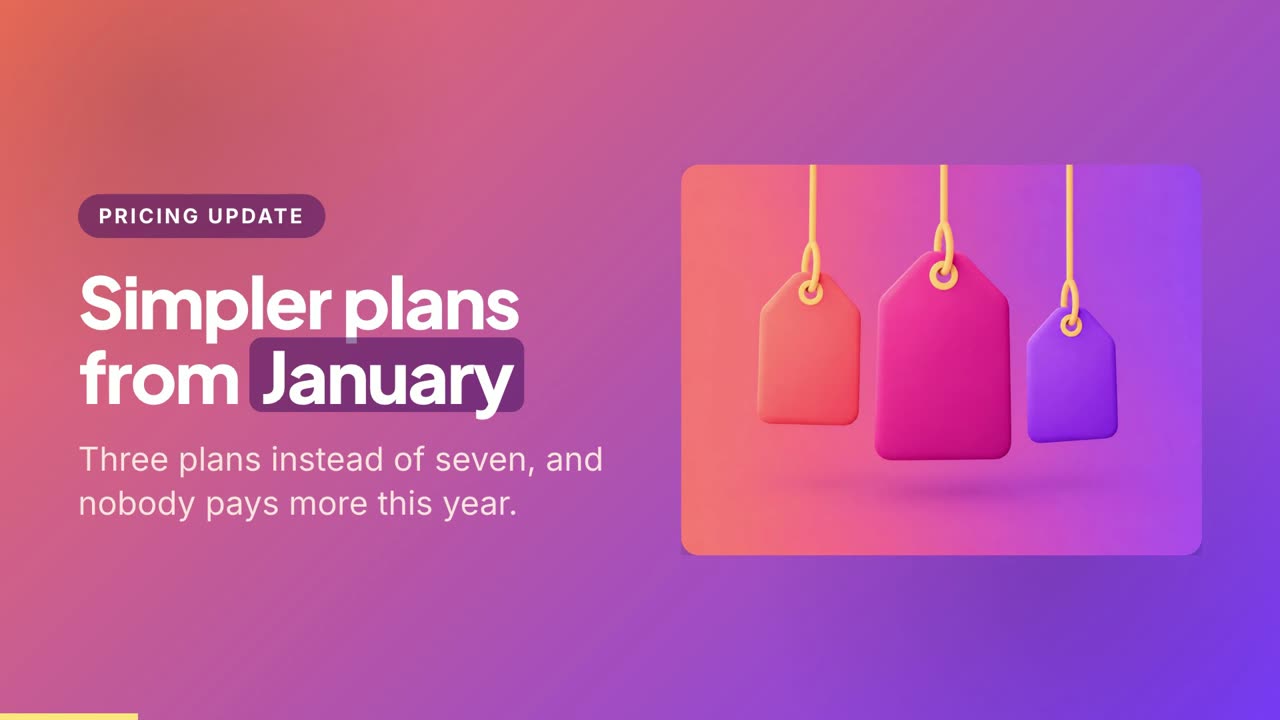
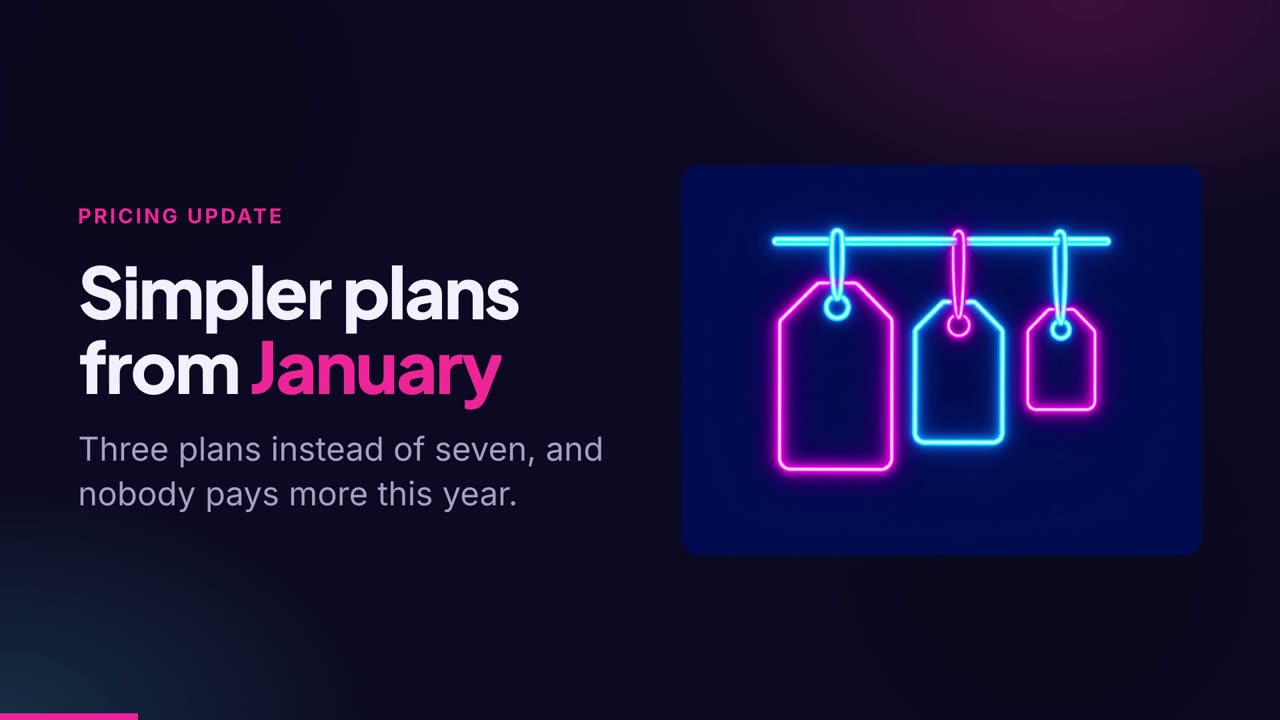
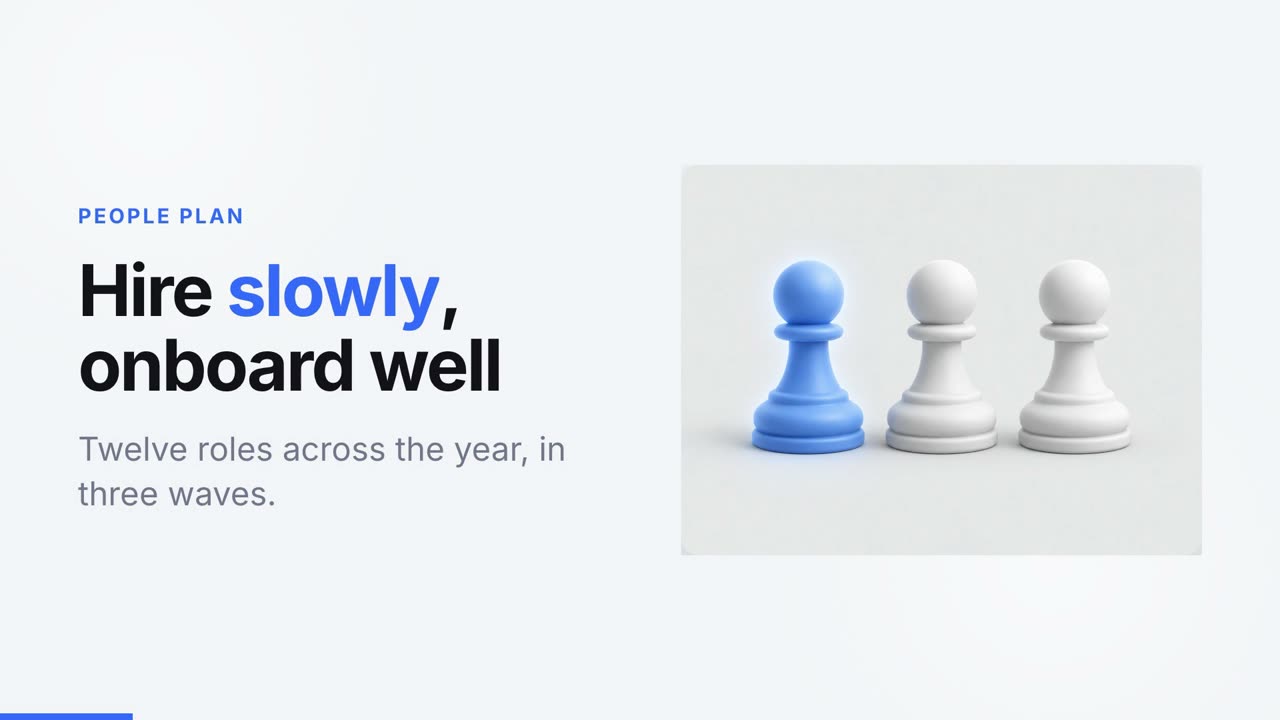
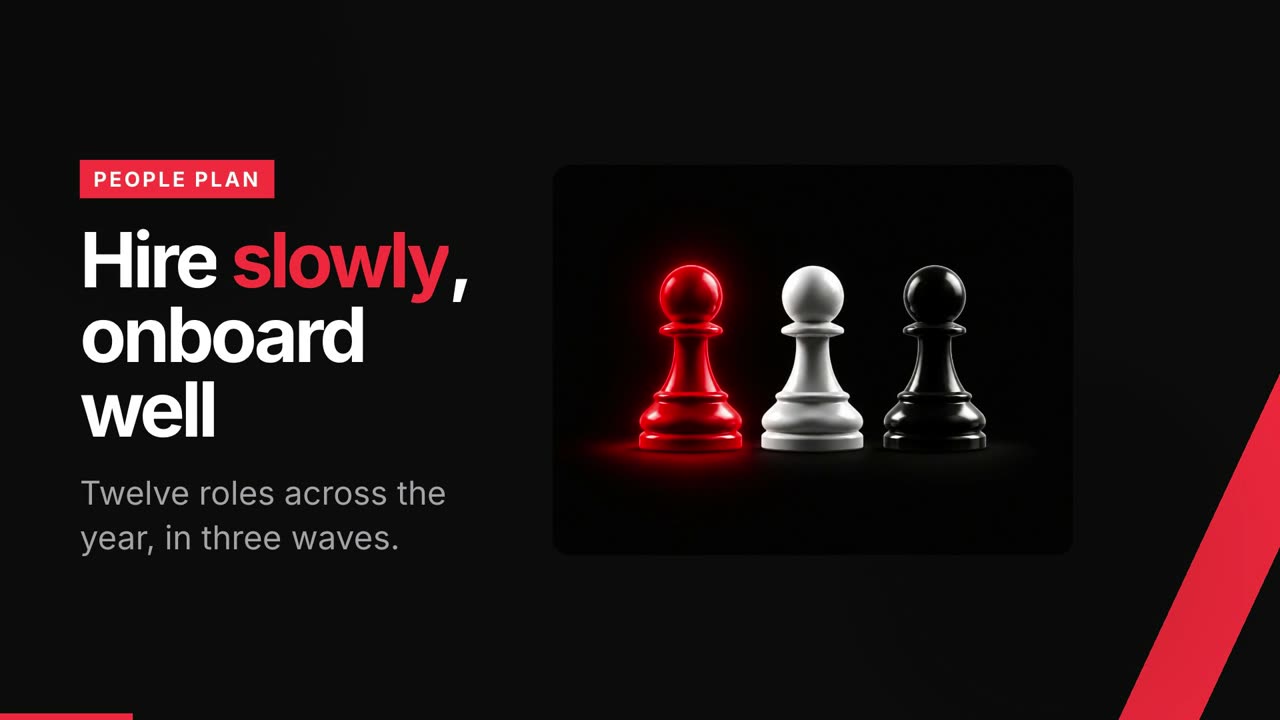
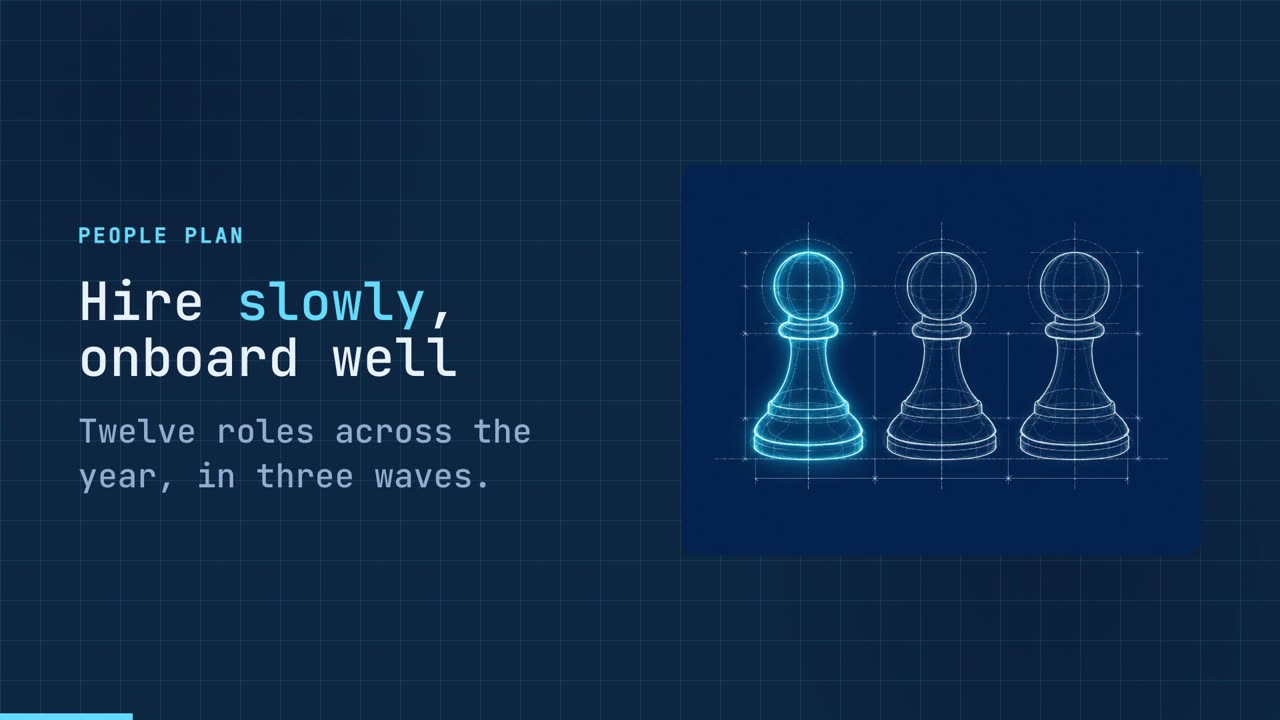
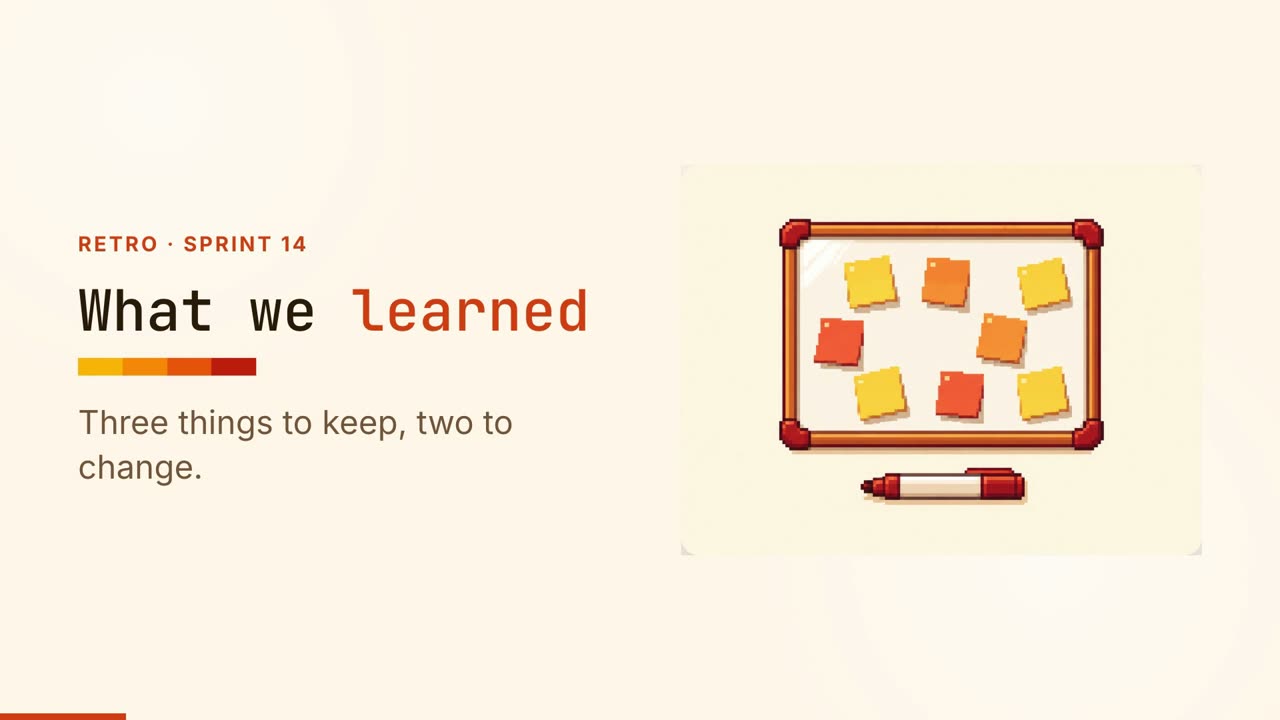
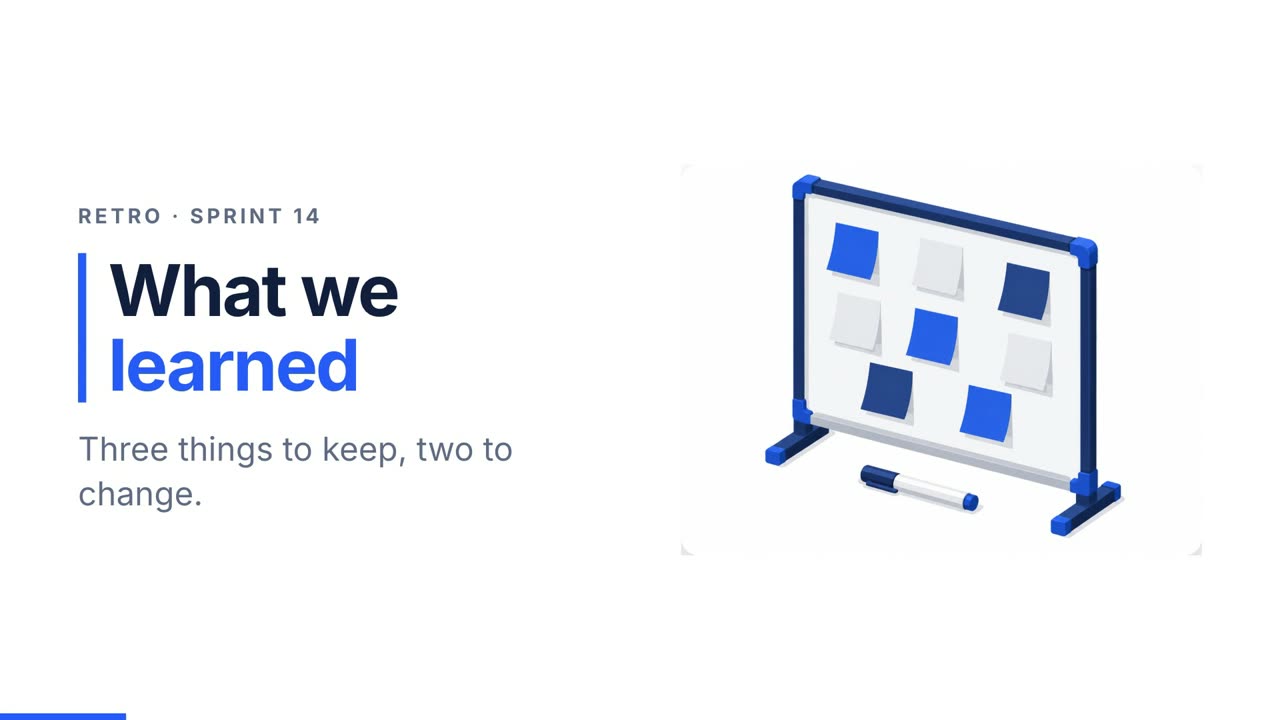
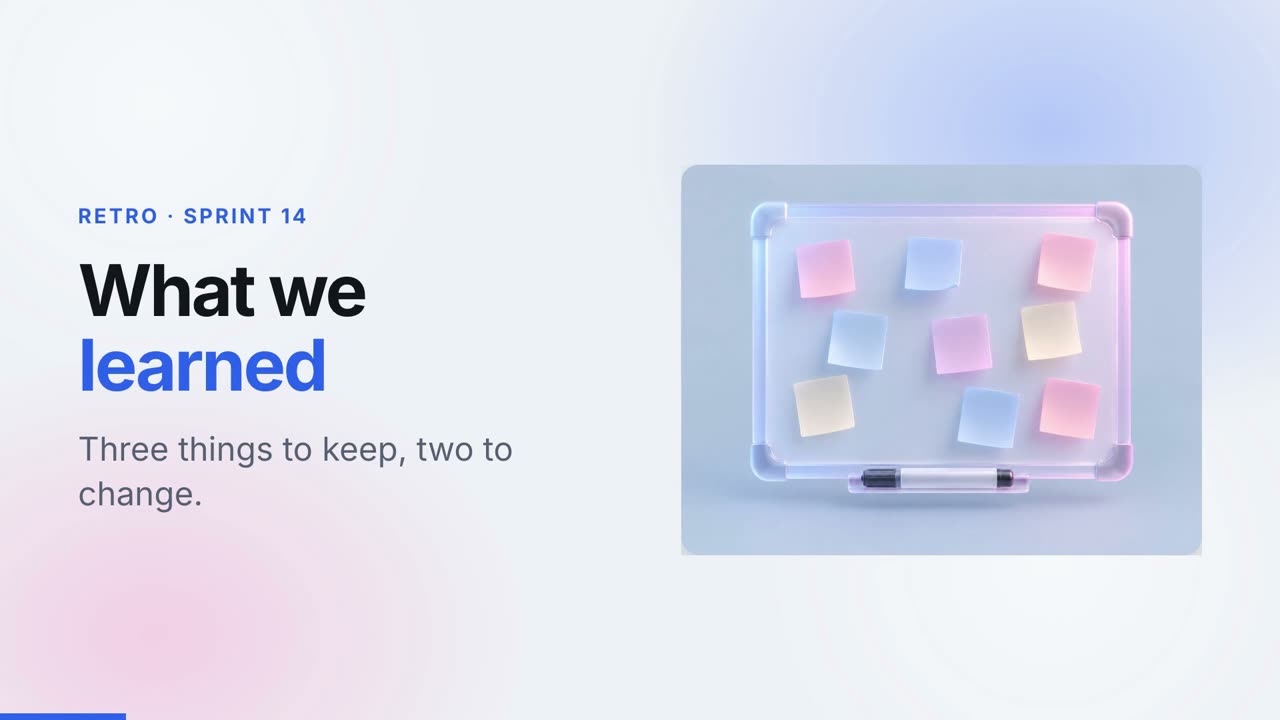



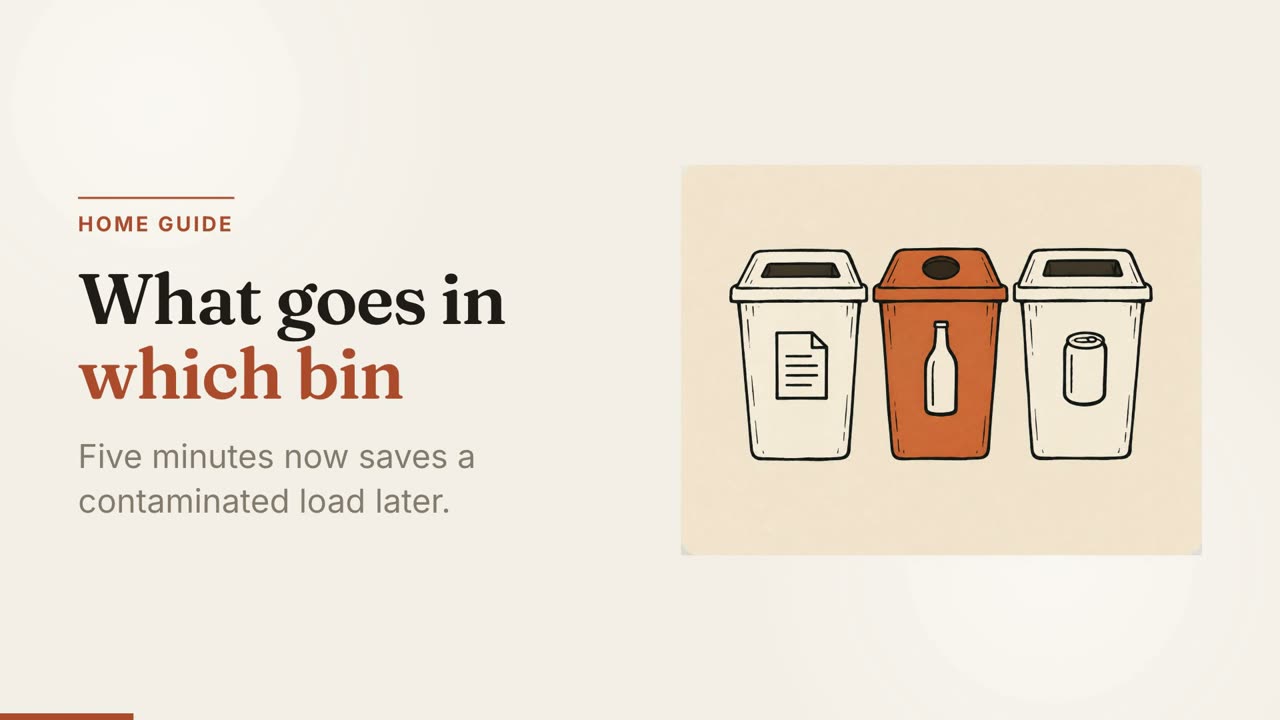

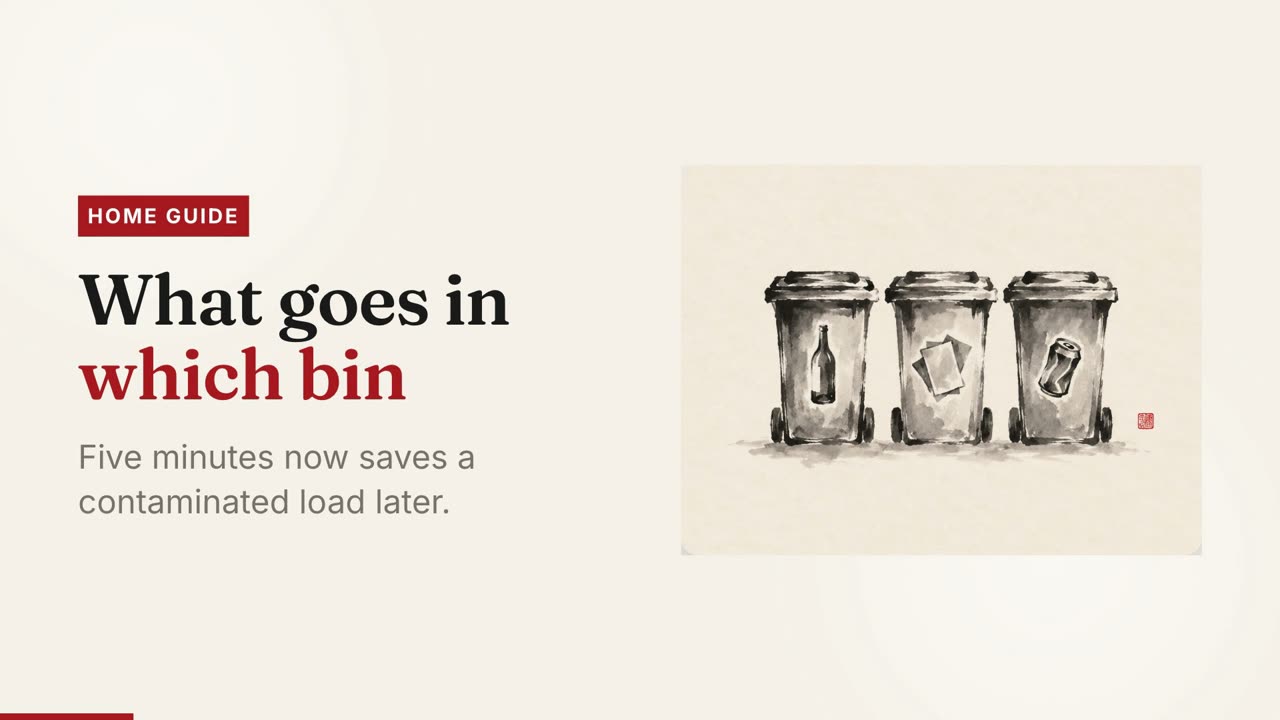
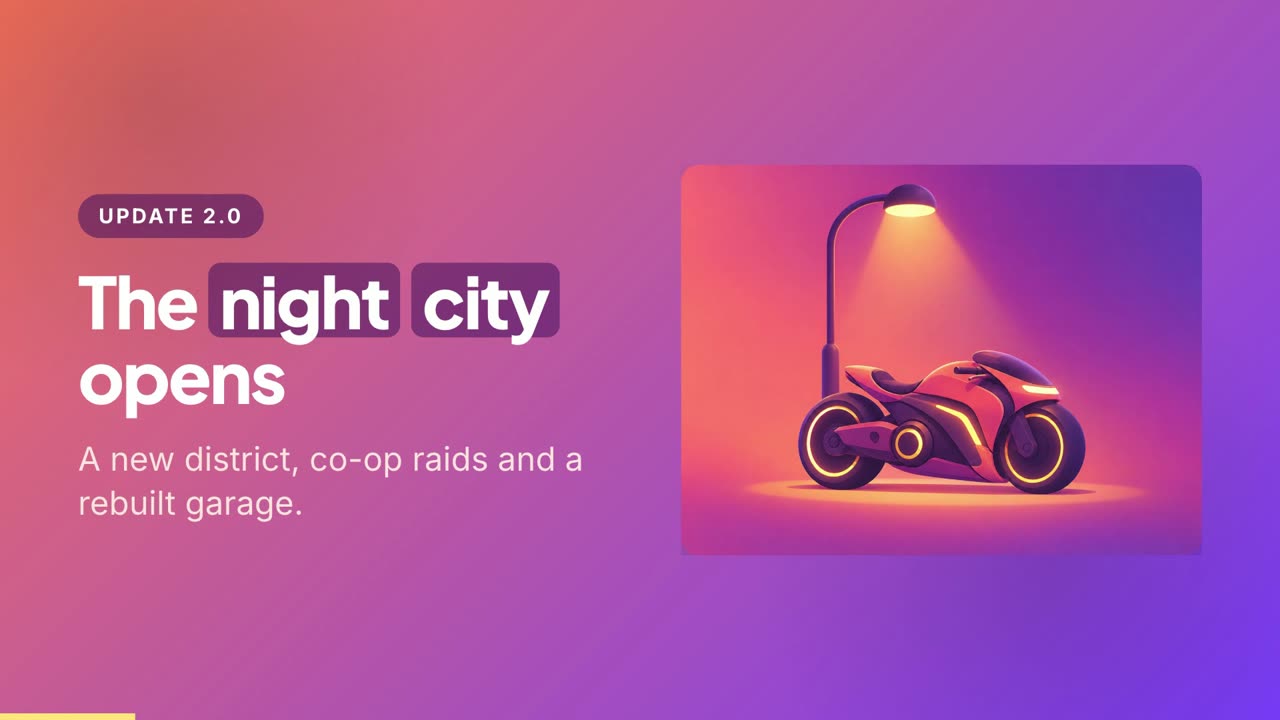
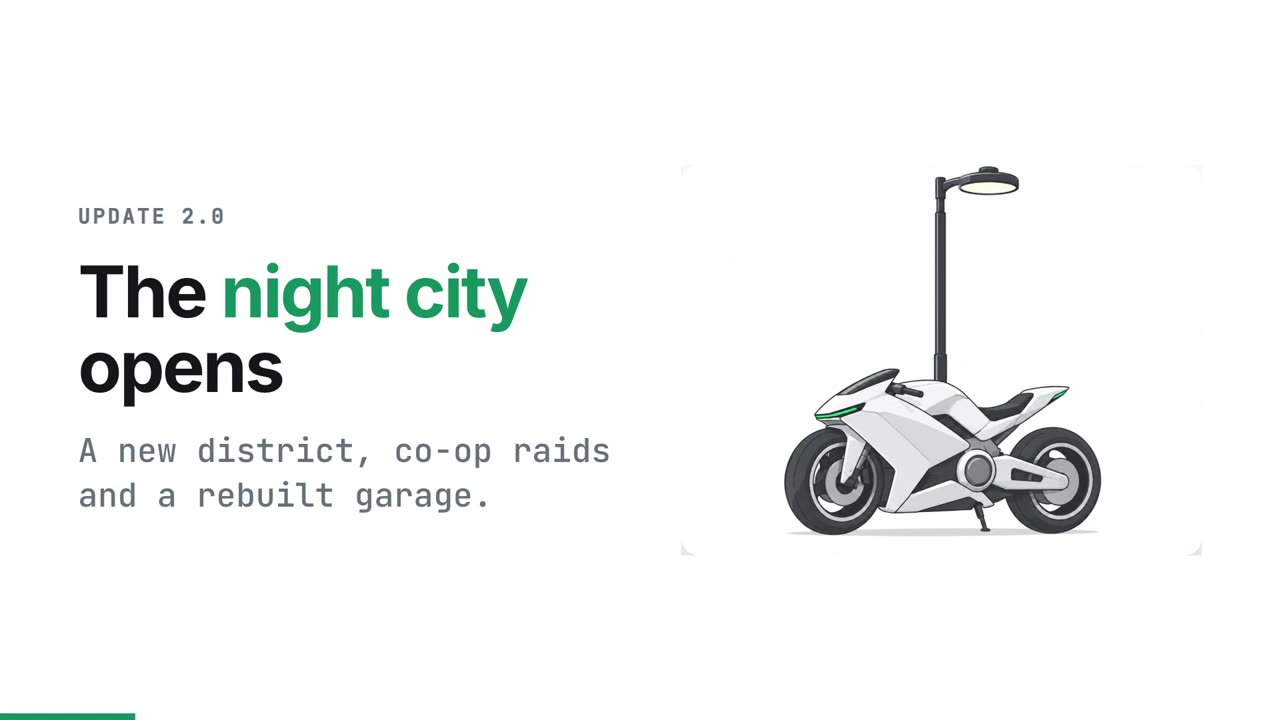
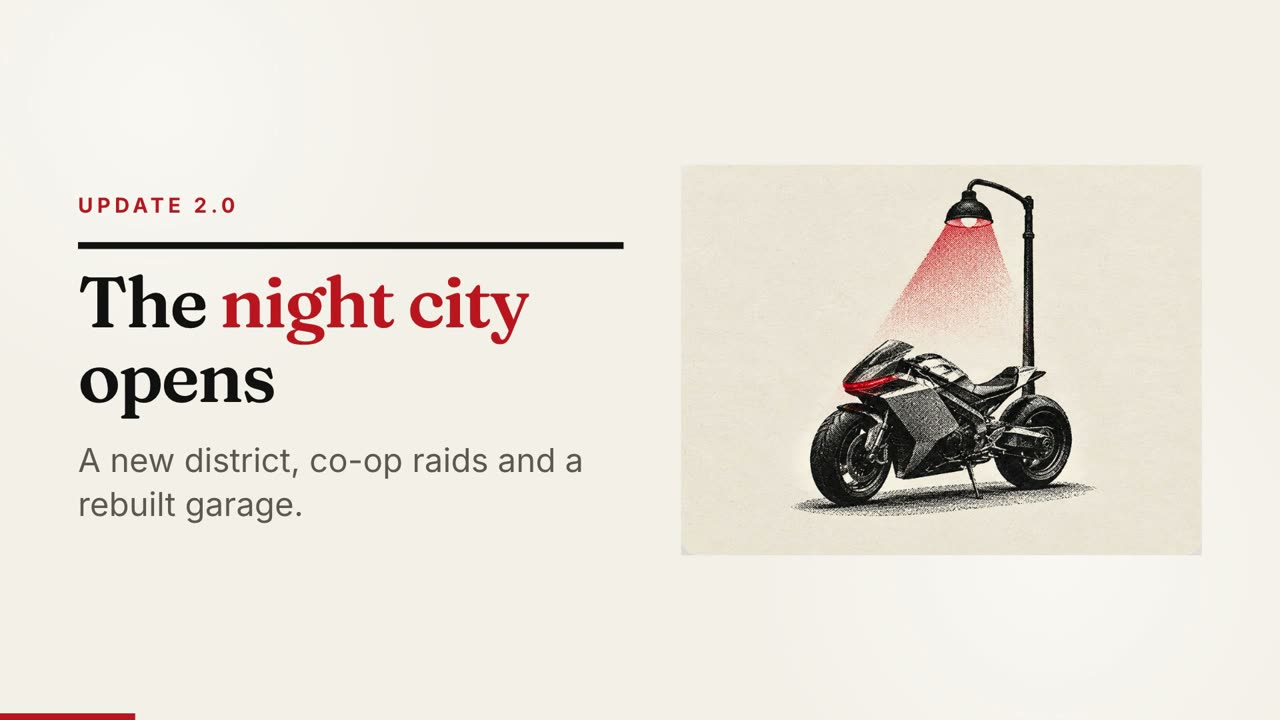

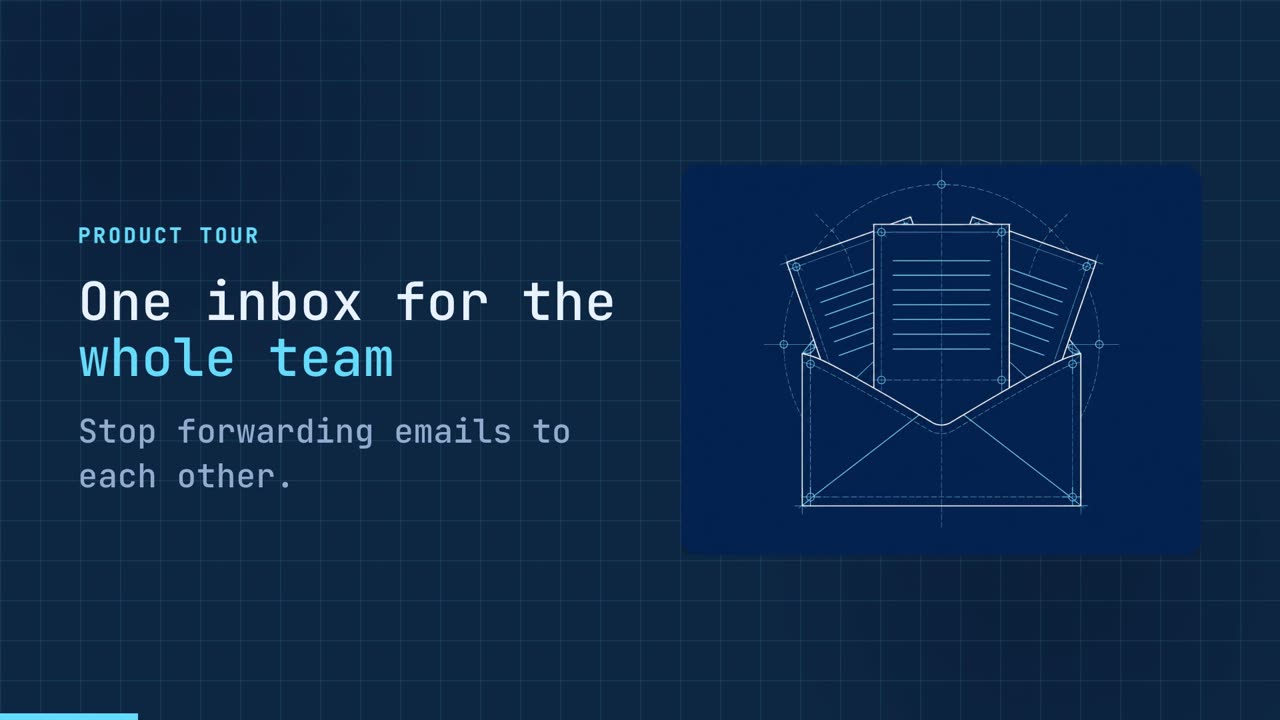
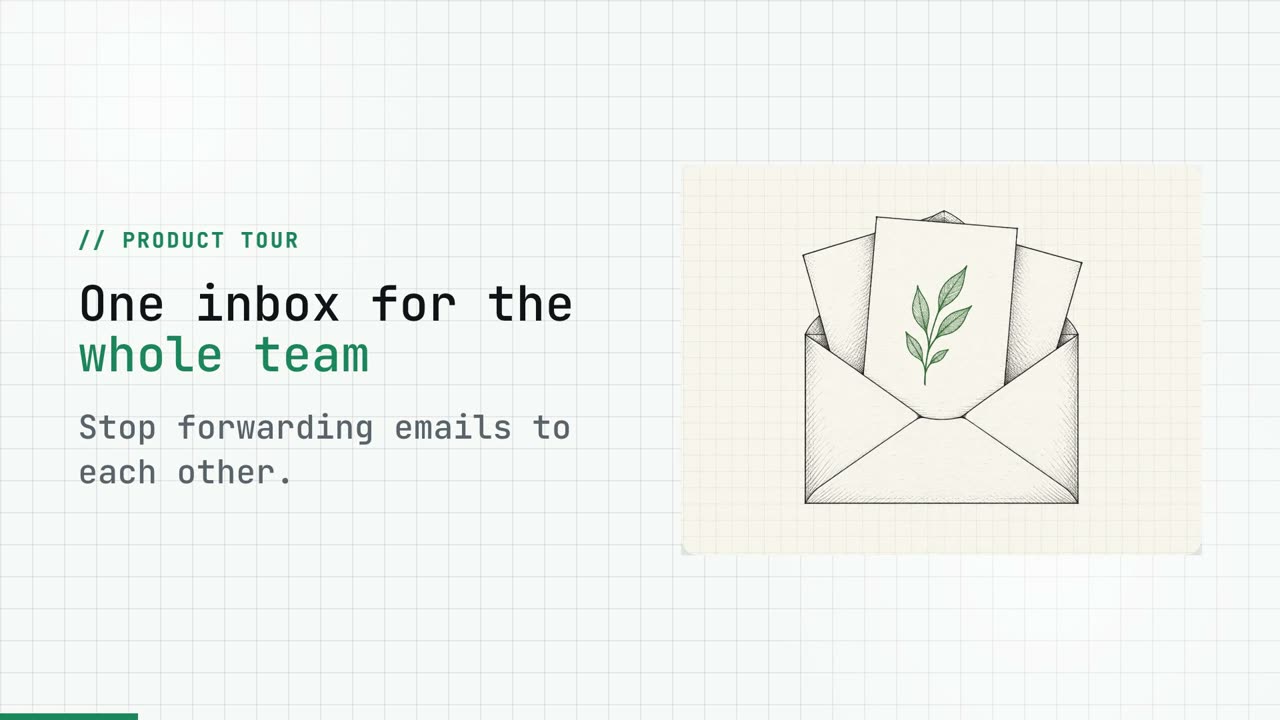
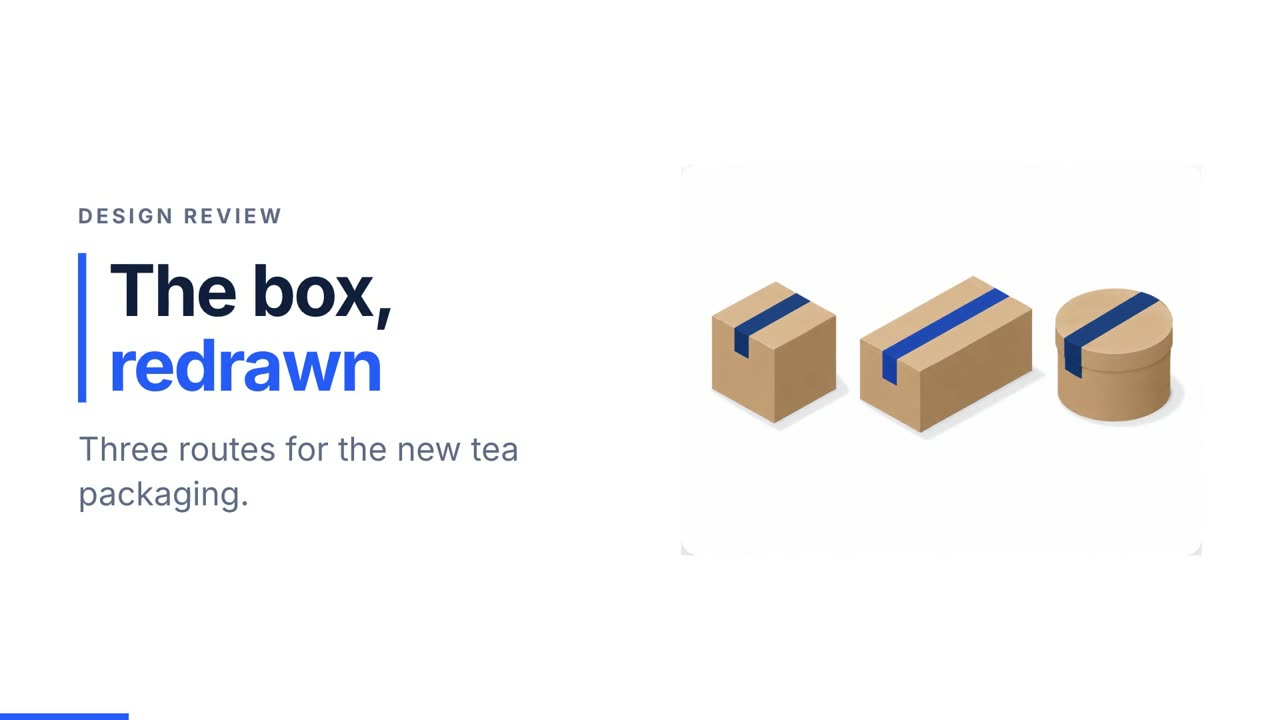
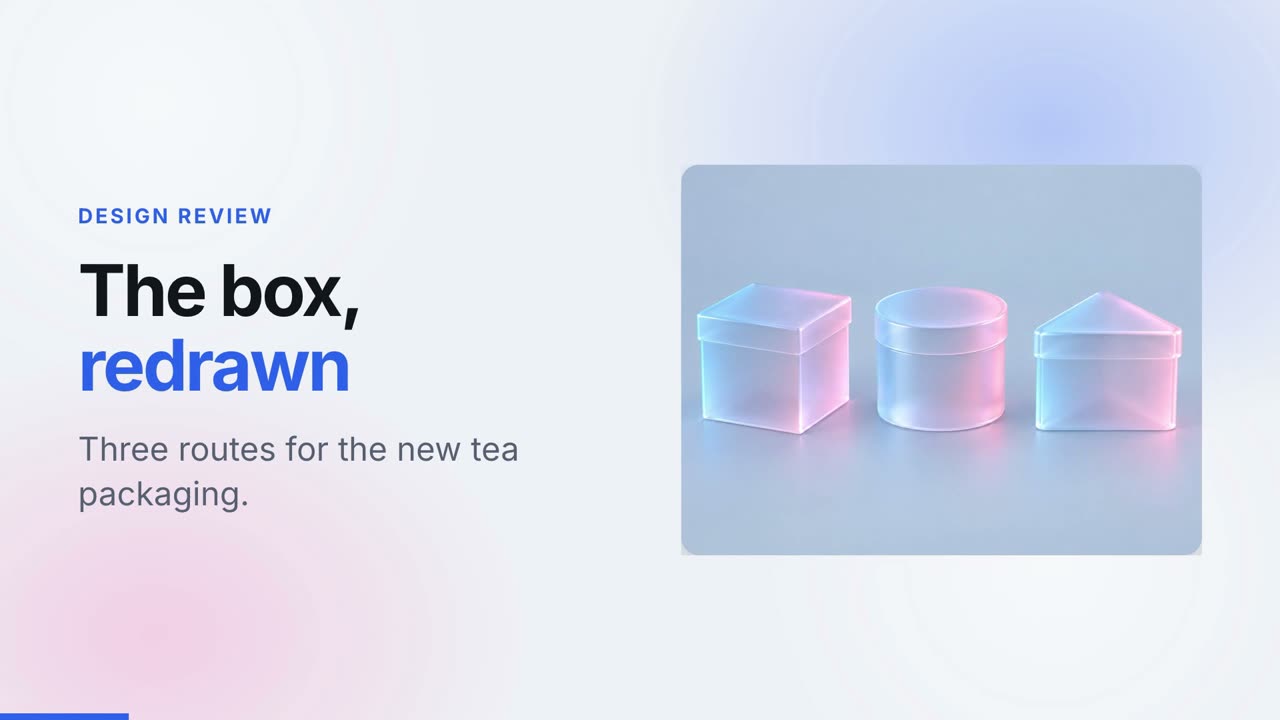
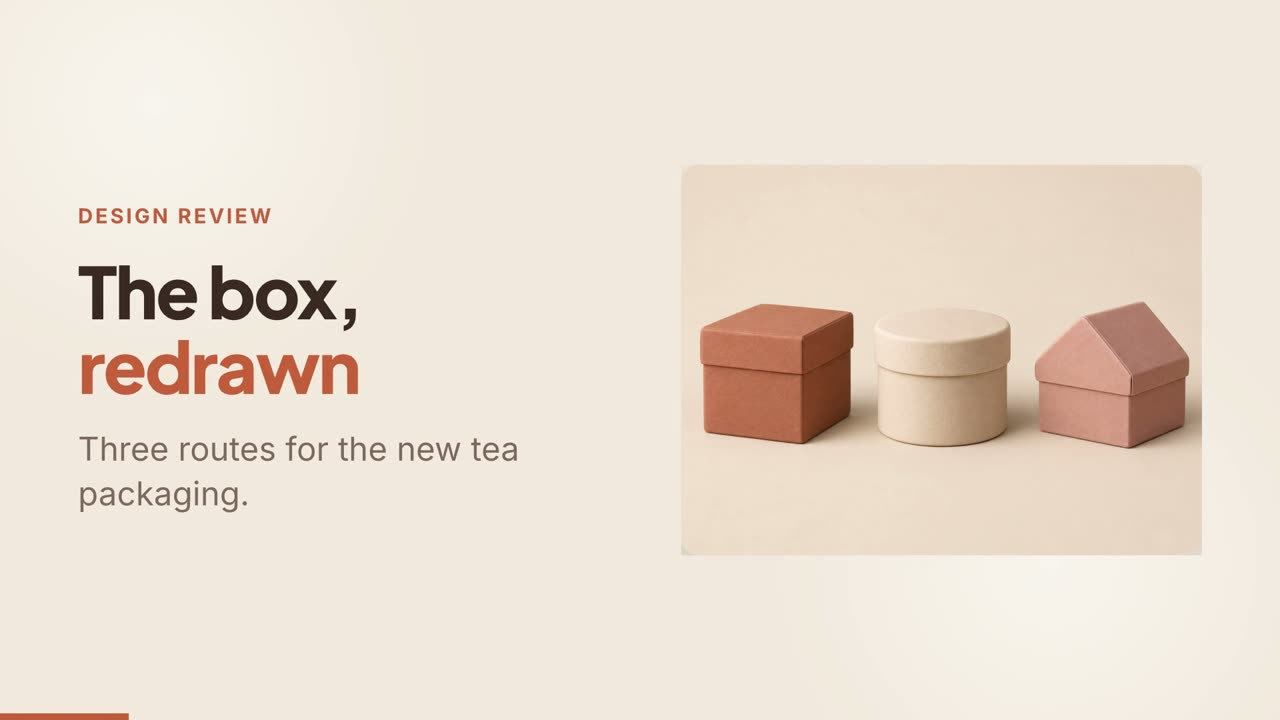
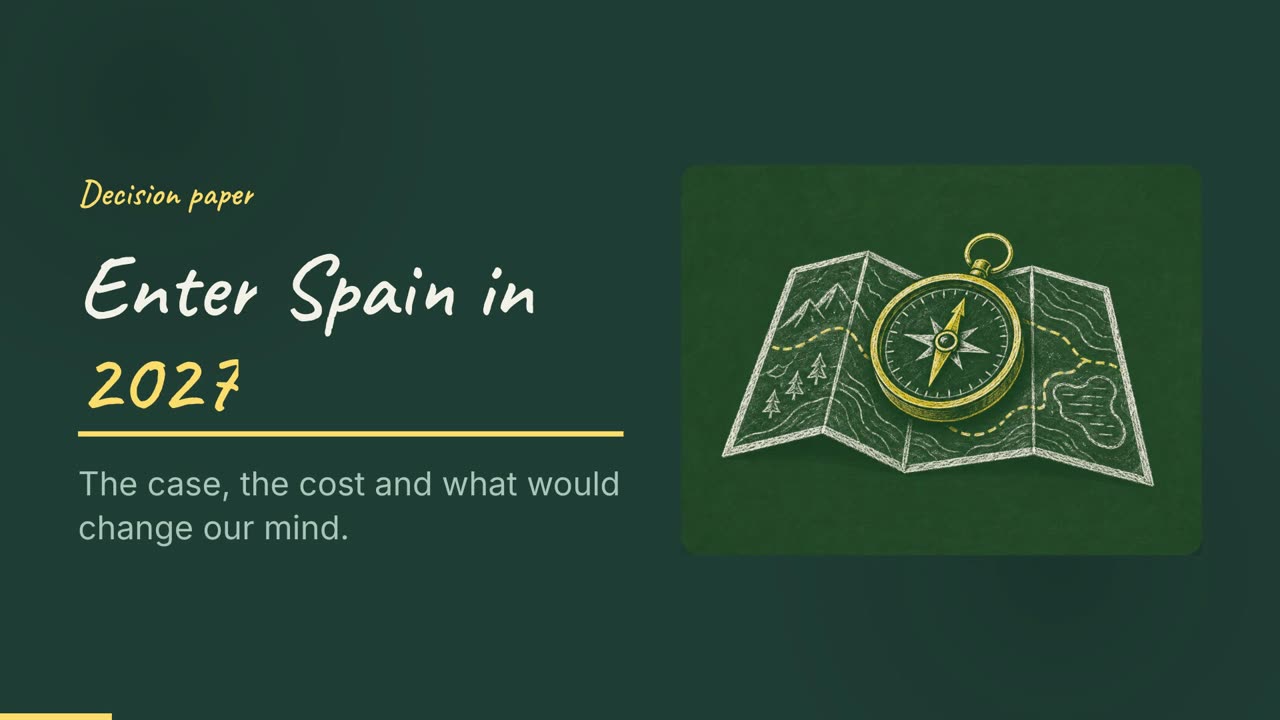
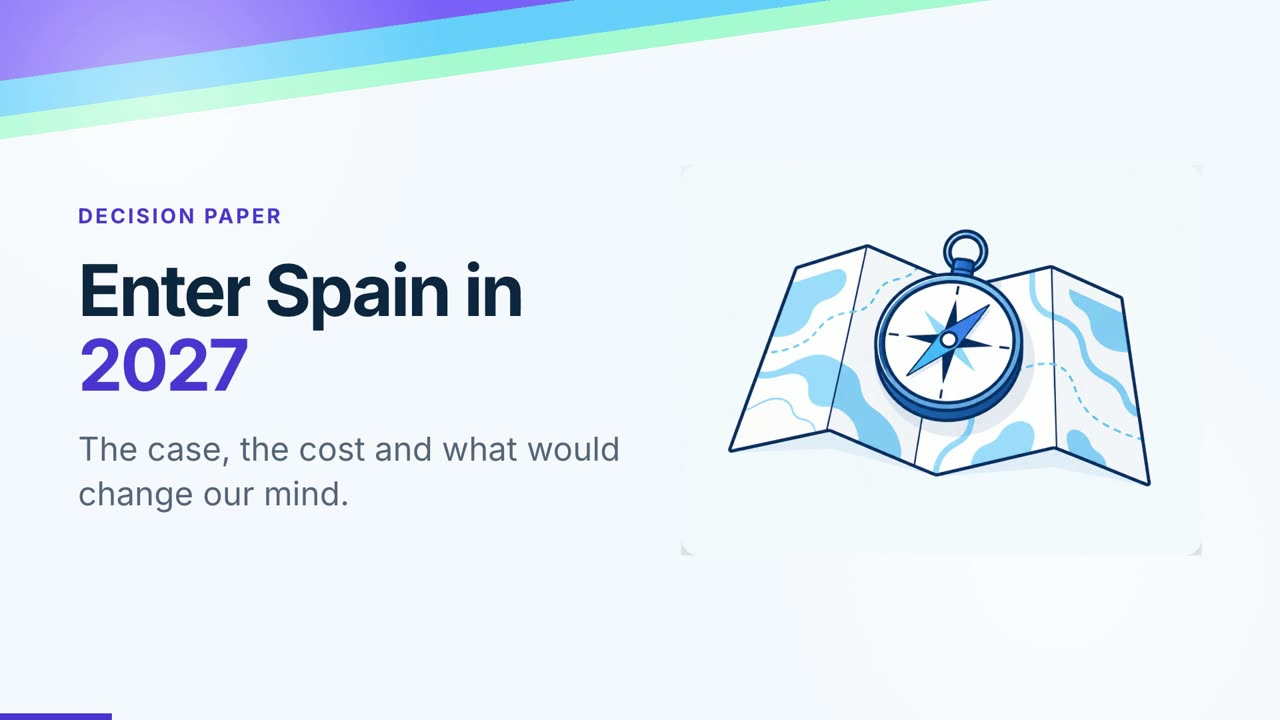
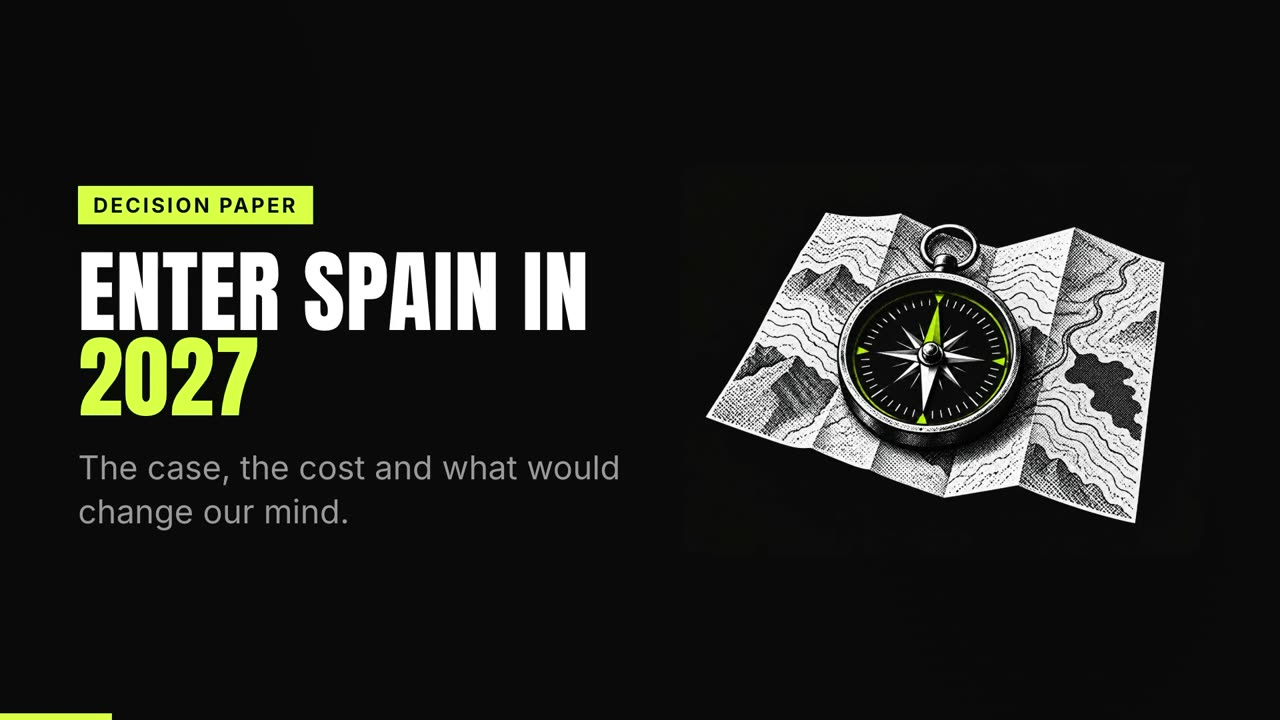
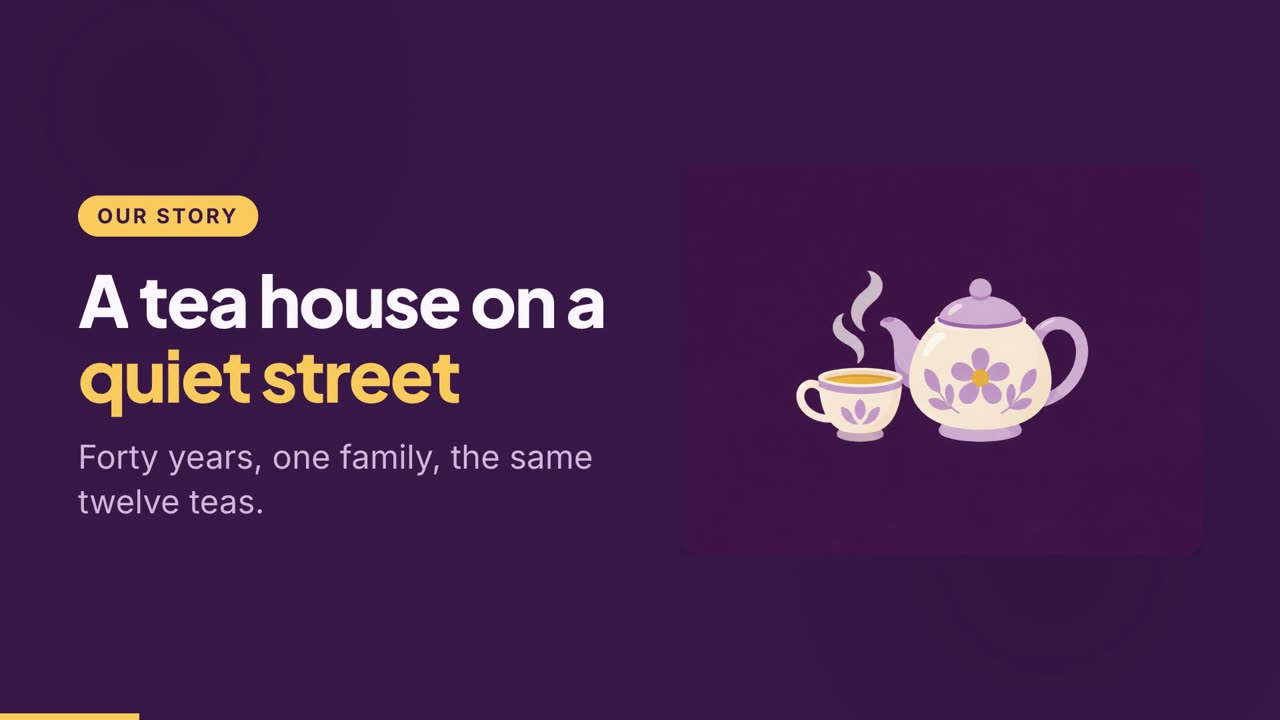
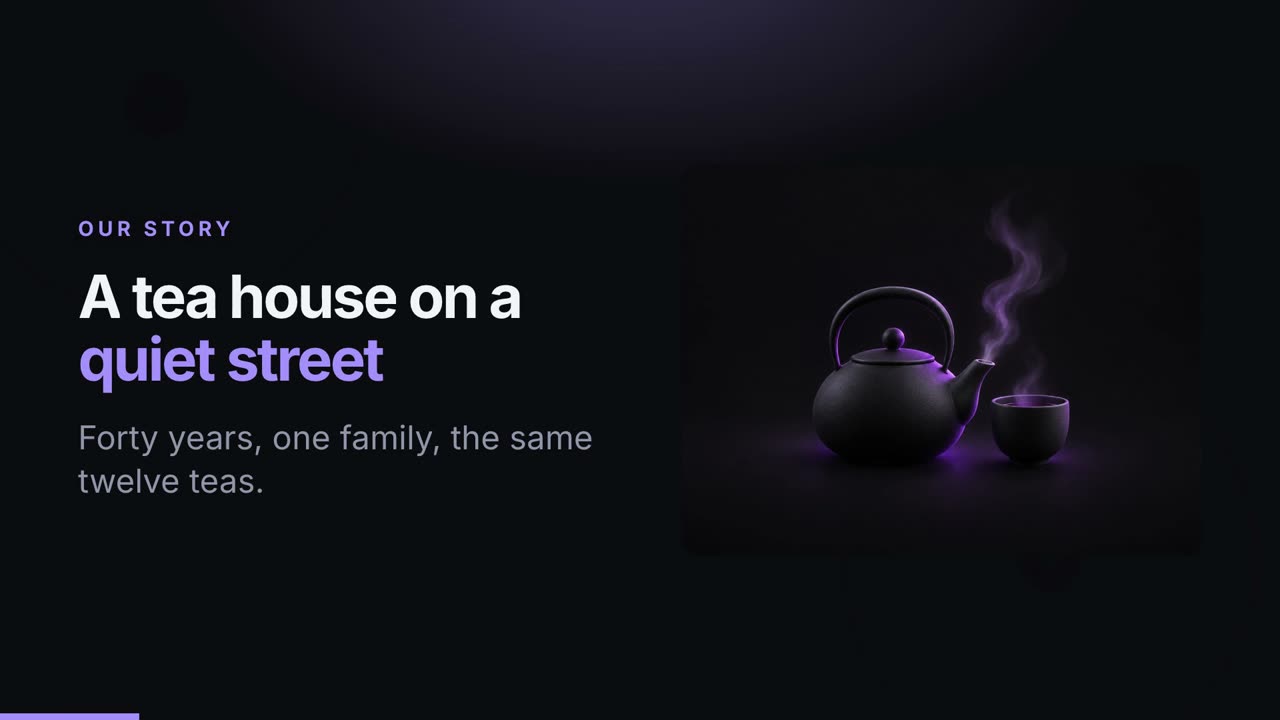
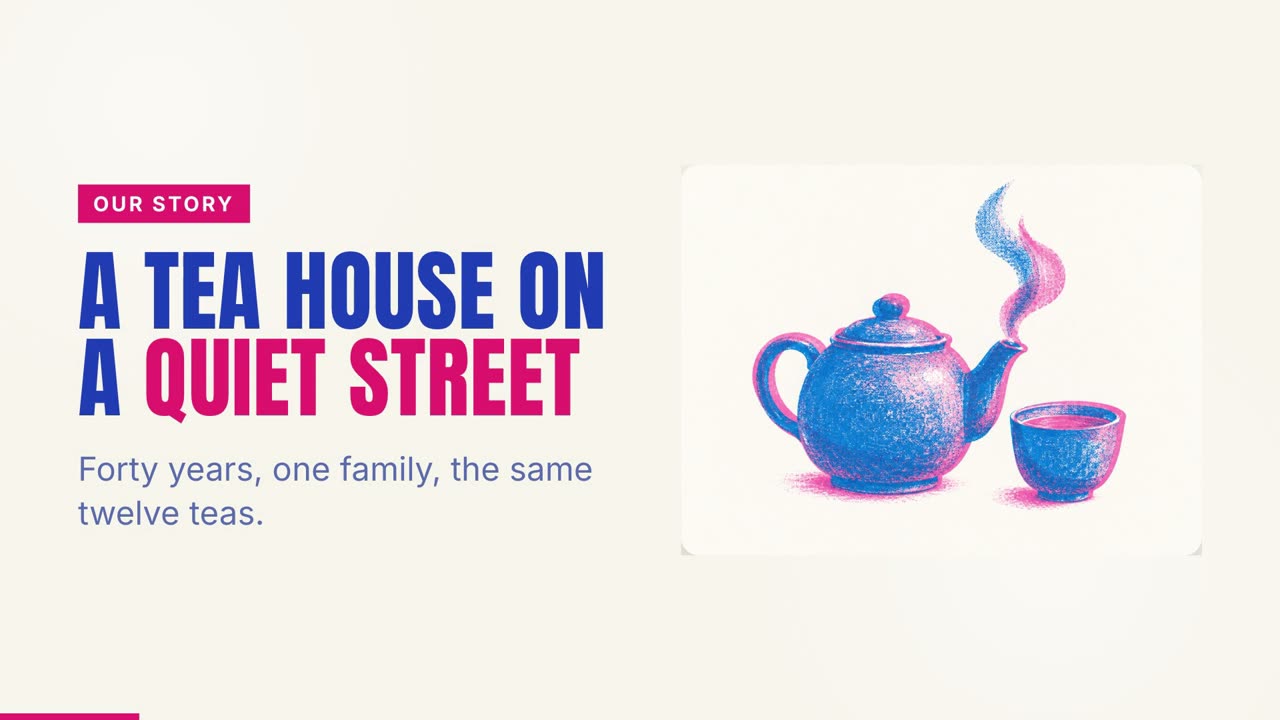


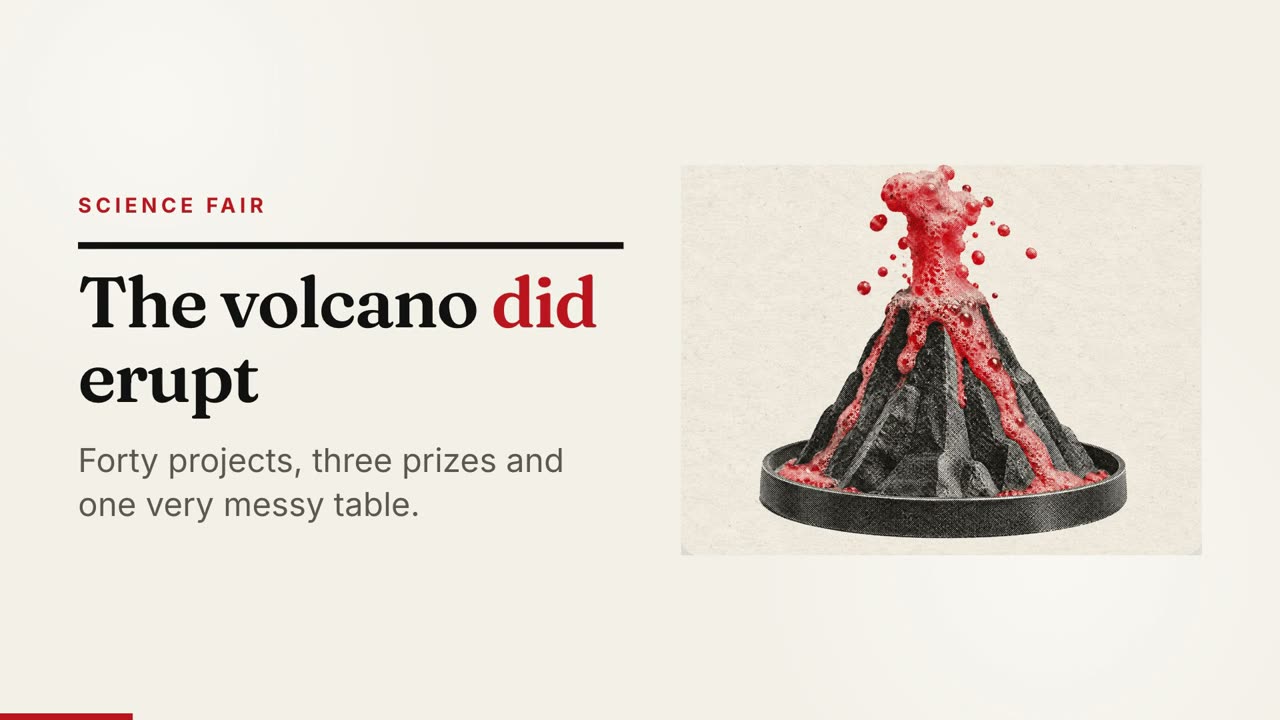
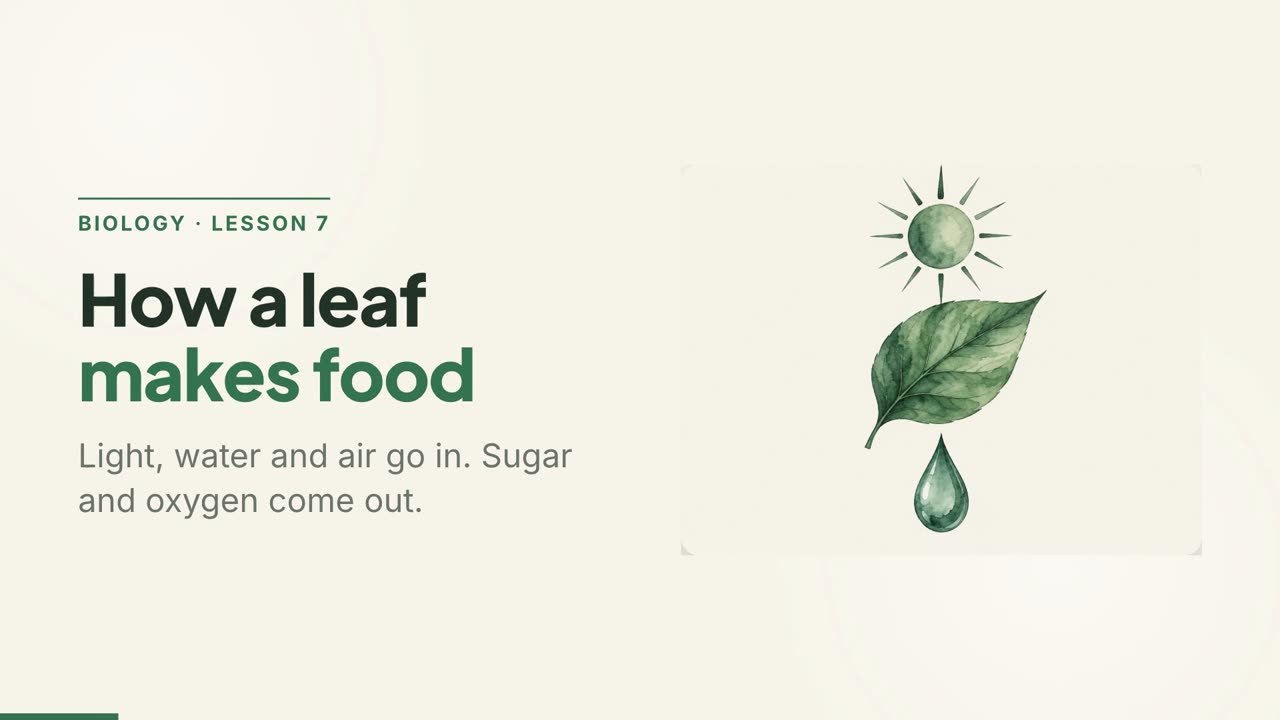
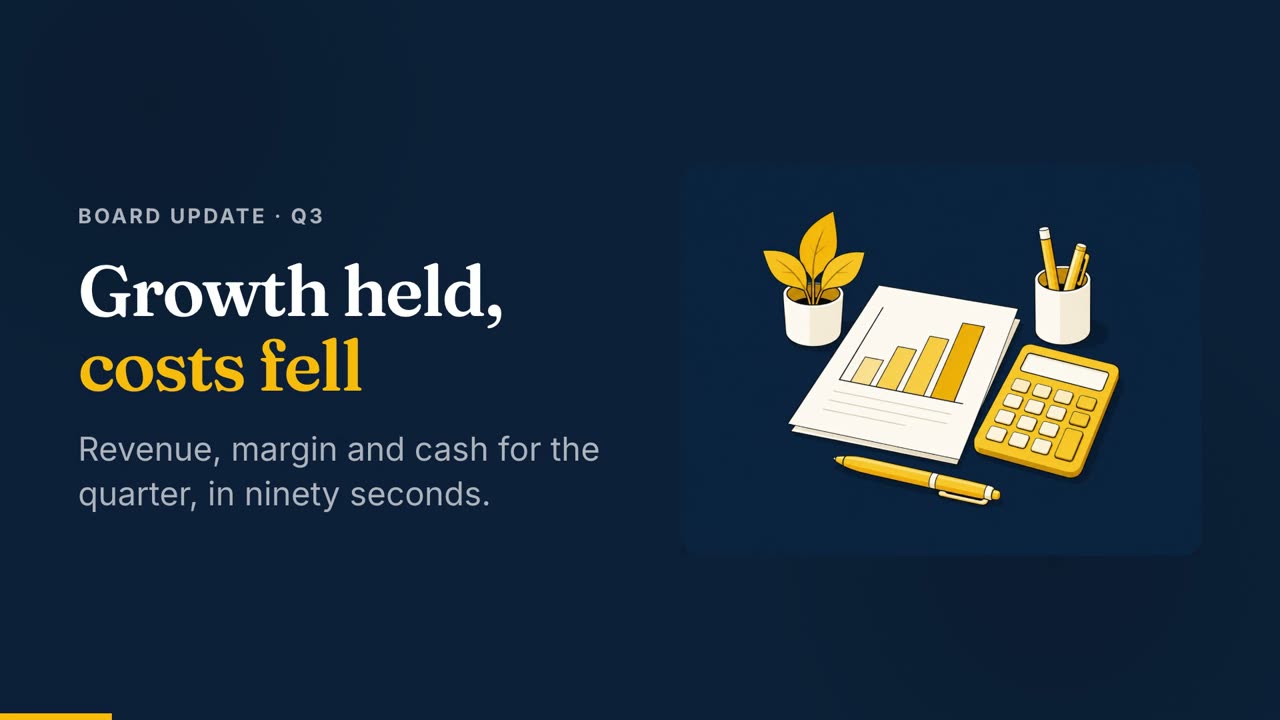
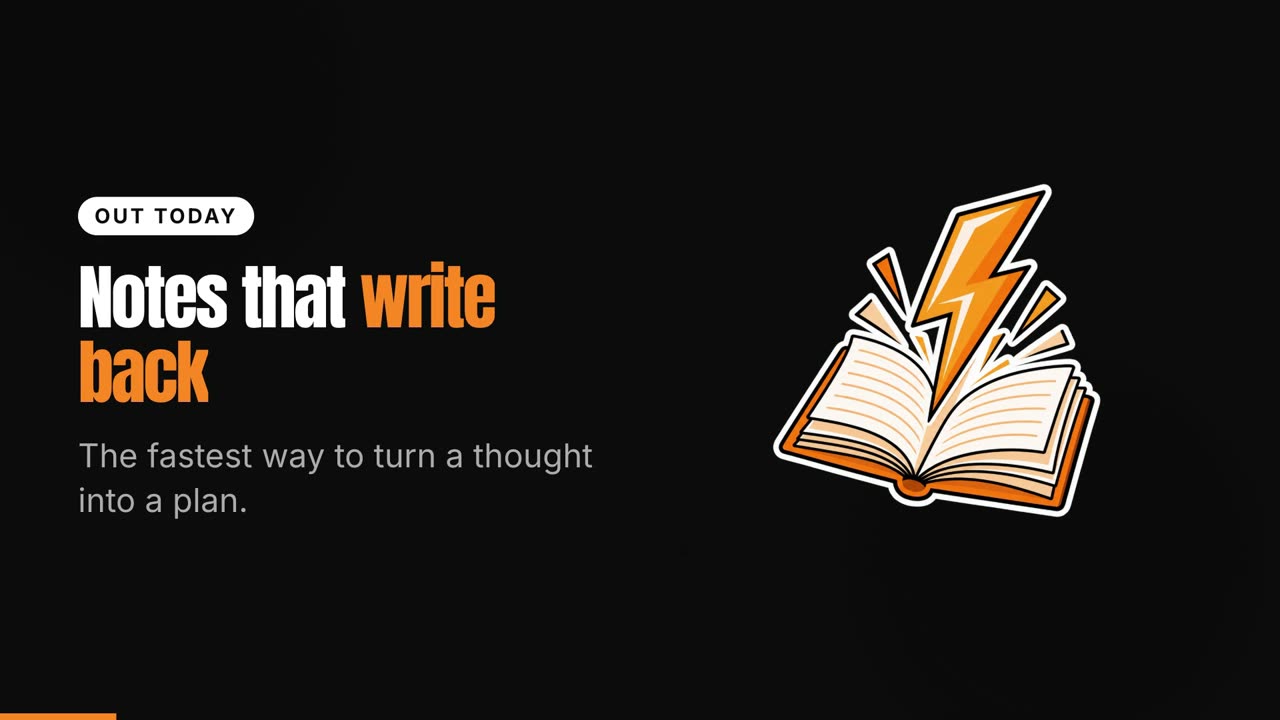
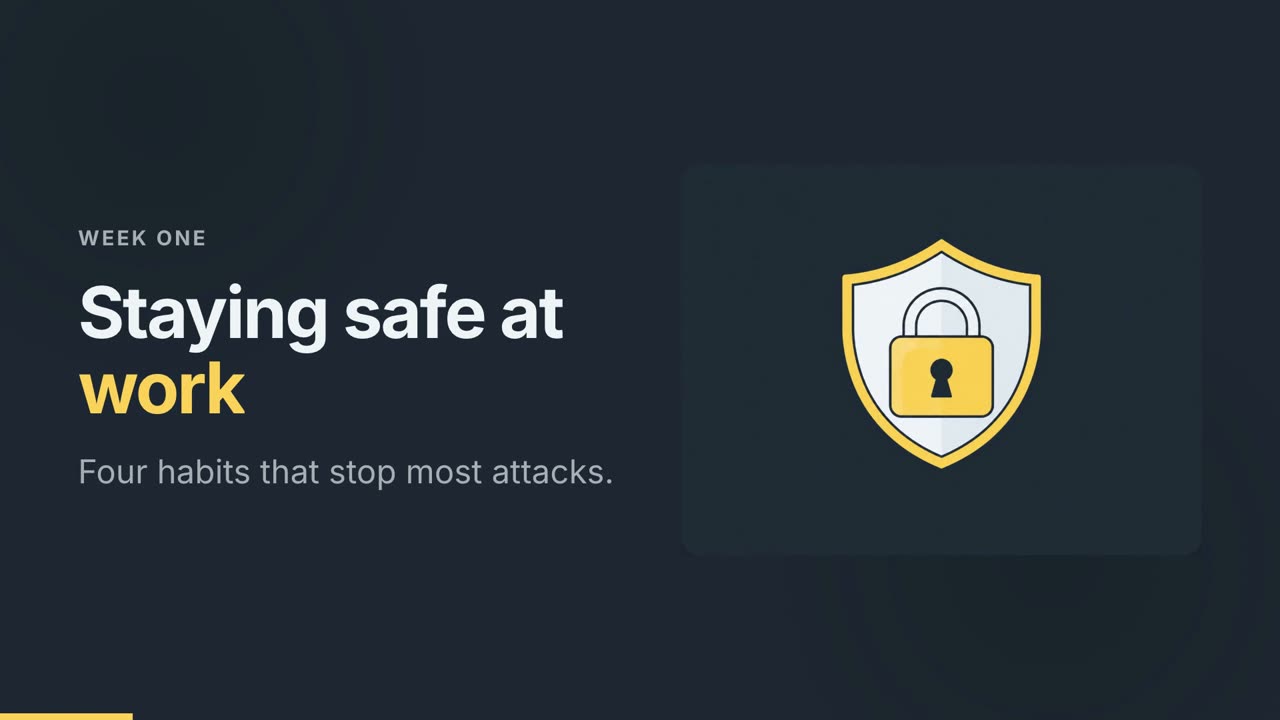

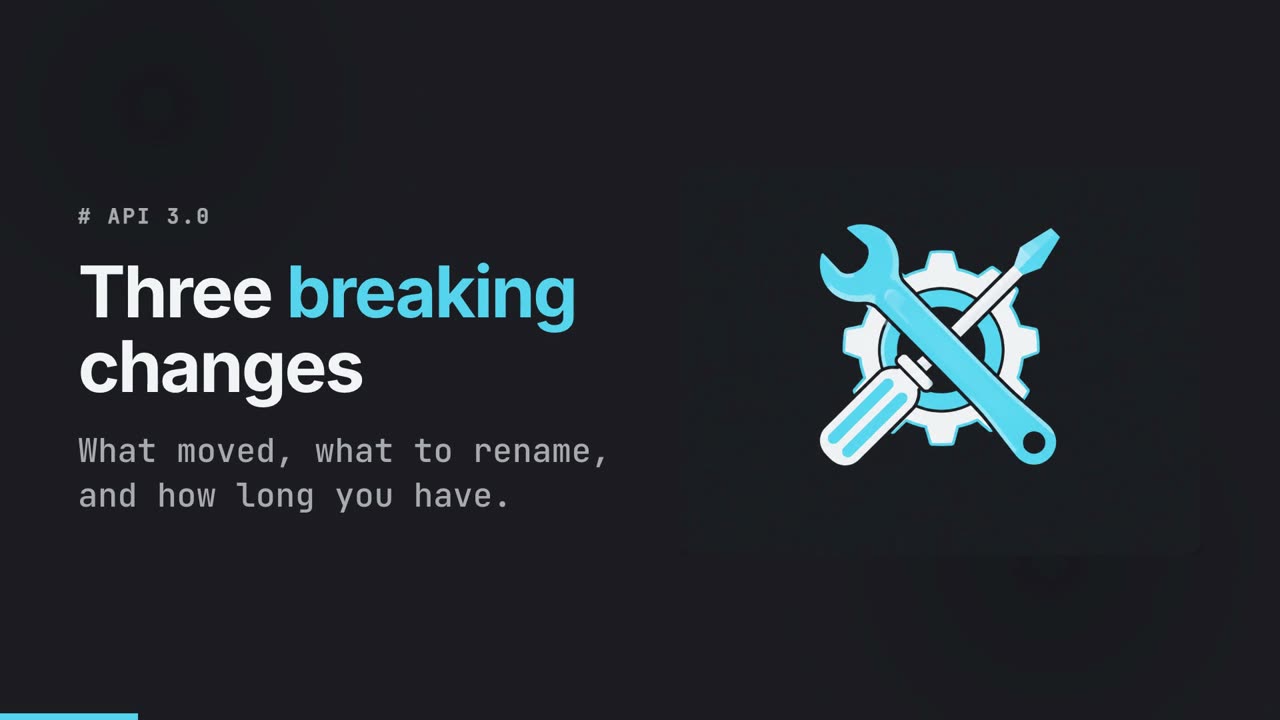

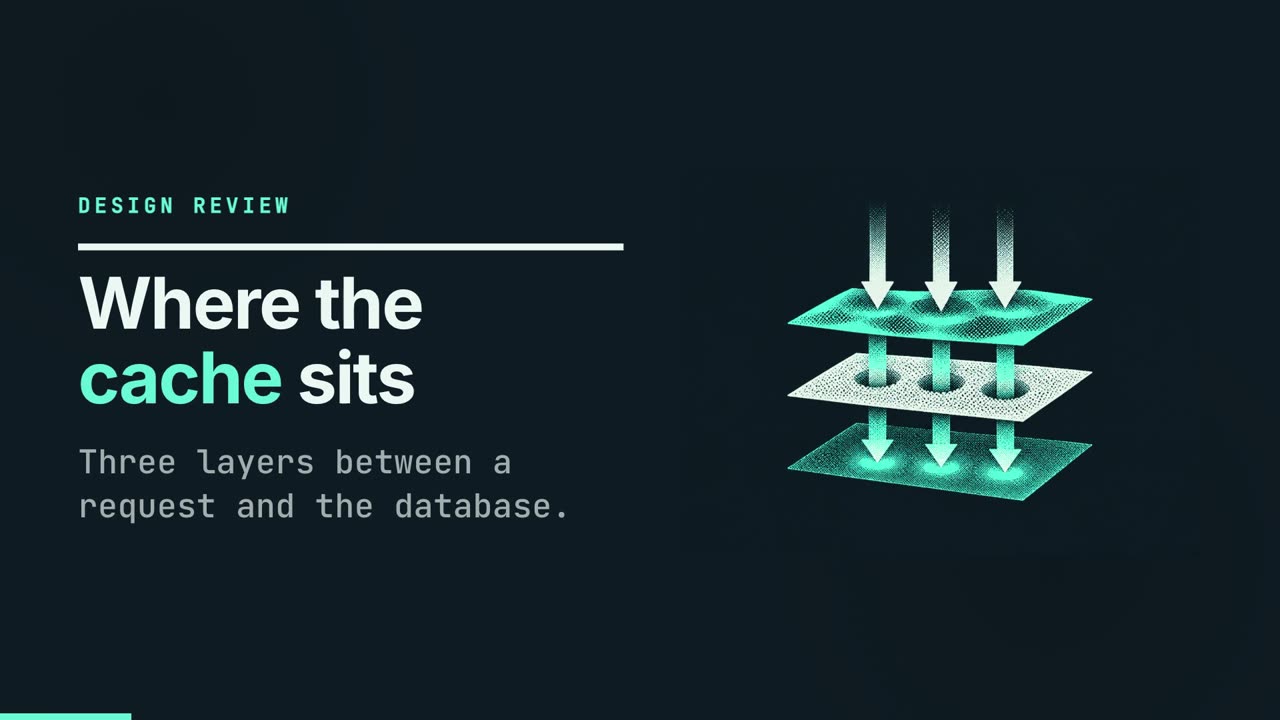

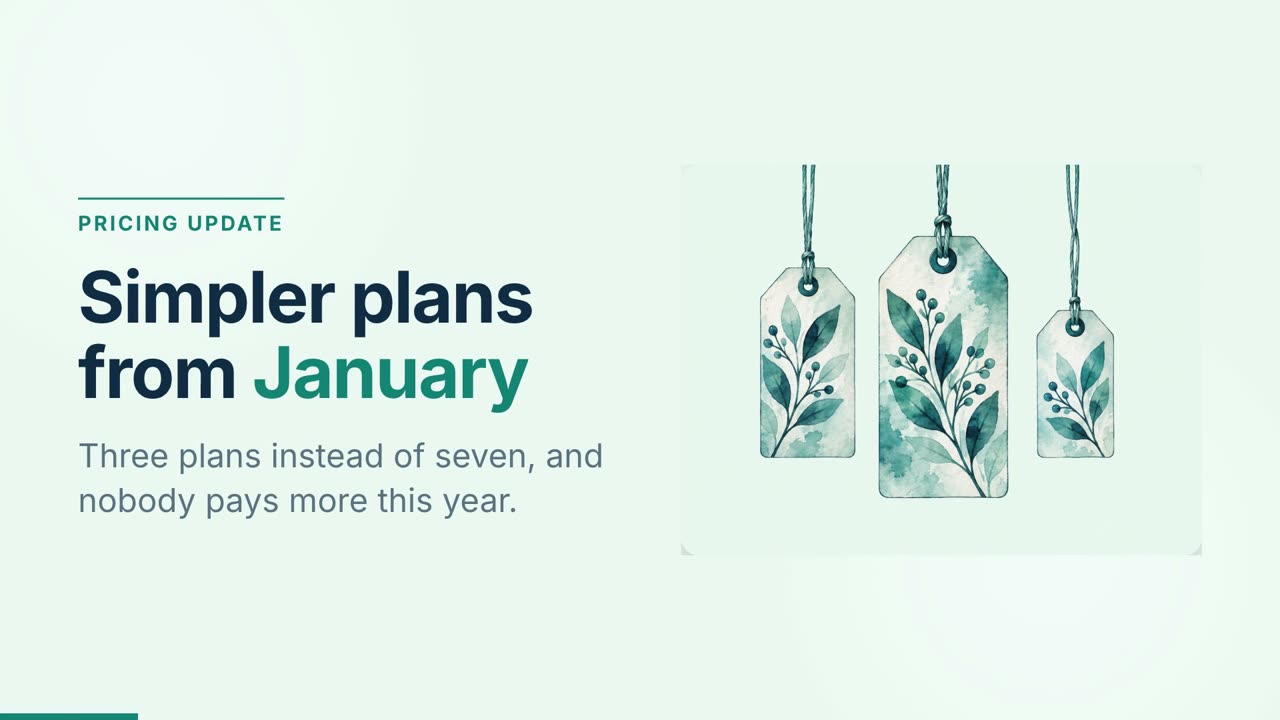
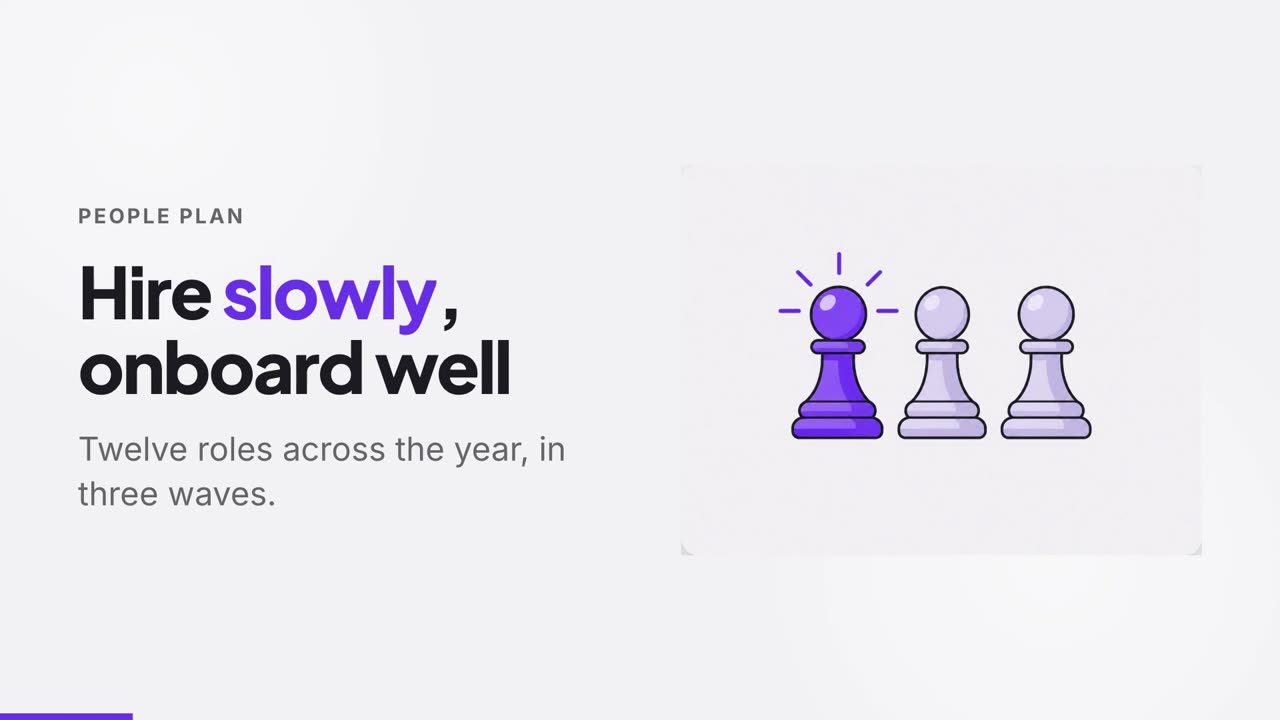
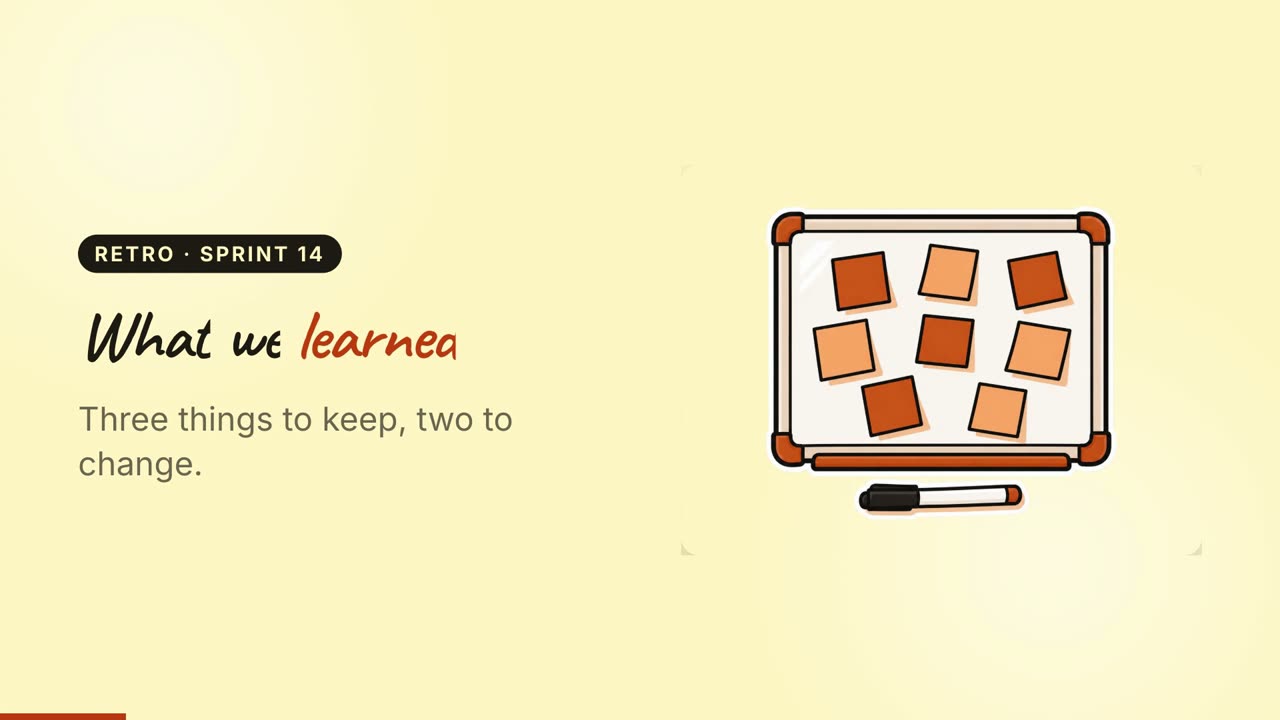

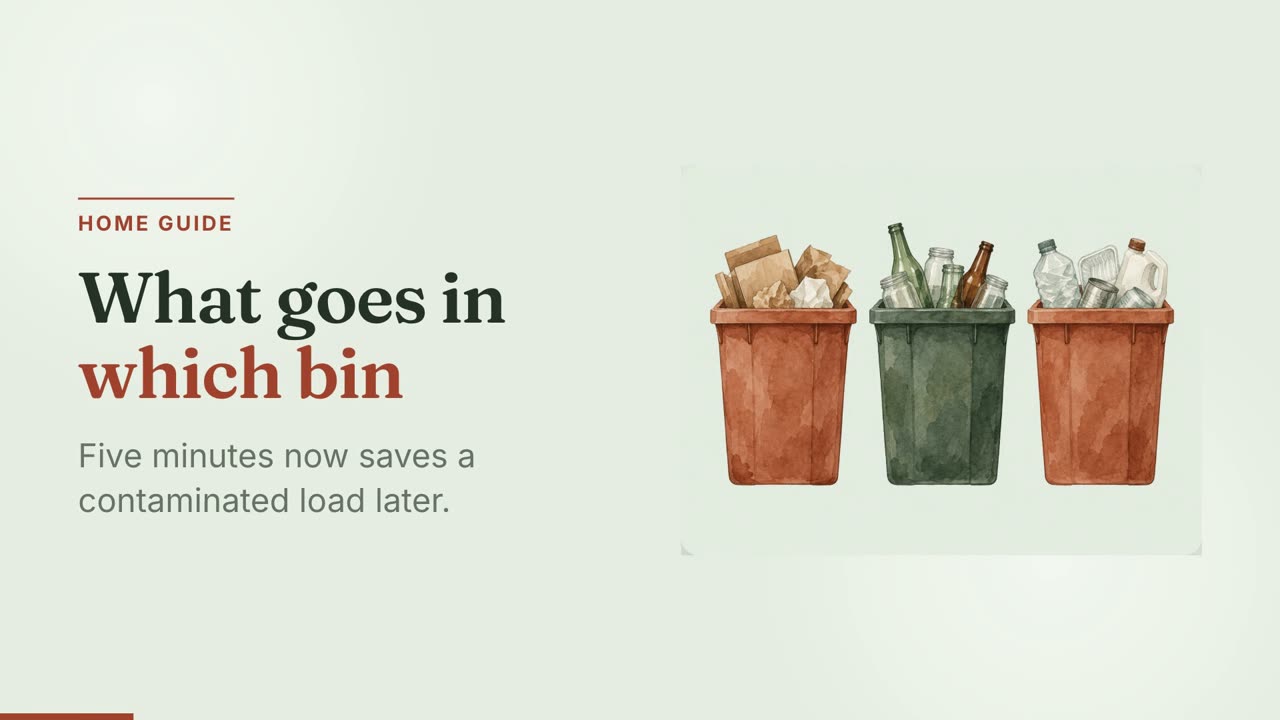
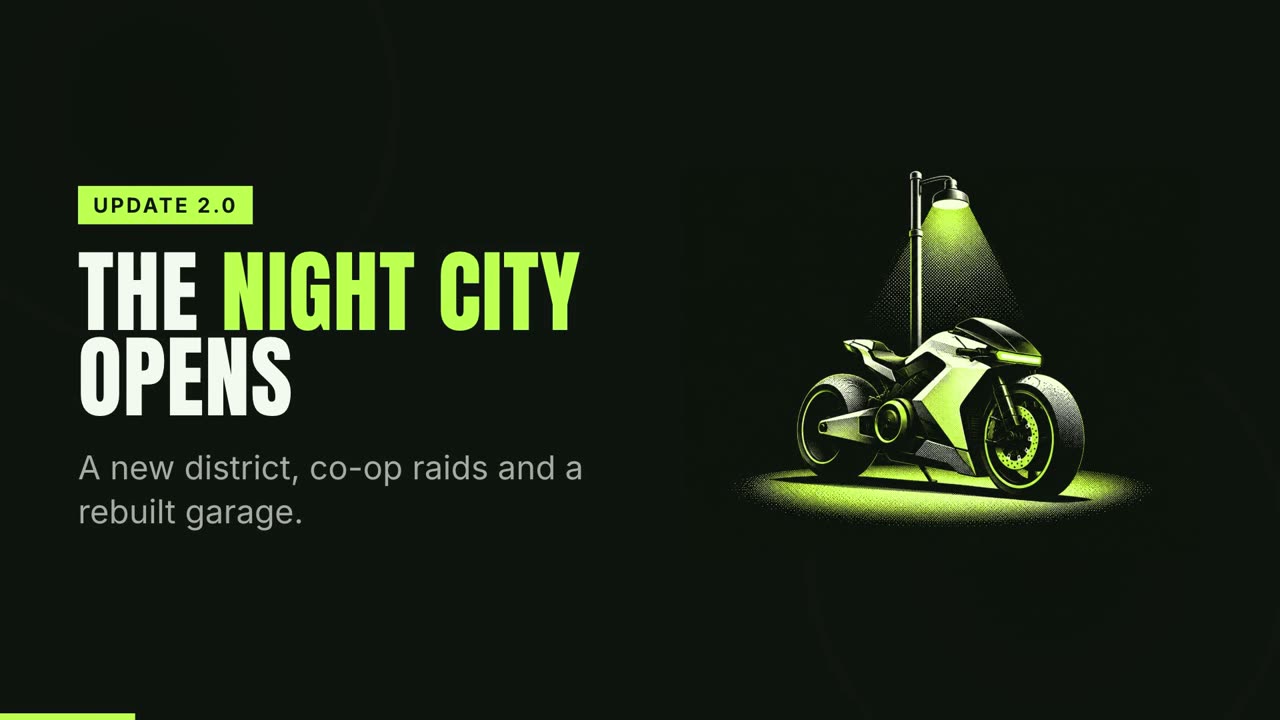

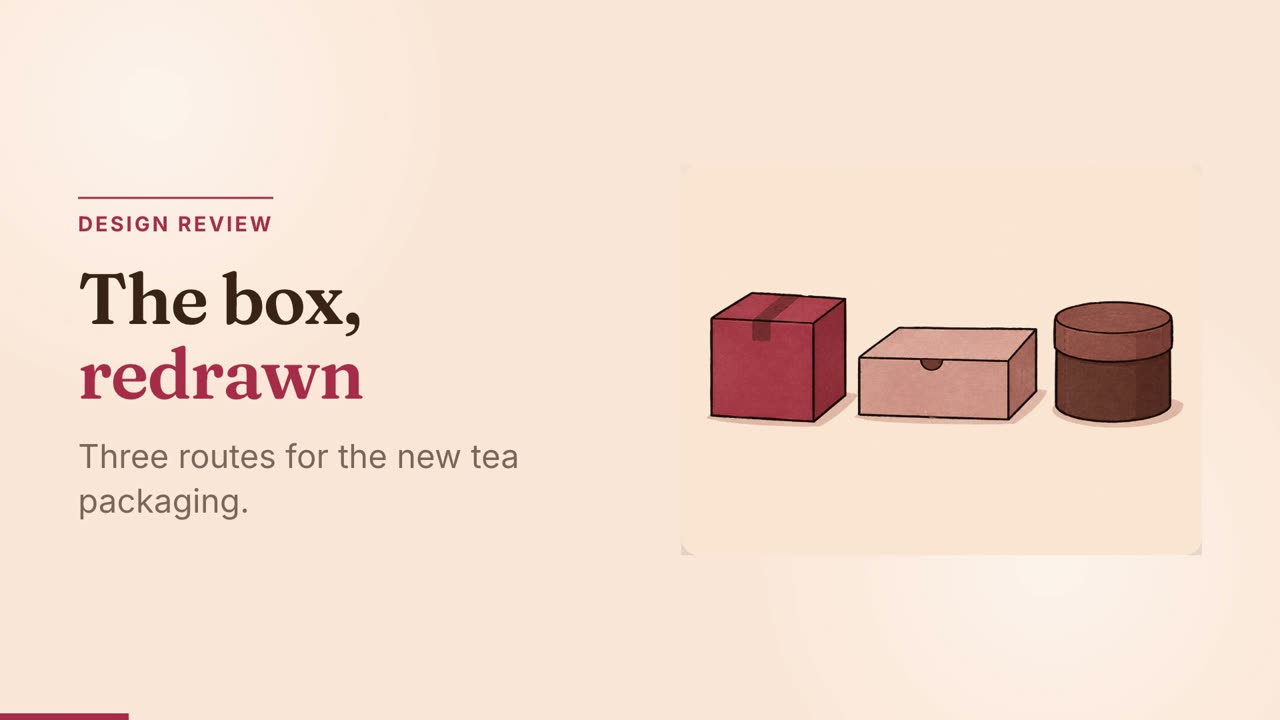
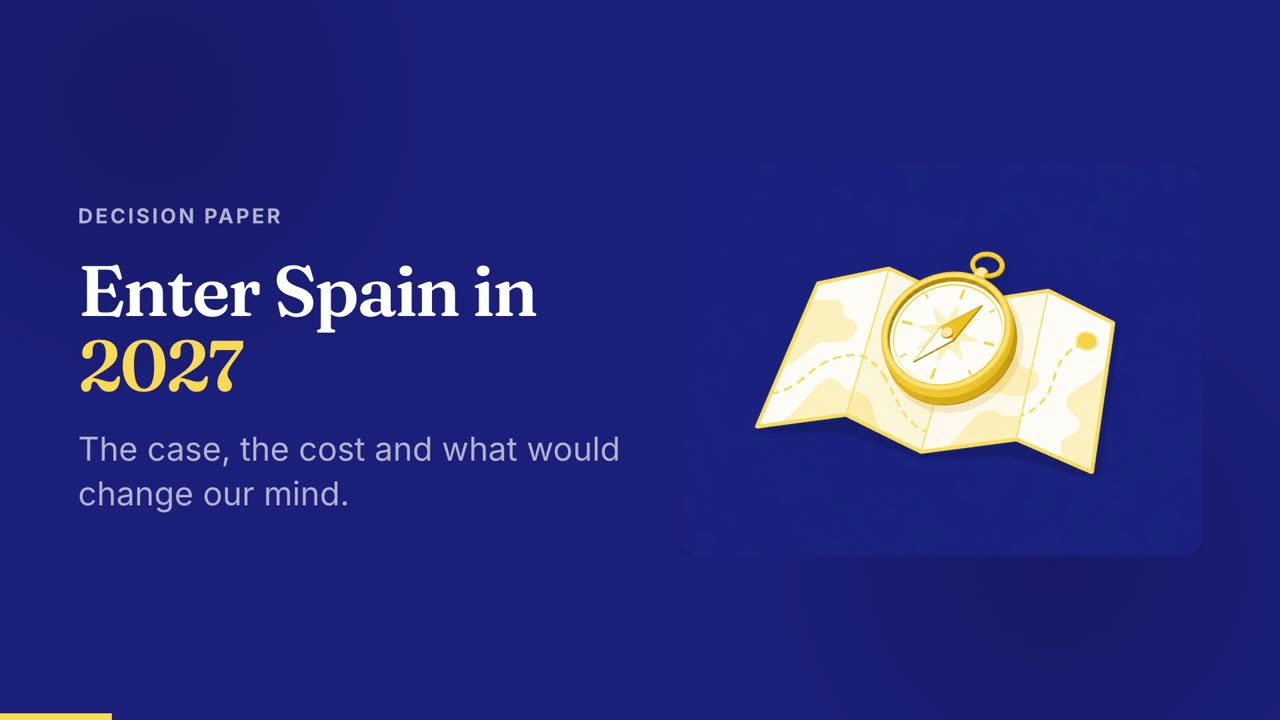
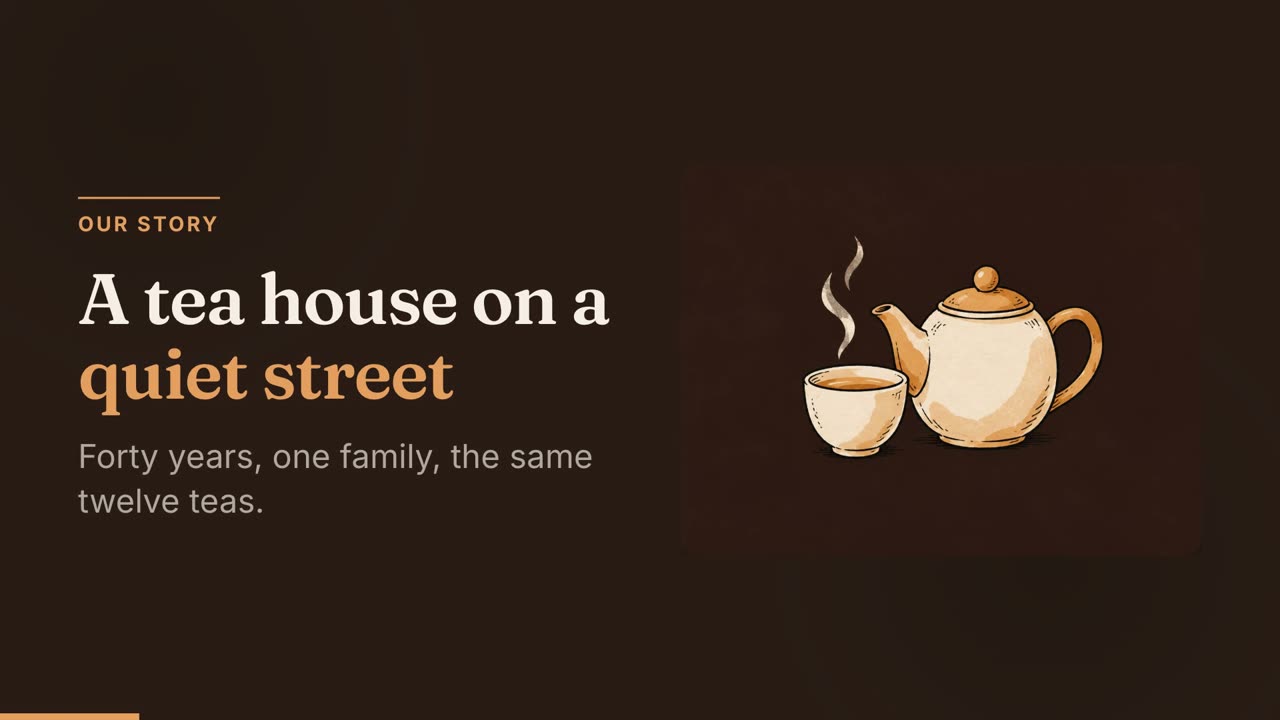
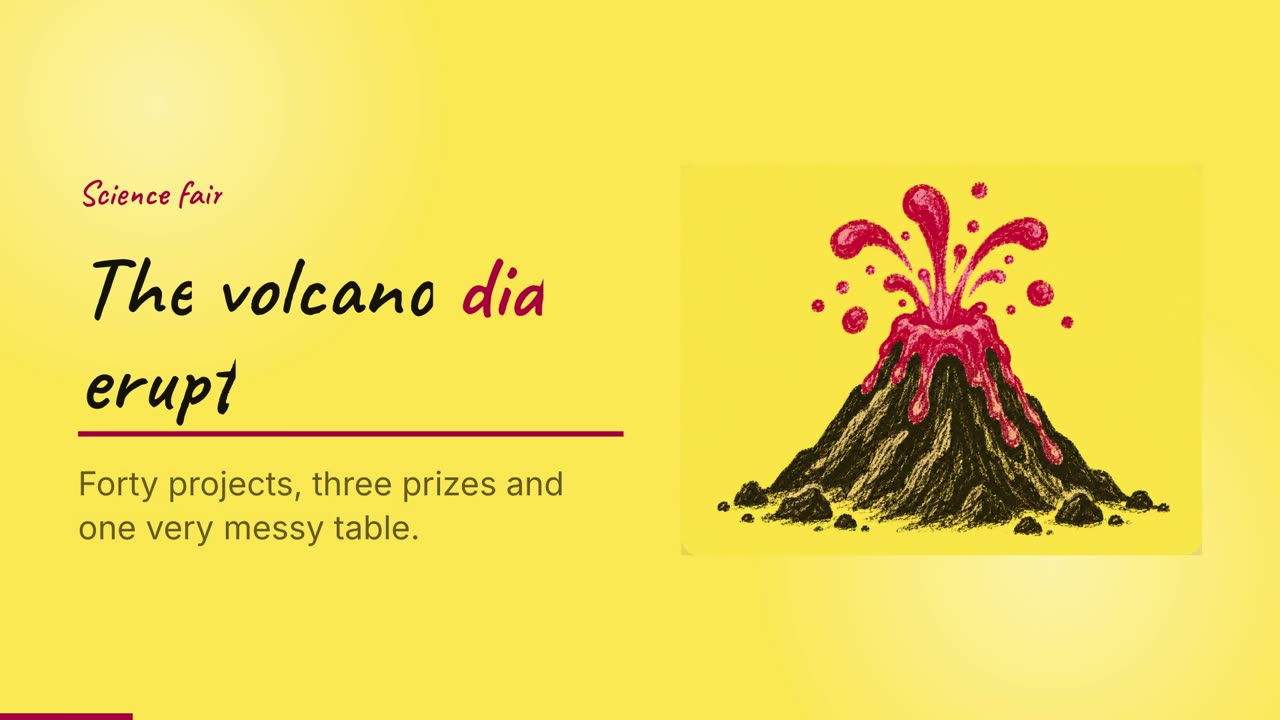
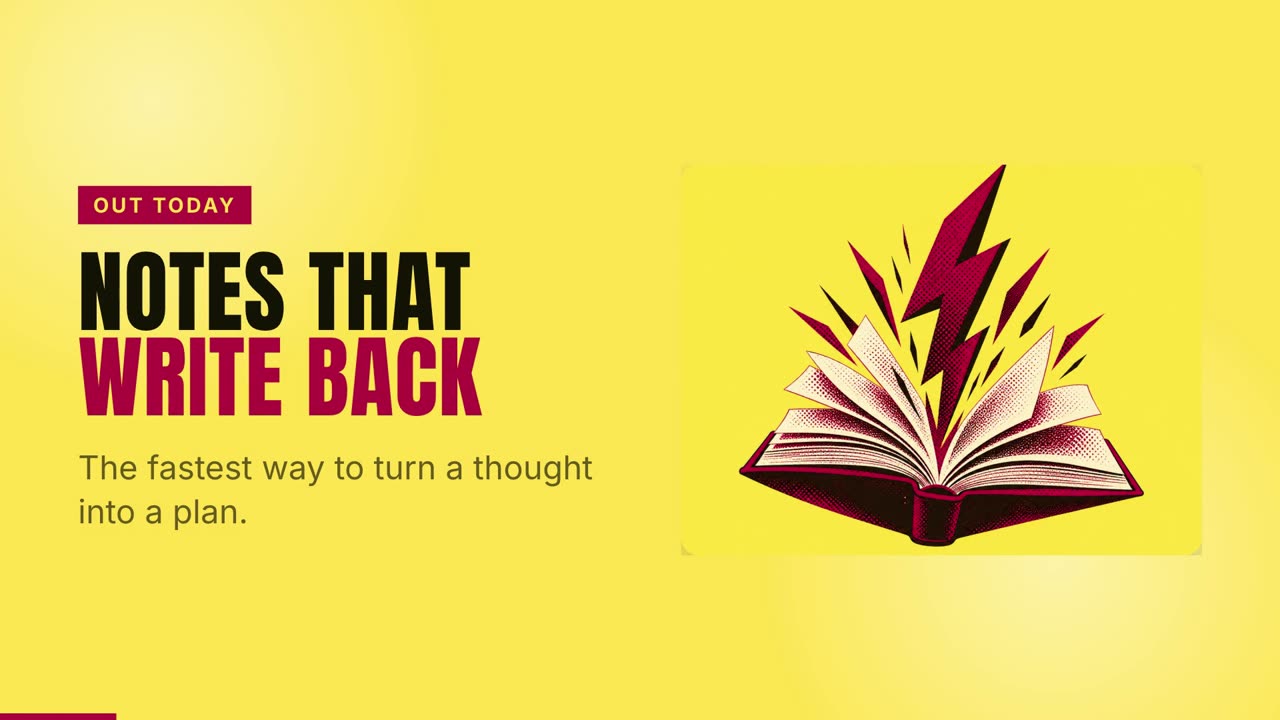

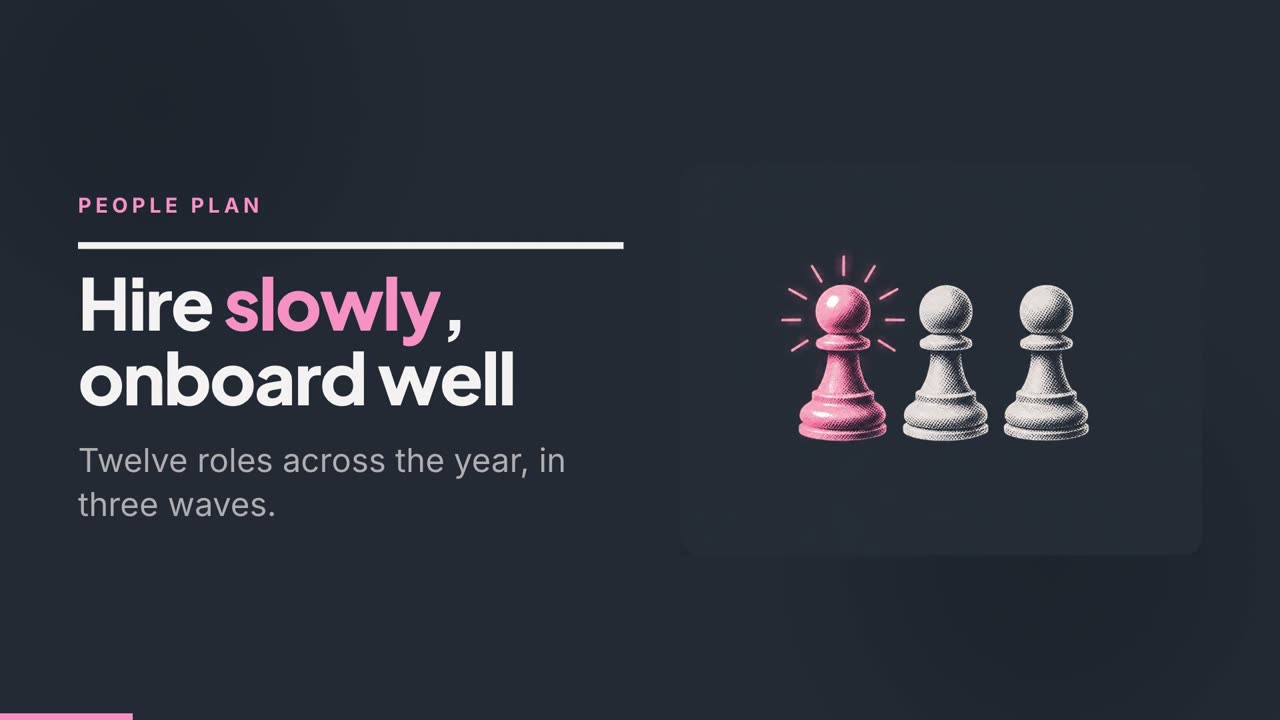
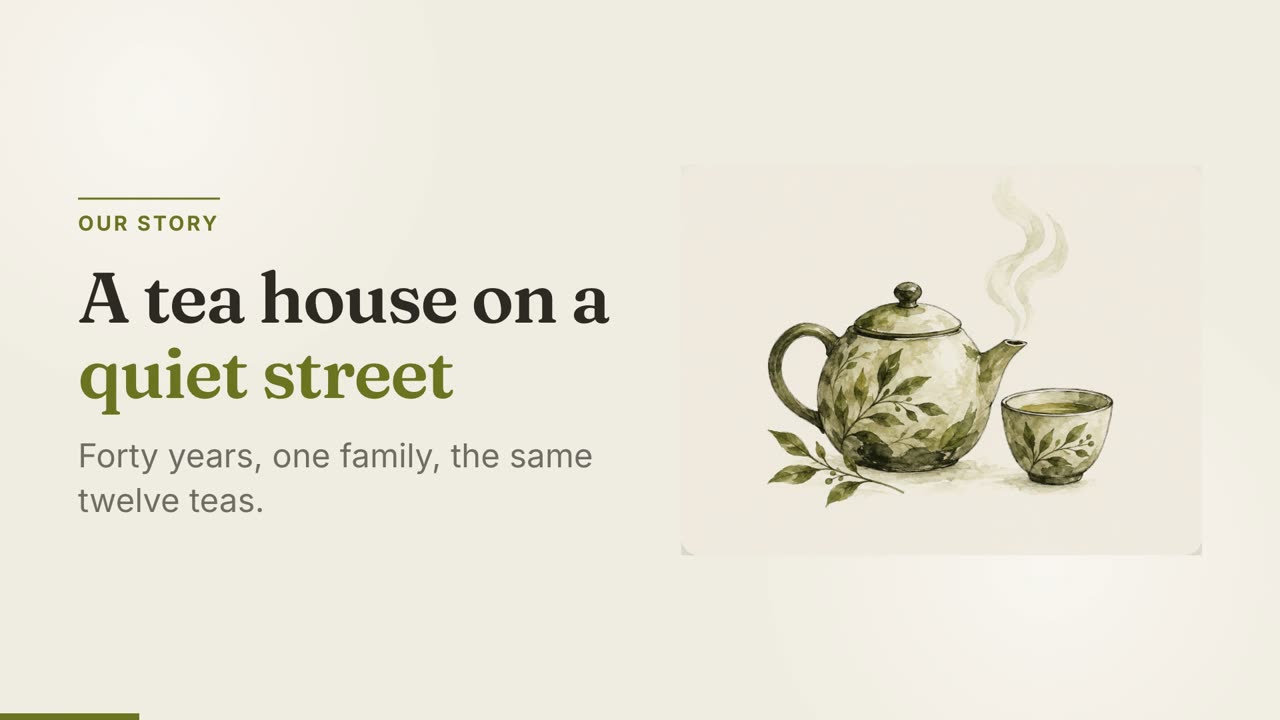
The same six scenes in every style





An example you can click through
The same content model also builds an interactive deck. This one is live in the page: change the chart, answer the quiz, drag the terms.
Questions
Are these made with Anthropic’s Claude Motion?
No. They were built with MotionKit on the open-source HyperFrames renderer, driven by a coding agent. They show the same kind of result: animation written as code.
Can I reuse these examples?
Subscribers get the source project for every example and can copy and rewrite it for their own content.
How long does one take to render?
About a minute for a 28-second 1080p clip on a recent laptop.
Related
- Claude Motion vs Runway, HeyGen and Canva
- How to make animations with Claude
- Turn a Claude artifact into a video
- A Remotion alternative for Claude Code
- A Motion Canvas alternative, driven by an agent
- An AI explainer video generator for people with something real to explain
- Open-source motion skills for Claude Code and Codex
MotionKit is an independent product and is not affiliated with Anthropic, HeyGen, Runway, Canva, Remotion or Motion Canvas. Product names belong to their owners and are used only to describe and compare.
Make your first motion video tonight
One command, then hand your agent a document.