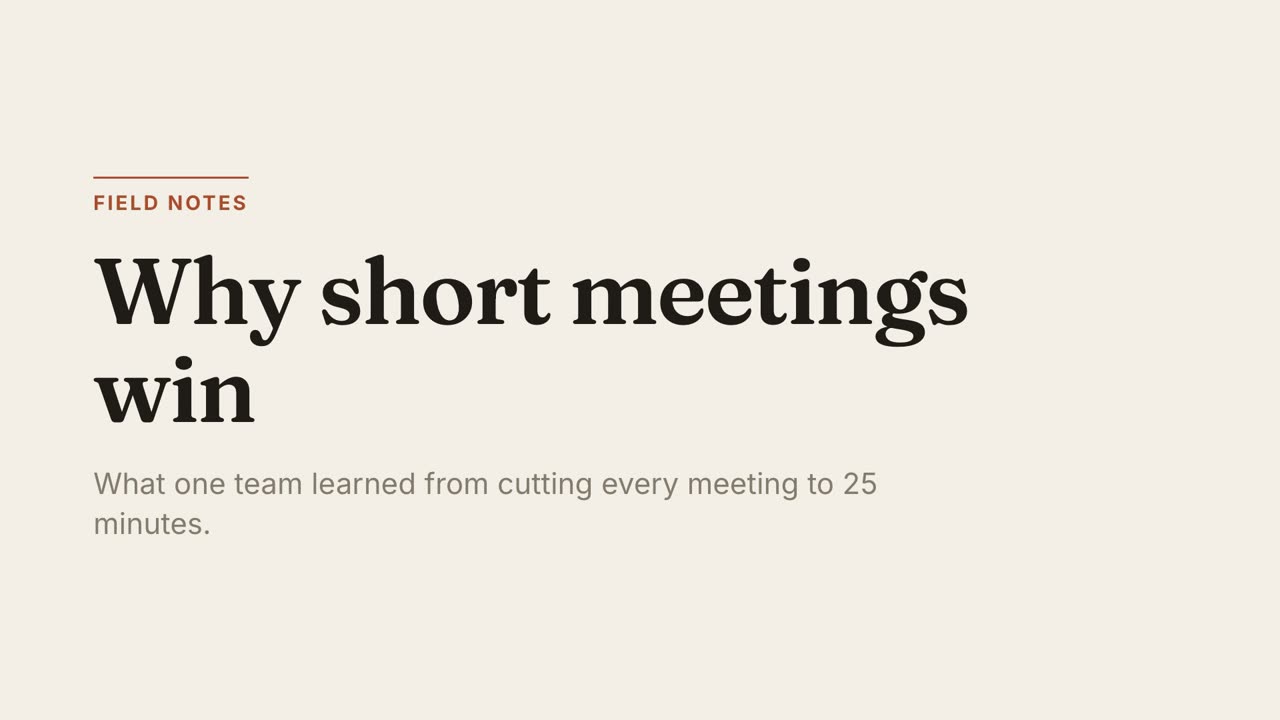
Paper Editorial
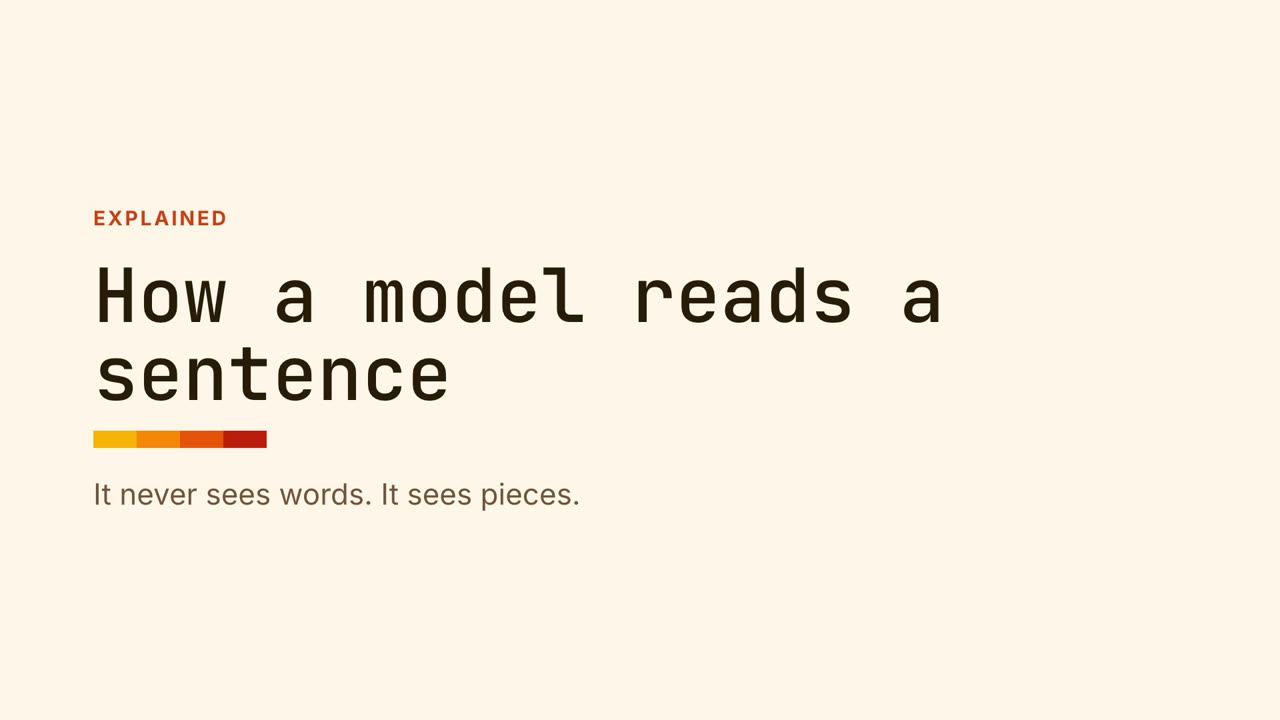
Essays, explainers, thought piecesWarm paper, a serif headline and one rust accent. Unhurried, like a magazine feature.
You already have the content in a PDF or a slide deck. The job is to turn the important parts into something people will watch.
Coding agents such as Claude Code read PDFs directly. The agent picks the main claim, the figures worth showing and a closing point, and shows you a storyboard before building anything. For a long PDF it tells you what it plans to leave out.
If your agent cannot open a .pptx directly, it extracts the text and speaker notes first. One slide usually becomes one or two scenes. Dense slides are split.
Scanned PDFs that are only images need text recognition first. Tables are read as text, so check that figures were picked up correctly at the storyboard stage: that is what it is for.






No, and it should not. A good explainer keeps the few points that matter. The storyboard shows what was kept and dropped.
No. Your agent reads it on your computer.
The same content file exports to PowerPoint, so a video and a deck can come from one source.
MotionKit is an independent product and is not affiliated with Anthropic, HeyGen, Runway, Canva, Remotion or Motion Canvas. Product names belong to their owners and are used only to describe and compare.
One command, then hand your agent a document.