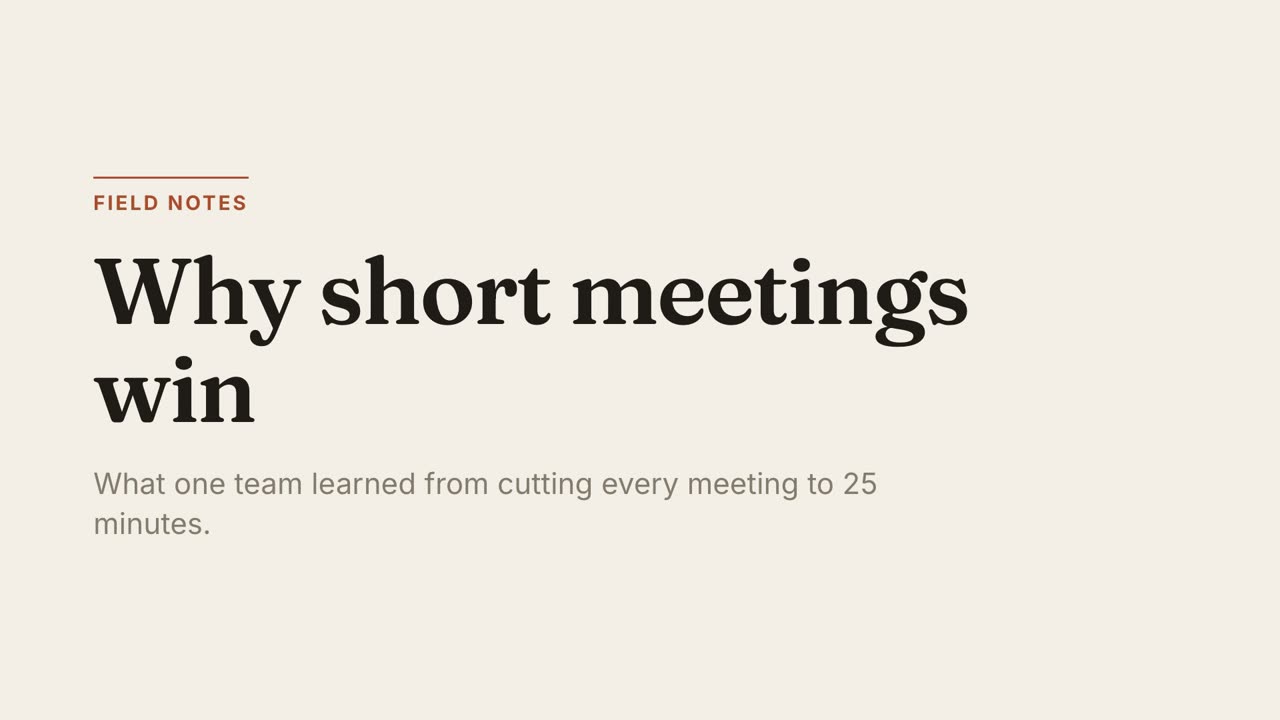
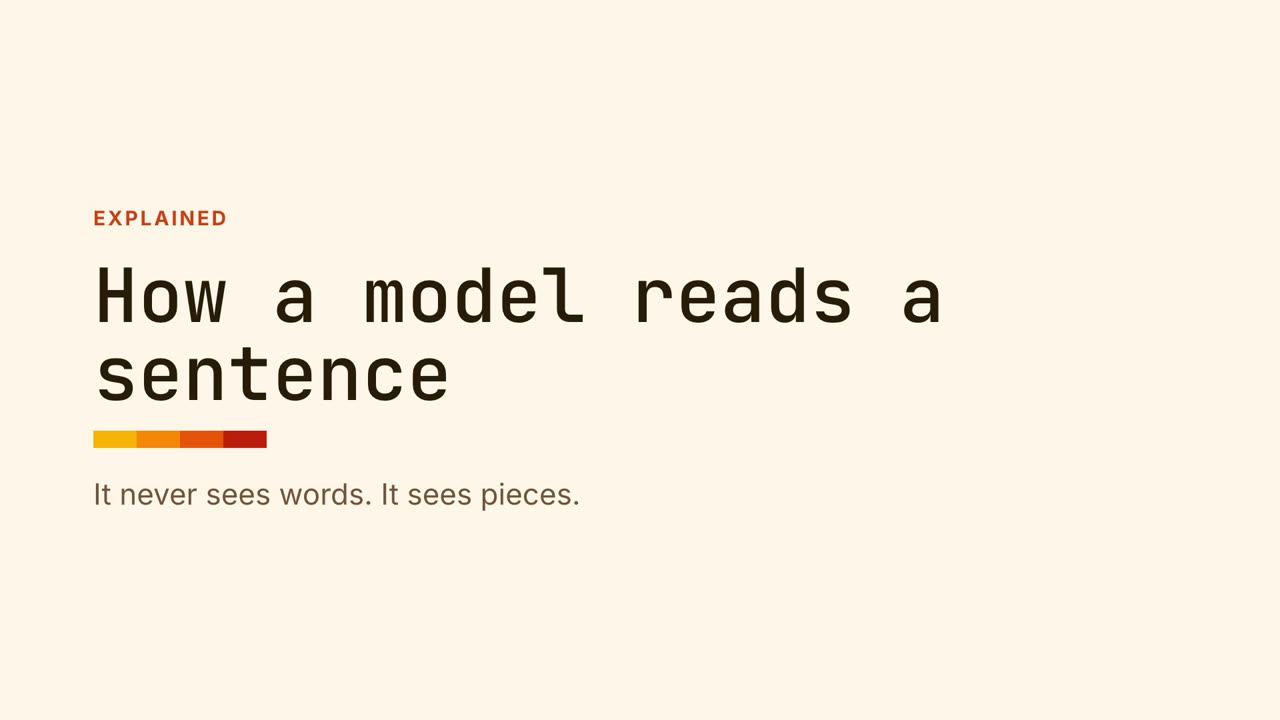
Paper Editorial
Essays, explainers, thought piecesWarm paper, a serif headline and one rust accent. Unhurried, like a magazine feature.
Claude can write animation in several ways. Which one fits depends on whether you need a video file and which plan you are on.
On any plan you can ask Claude in chat for an animated HTML or SVG artifact. It appears beside the conversation and plays in the browser. Good for a quick visual. The limit: it is a web page, not a video file, and there is no timeline.
Motion is Anthropic’s beta feature for Team and Enterprise that produces an editable animated explainer and exports MP4, inside Claude.
Claude Code, included with Pro and Max, can write a full animation as an HTML file with a timeline. An open-source renderer such as HyperFrames then captures it frame by frame into an MP4 on your computer.
This is the route MotionKit packages: instead of prompting from a blank page, the agent starts from a finished style and a workflow that keeps your numbers exact.
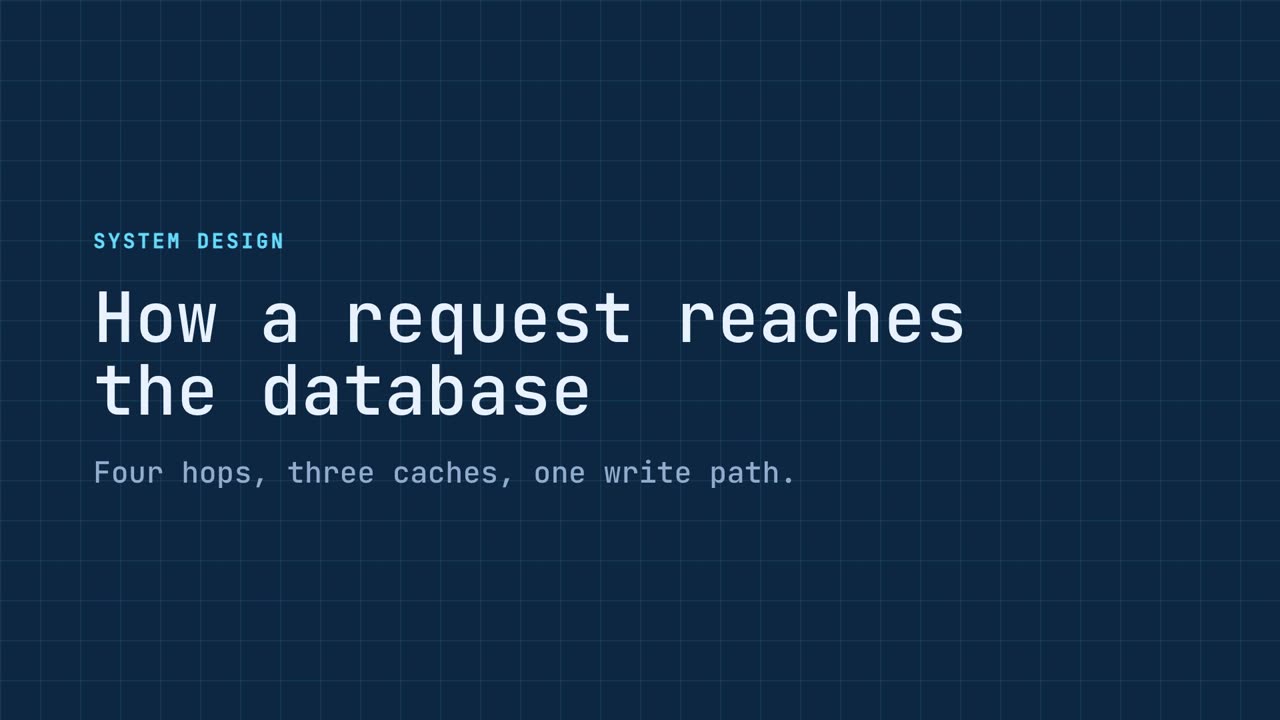




Yes. In chat it can write animated HTML or SVG artifacts. In Team and Enterprise workspaces the Motion beta makes editable animated explainers. With Claude Code it can write compositions that render to MP4.
The Motion beta can, on plans that have it. Claude Code can with a local renderer such as HyperFrames. A chat artifact on its own cannot.
Artifacts work on every plan. Motion needs Team or Enterprise. Claude Code comes with Pro and Max.
MotionKit is an independent product and is not affiliated with Anthropic, HeyGen, Runway, Canva, Remotion or Motion Canvas. Product names belong to their owners and are used only to describe and compare.
One command, then hand your agent a document.