
Paper Editorial
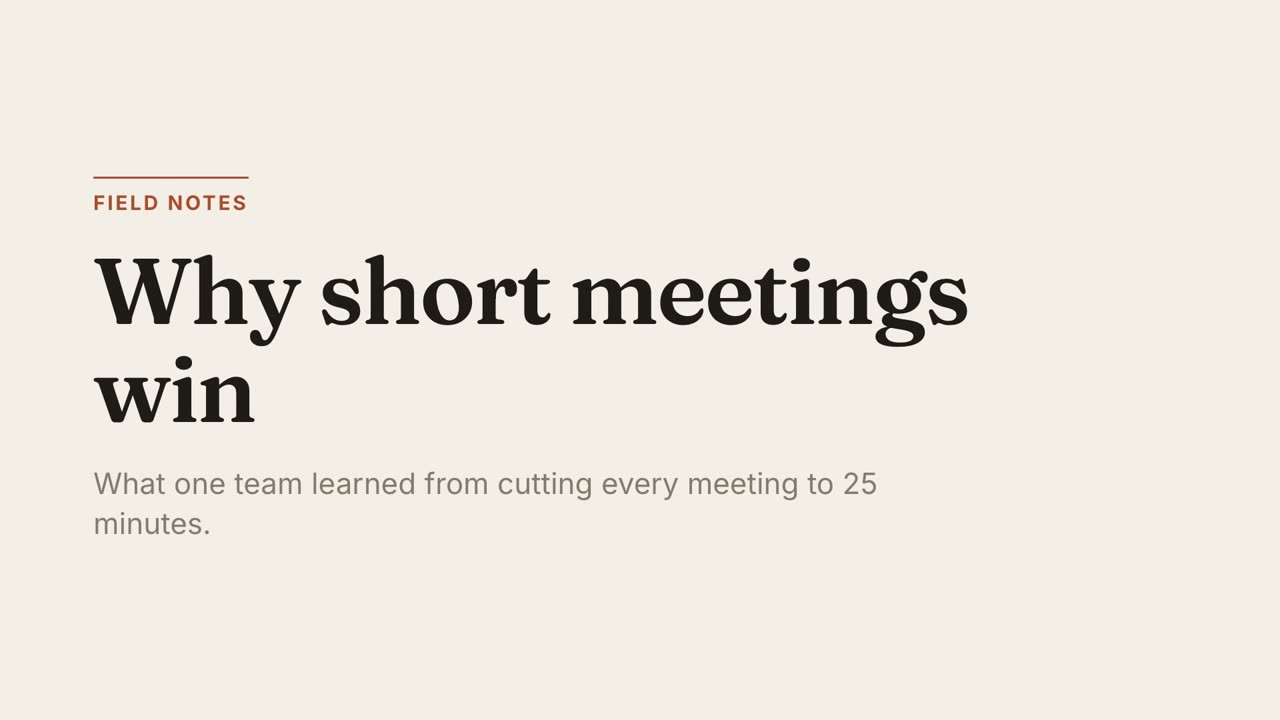
Essays, explainers, thought piecesWarm paper, a serif headline and one rust accent. Unhurried, like a magazine feature.
Anthropic's Motion beta is limited to Team and Enterprise. MotionKit brings code-driven animated explainers, interactive decks and PowerPoint to everyone on Free, Pro and Max. Deliver directly on the web with Claude Artifacts, or render locally with Claude Code and Cursor.
Independent product. Not affiliated with Anthropic.
All of it is real output: the launch film is cut from the example videos below and rendered with HyperFrames the same way, the showreel is cut from example projects in the pack, and each style tab plays its full 28-second example. All 37 styles are in the gallery below. Sample data.
No steep learning curve. Paste into Claude Web Artifacts for instant interactive animation, or hand a document to Claude Code or Cursor to batch render 1080p MP4 on your machine.
Works with Claude Web (Artifacts) · Claude Code · Codex · Cursor · OpenCode · Antigravity · Kimi
npx -y motionkit-skills@latest setupThe chat above is an illustration of the workflow, not a recording.
A report, a script, lesson notes or a changelog. The agent reads all of it and keeps numbers exactly as written.
You see every scene before anything is built, and pick one of 37 looks or let the agent choose.
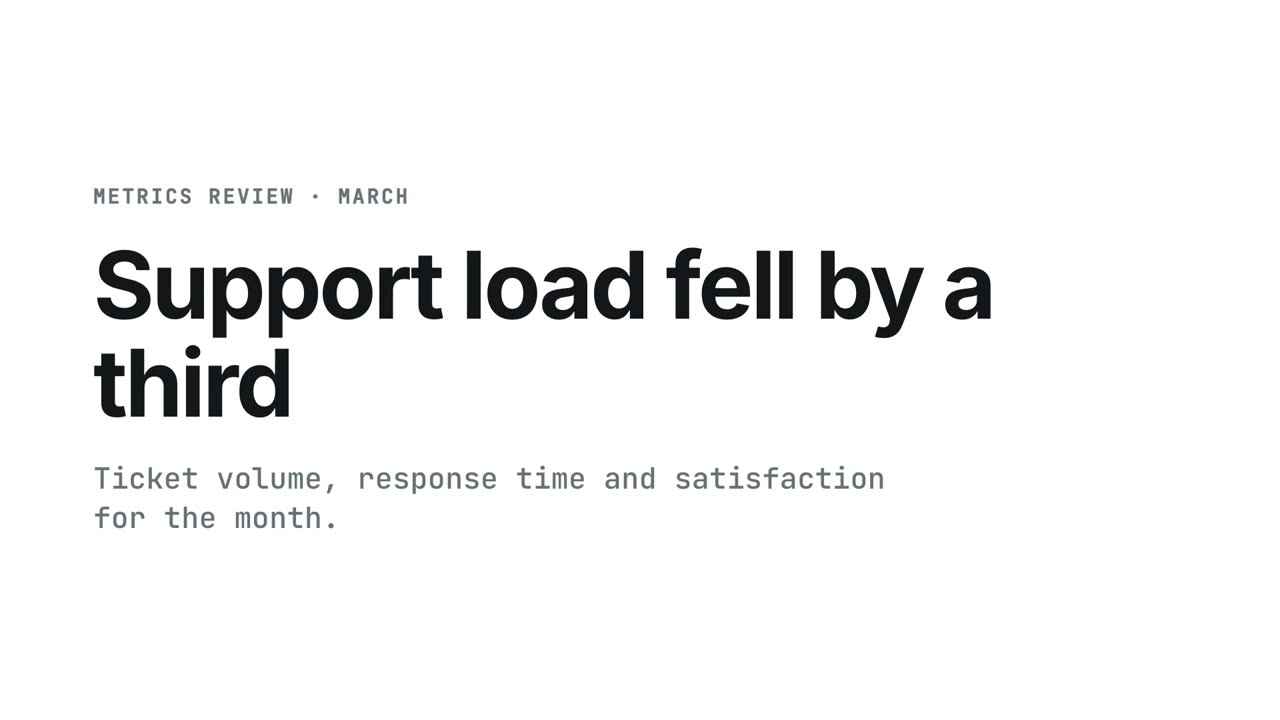
Retime scenes on a timeline or ask for changes in plain words. Export MP4 when it looks right.
Every style ships with its own fonts, layout rules, motion profile and a full example project your agent copies and rewrites. Hover a card to play it.
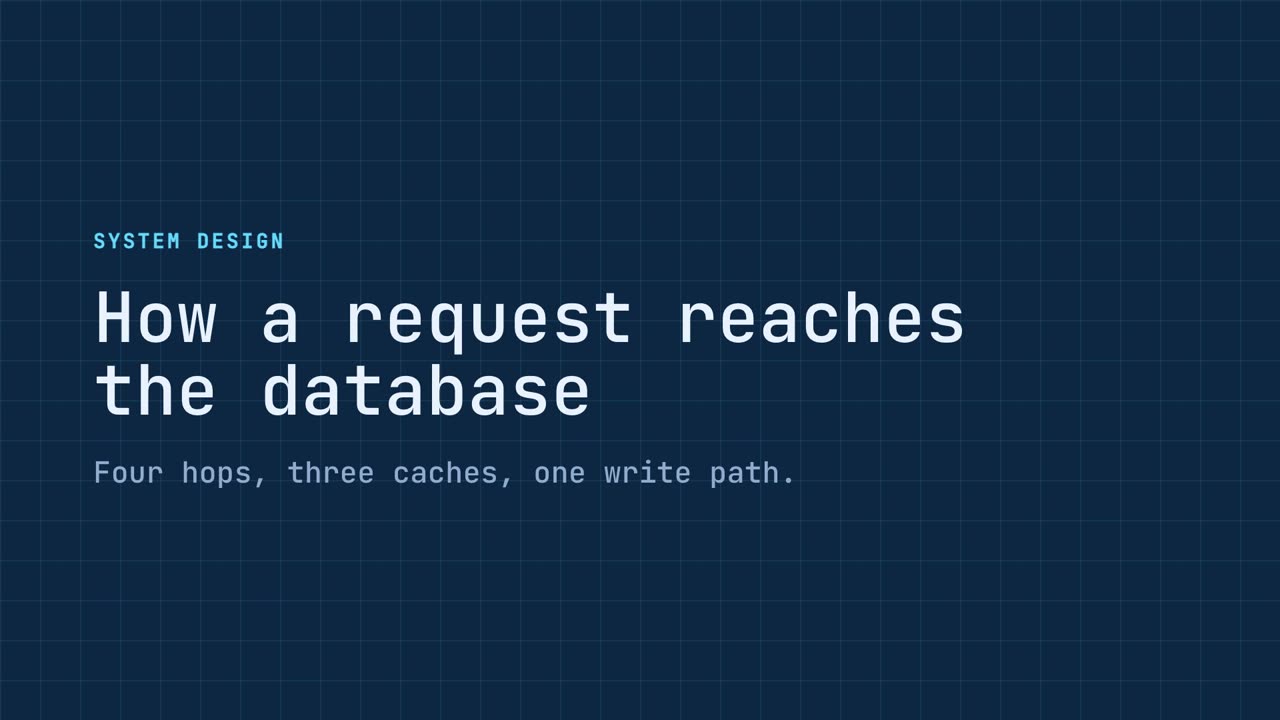
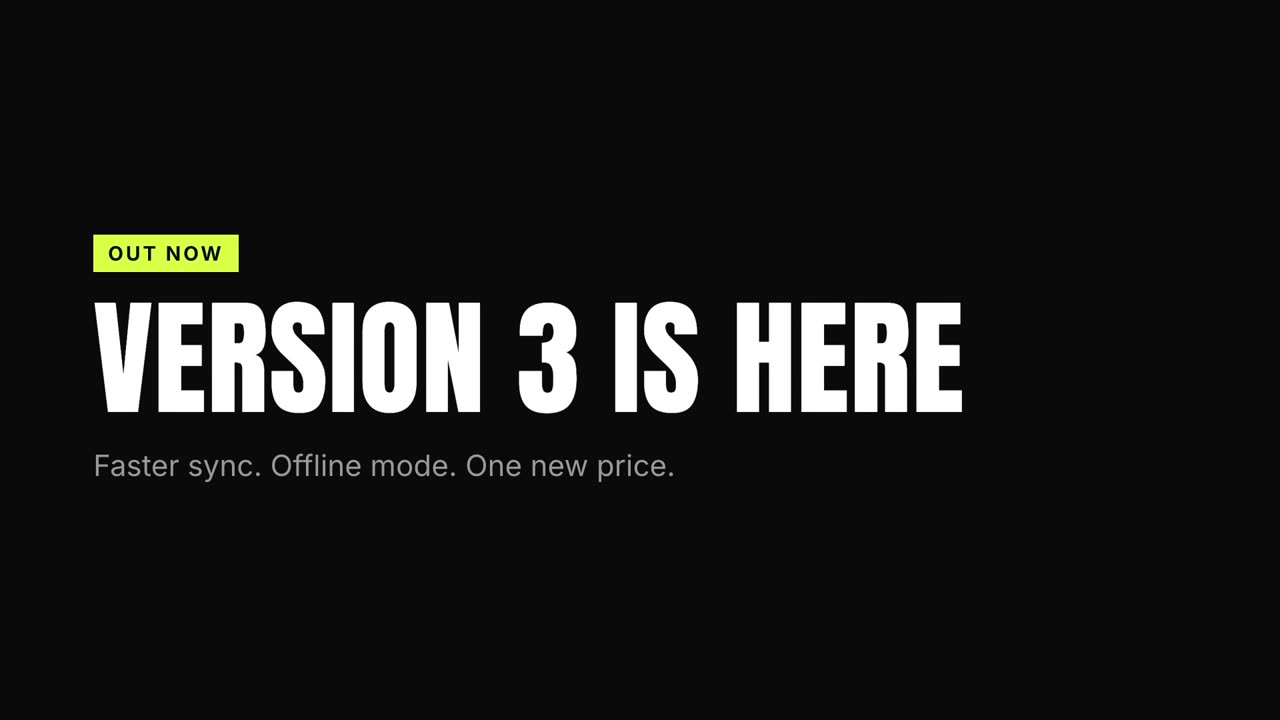
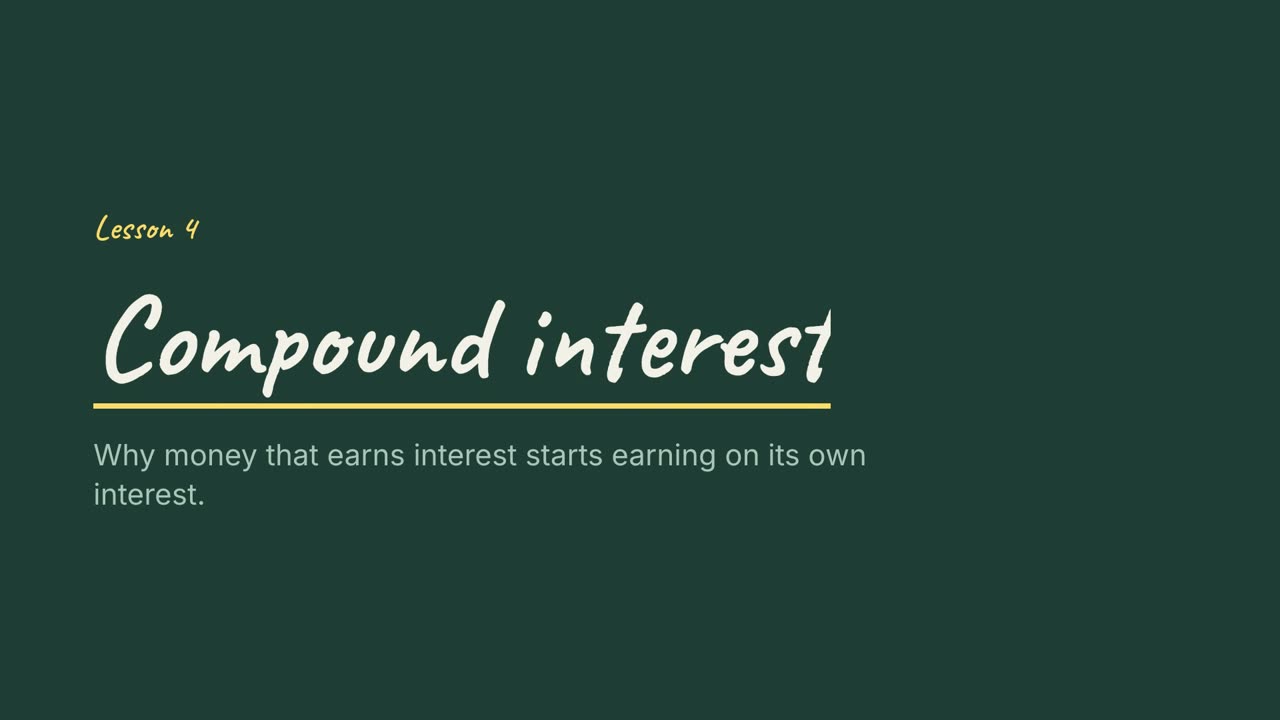
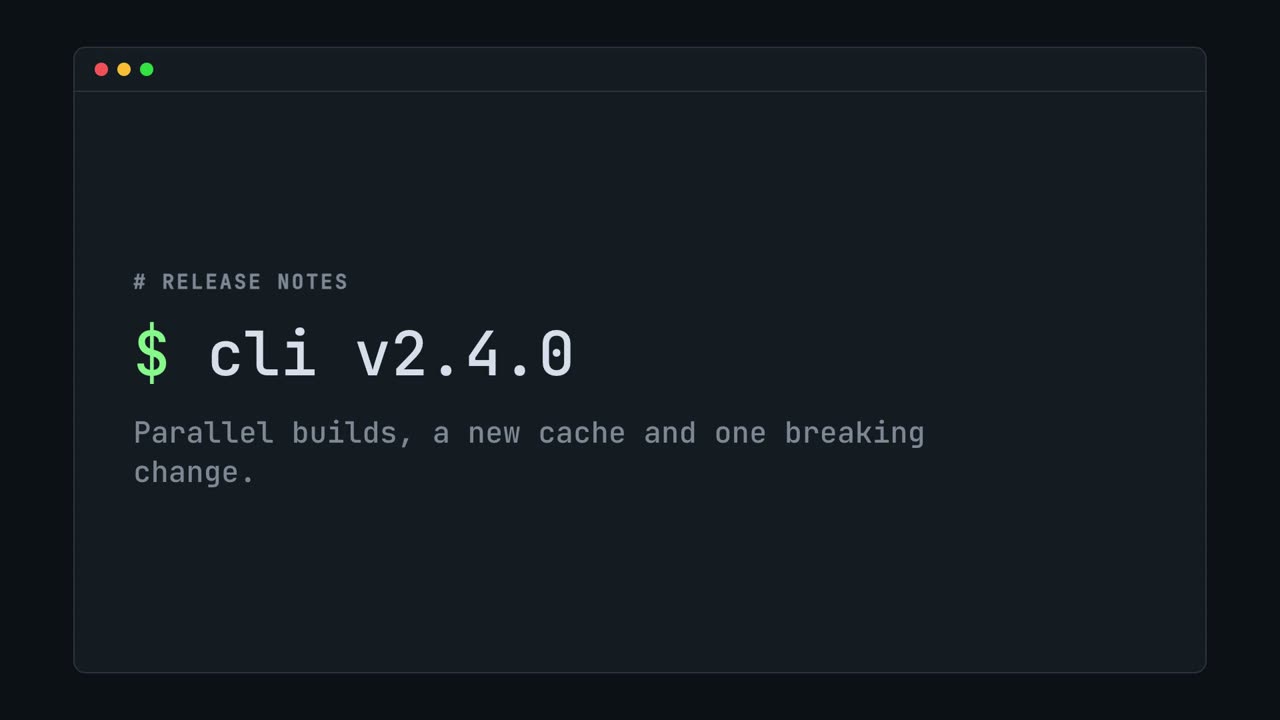
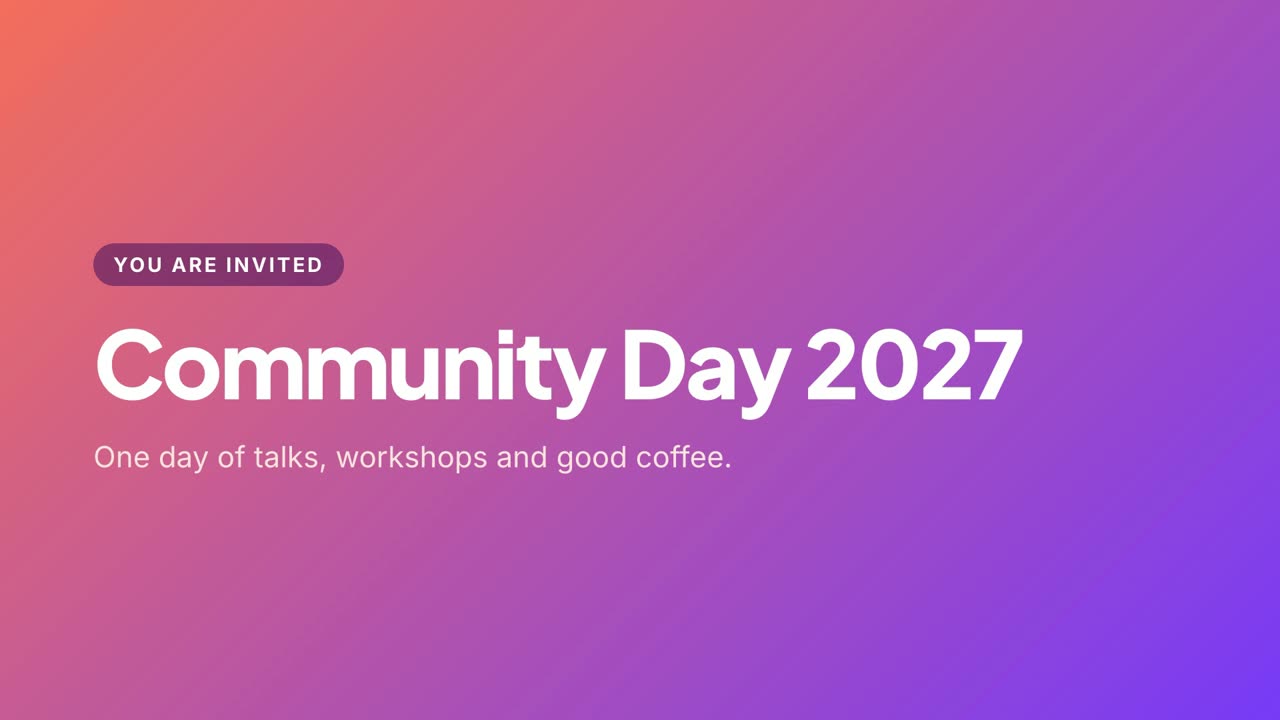
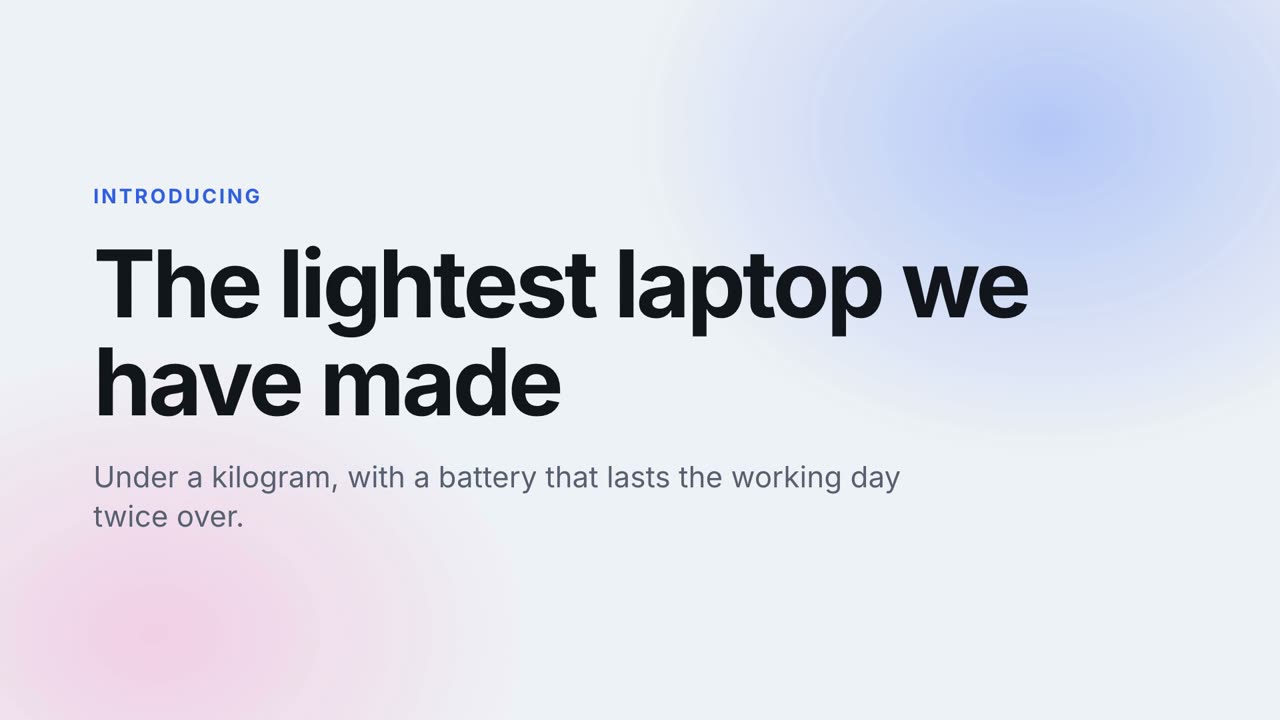
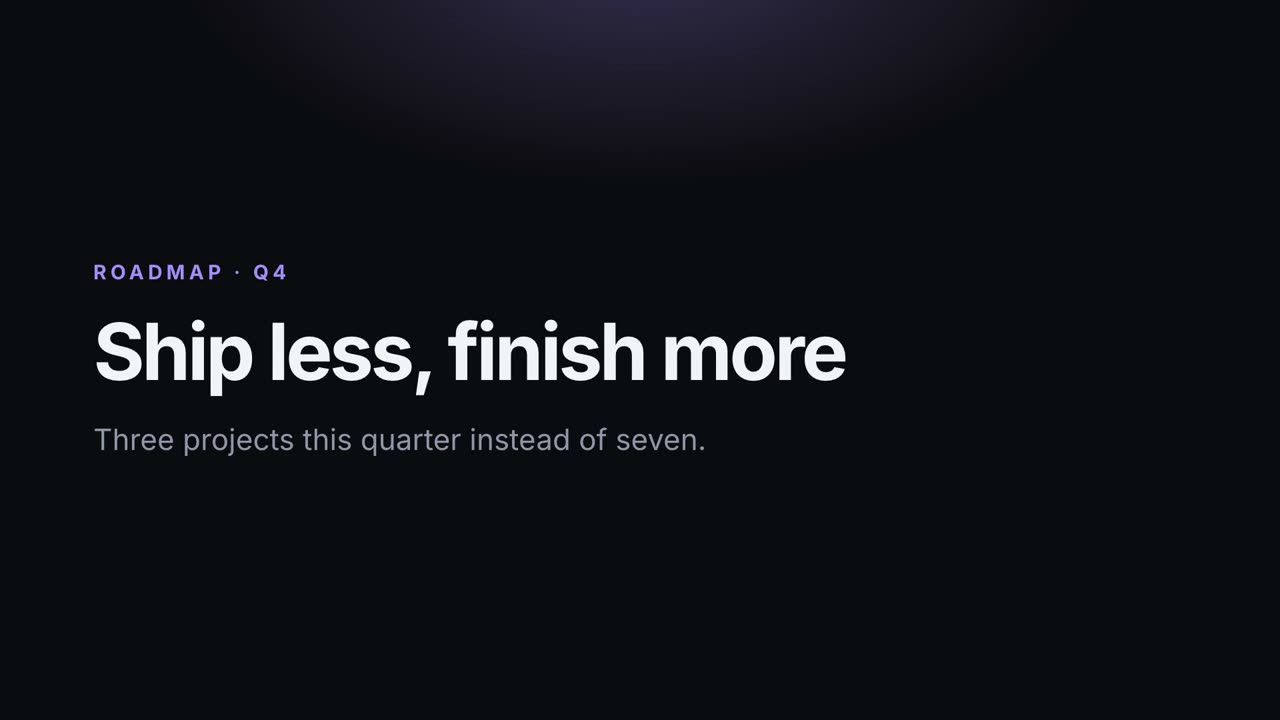
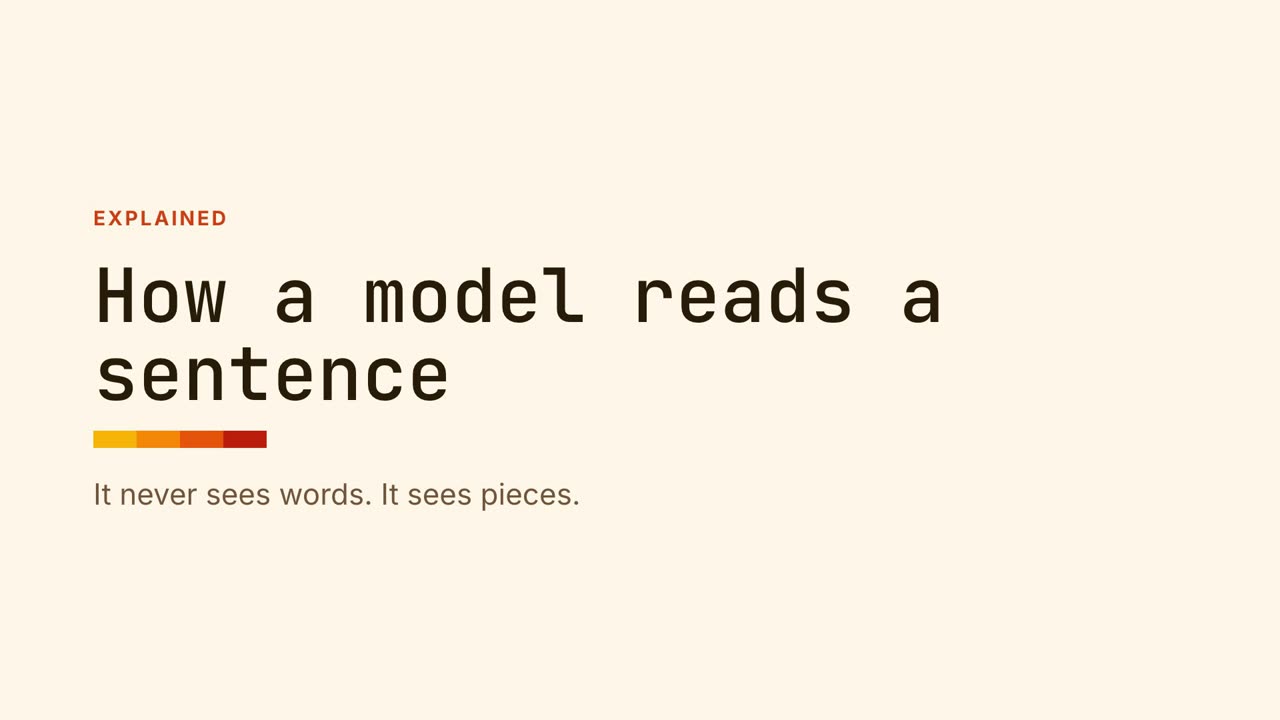

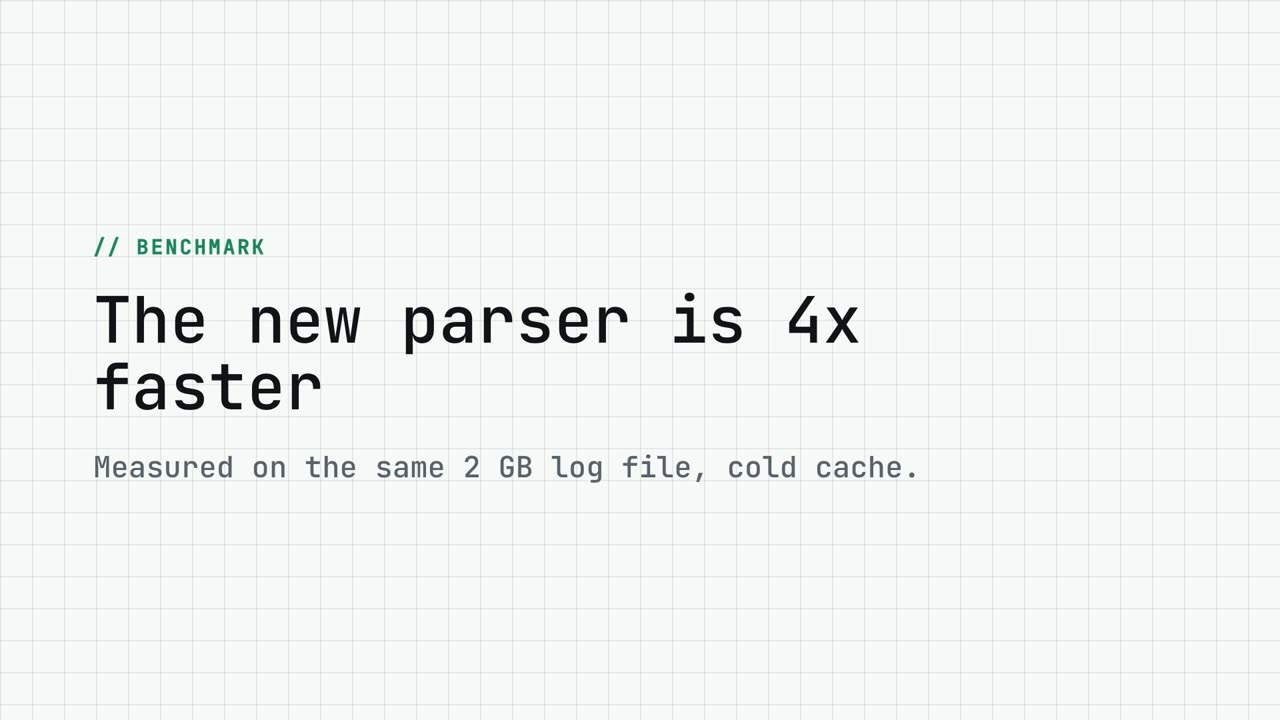
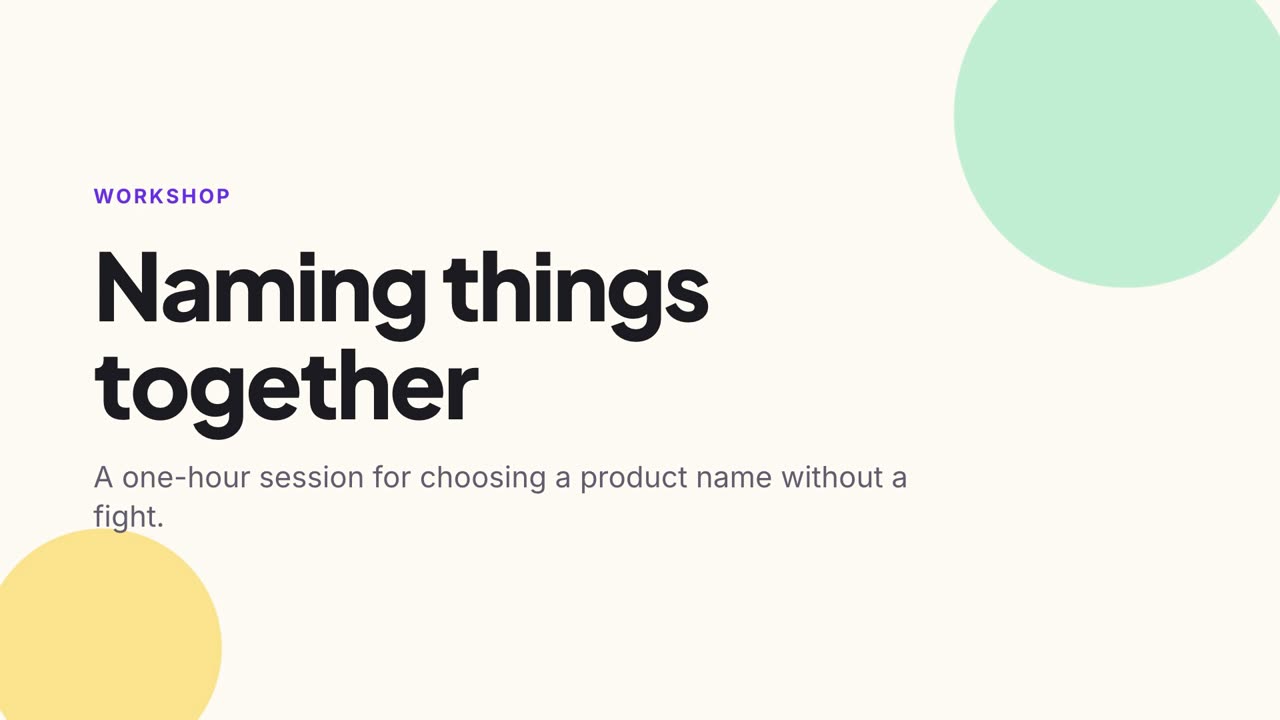
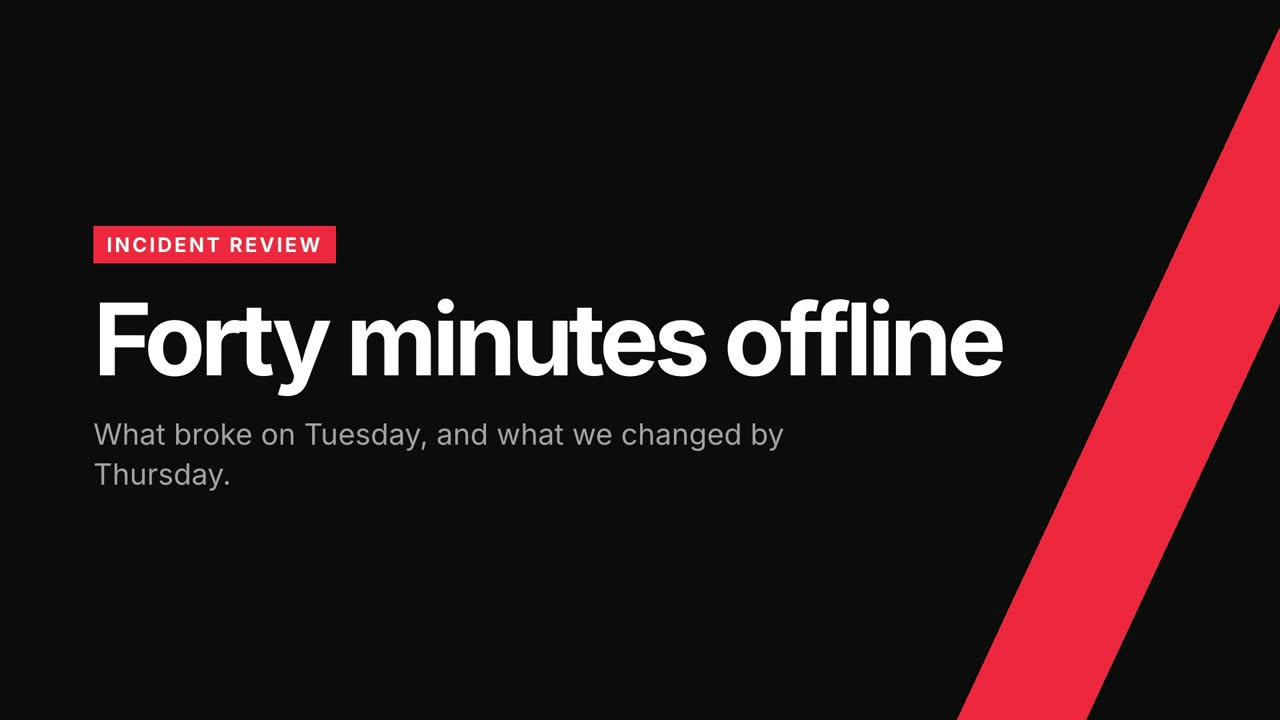
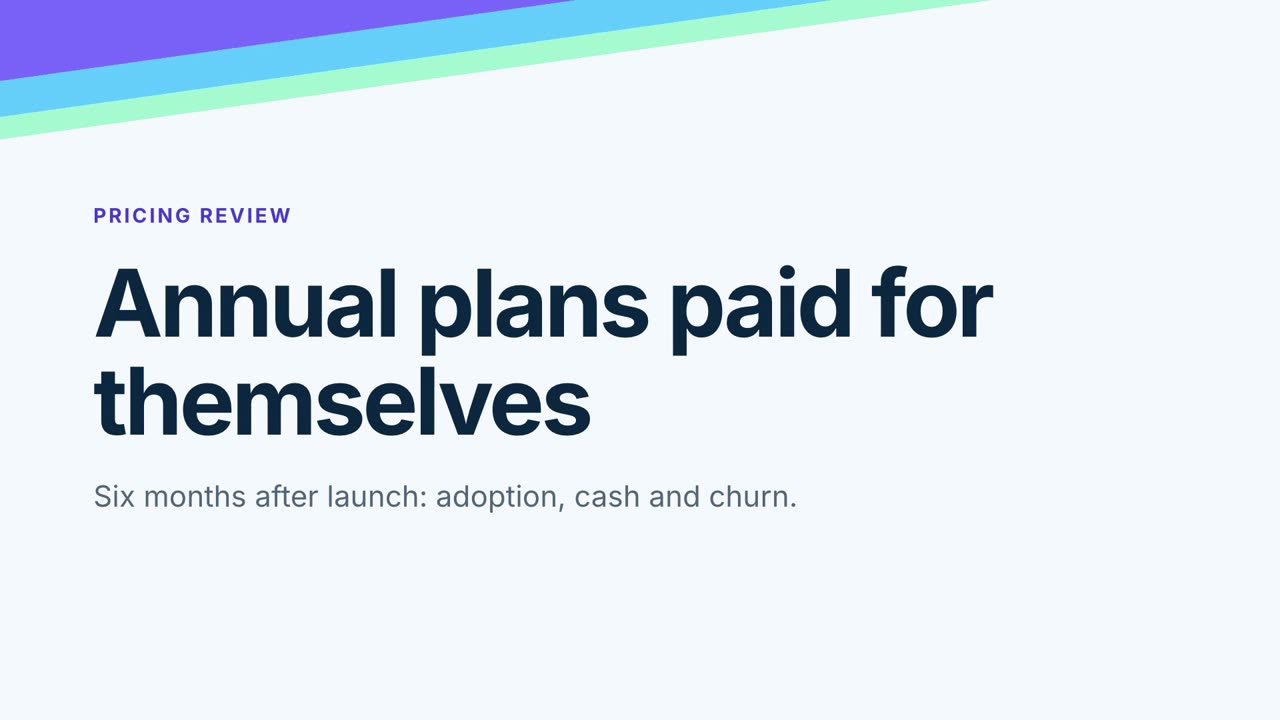











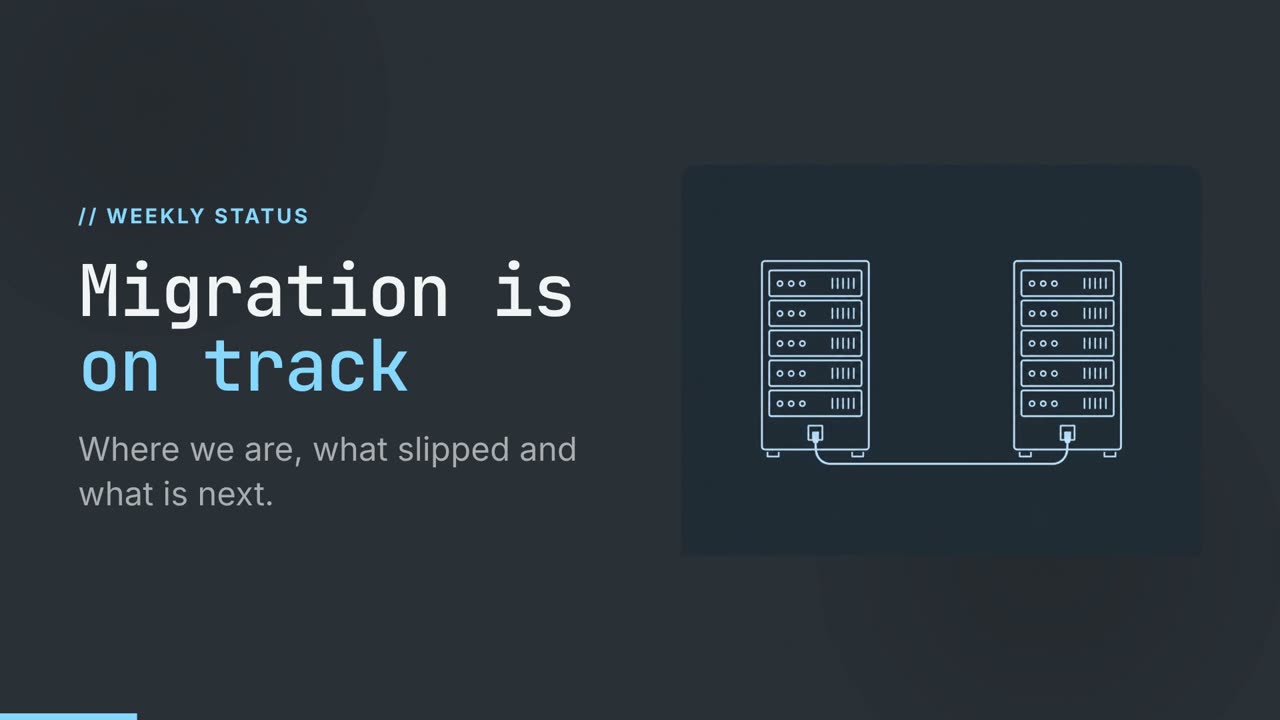

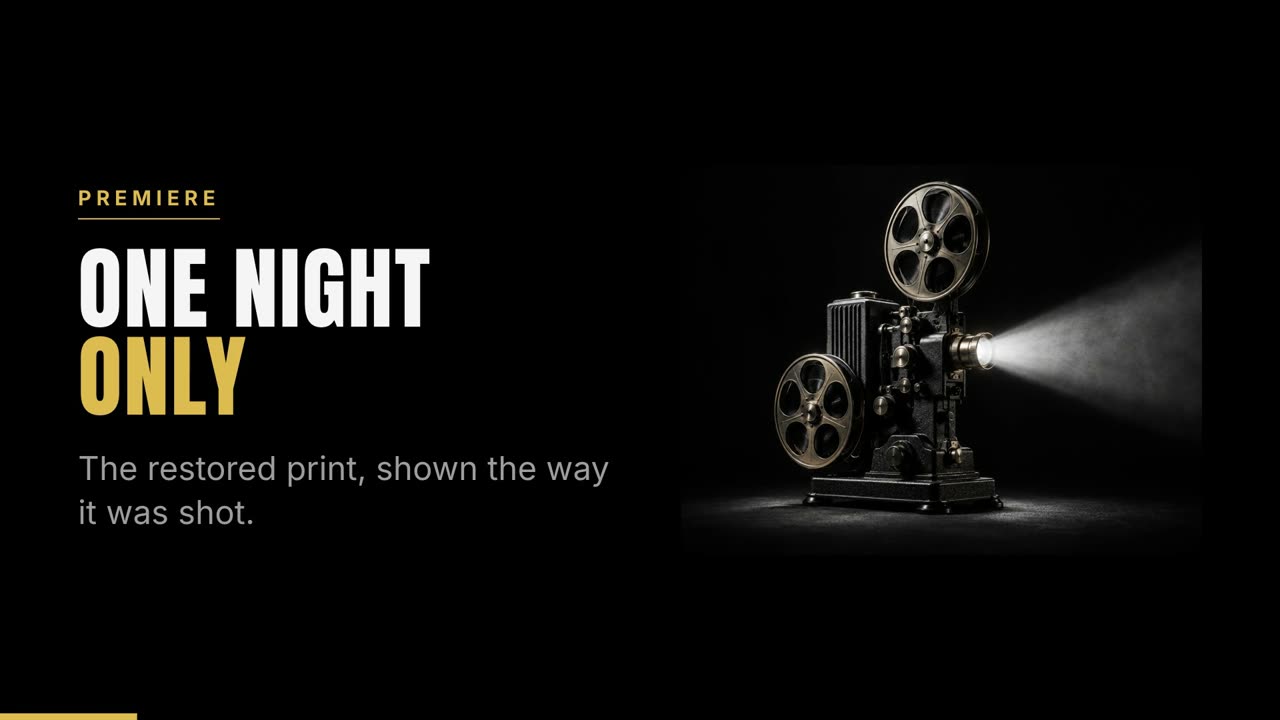


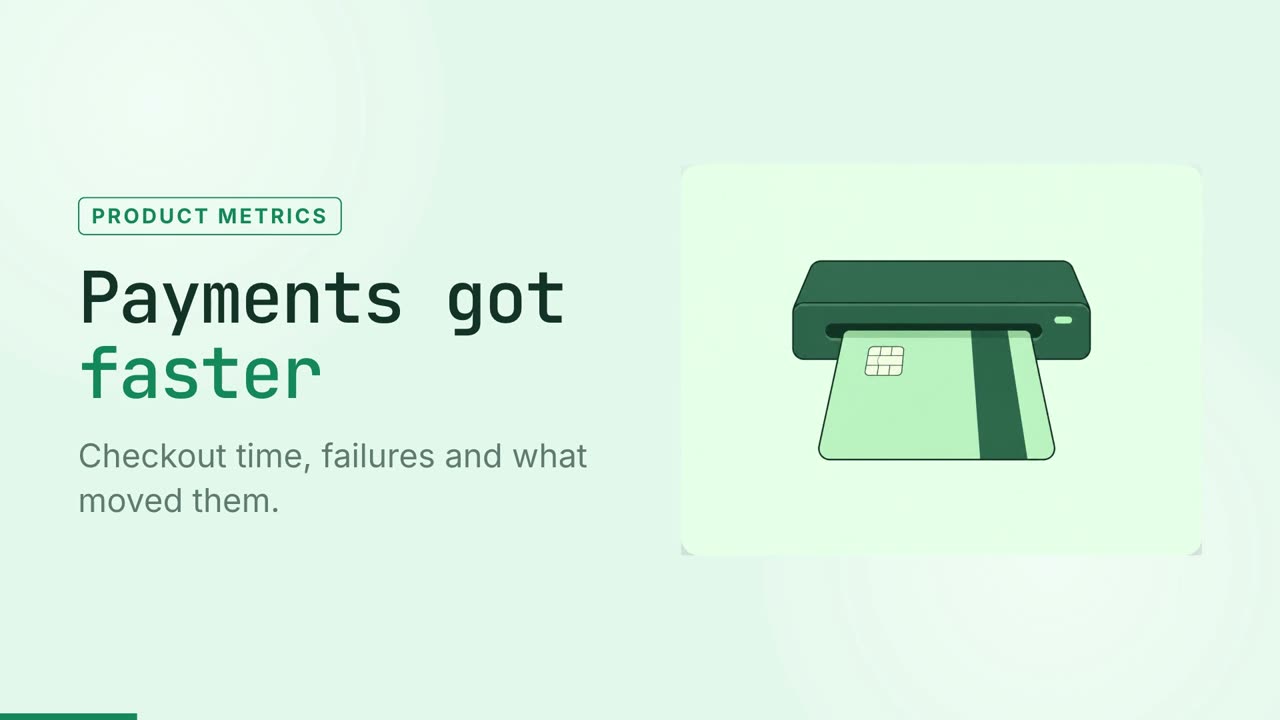
Give three colours, pick one of 36 ready palettes, or let your agent design the look. Layout and motion come from a style, fonts from any other, and pictures are drawn in your colours. Combinations that are hard to read are refused before anything is built.
The same content also builds a deck in one file: a script for every slide, a voice that reads it, pages that turn on their own, and exercises your audience can do. This one is live. Press Play, or use the arrows.

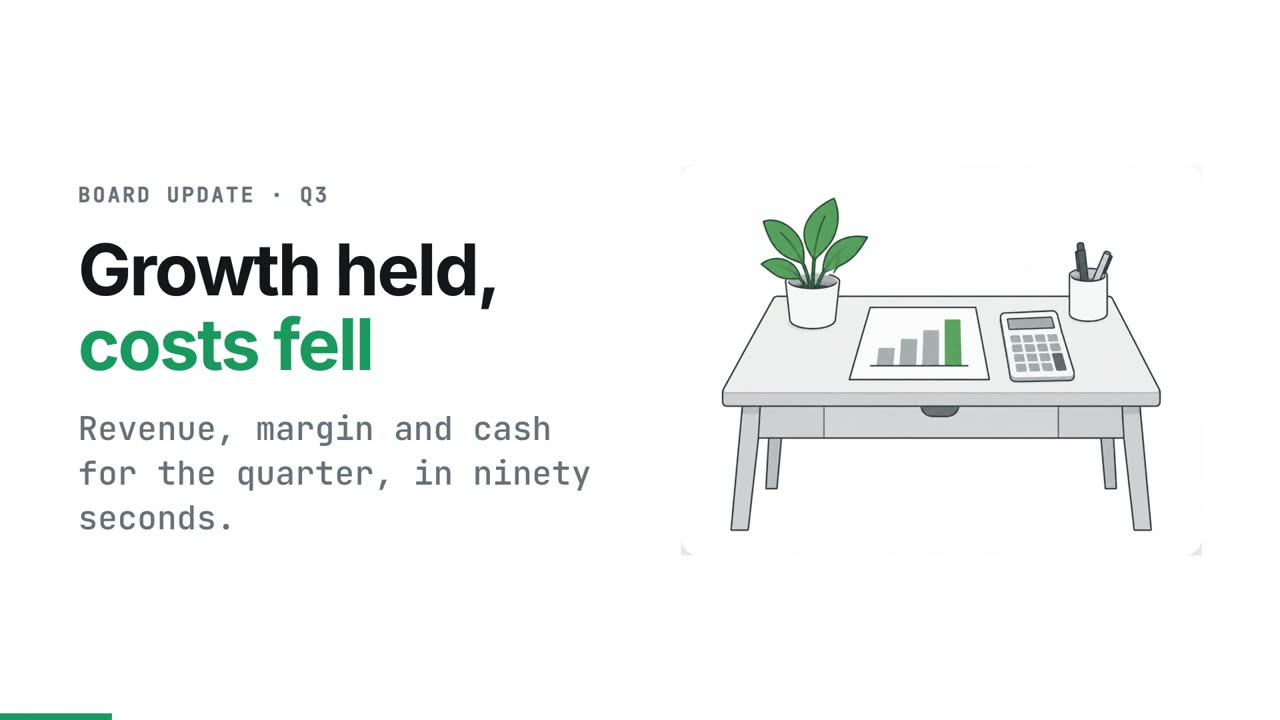




The example deck that ships in the pack, built by the tools with no edits, narration included. Slide 4 has the chart filter, slides 8 to 12 are exercises. More about narrated decks.
Your agent writes what a presenter would say. Press N to read it, or export all of them as one document.
Each slide reads its own script, then the deck moves on. Seek within a slide, or play at up to 2× speed.
Bar, line, pie, funnel, radar, scatter and a world map shaded by country. Hover for a value; with more than one series the deck gets filter buttons.
Quizzes, true or false, drag to match, put in order, sort into groups. Each answers back at once and the last slide shows the score.
Tabs, rows that open when clicked, and tips that appear when you hover a term, for what not everyone needs to read.
Fonts, pictures and audio are inside the file, so it works offline. A .pptx export keeps text editable, charts native and scripts in the notes.
Same idea: animation written as code, so you can change it. A different door in.
| Motion in Claude (Anthropic) | MotionKit (this site) | |
|---|---|---|
| Who can use it | Team and Enterprise workspaces, in beta | Anyone with Claude Code, Codex or Cursor, on any plan |
| Where it runs | Inside the Claude app | In your coding agent, rendered on your own computer |
| How it animates | Code-driven animation you can edit | Code-driven animation you can edit (HTML and GSAP on HyperFrames) |
| Output | Animation and MP4 export | MP4 video, an interactive deck, or PowerPoint, plus the source to keep and re-edit |
| Interaction | Not announced | Charts with filters, quizzes with feedback, drag-to-match |
| Voiceover | Not announced | Narration in 25 voices, 11 of them expressive with a tone you direct, timed to the scenes, from monthly credits |
| Sharing | Inside your workspace | A hosted page for each video, public or password-protected |
| Styles | Prompted per video | 37 ready-made styles, 36 palettes, or your own brand colours |
| Price | Included with Team or Enterprise seats | From $4.99 one-time (Starter Pass) or from $19.9/mo |
Plan availability for Anthropic's feature is as reported at its beta launch on 8 October 2026 and can change. Check Anthropic's pricing page for the current state.
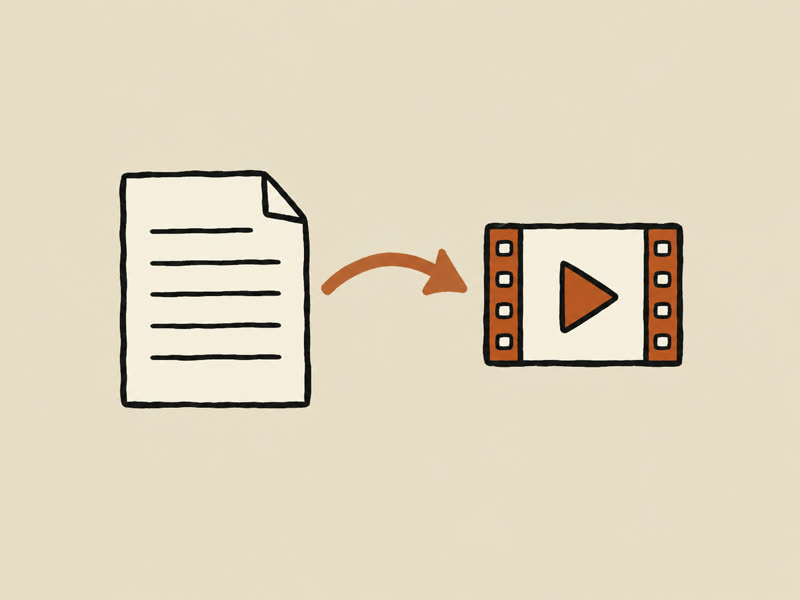
The video is an HTML file with a timeline. Change a word, a number or a duration and render again.

The agent reads your file locally and the render runs locally. Nothing is uploaded unless you create a share link.
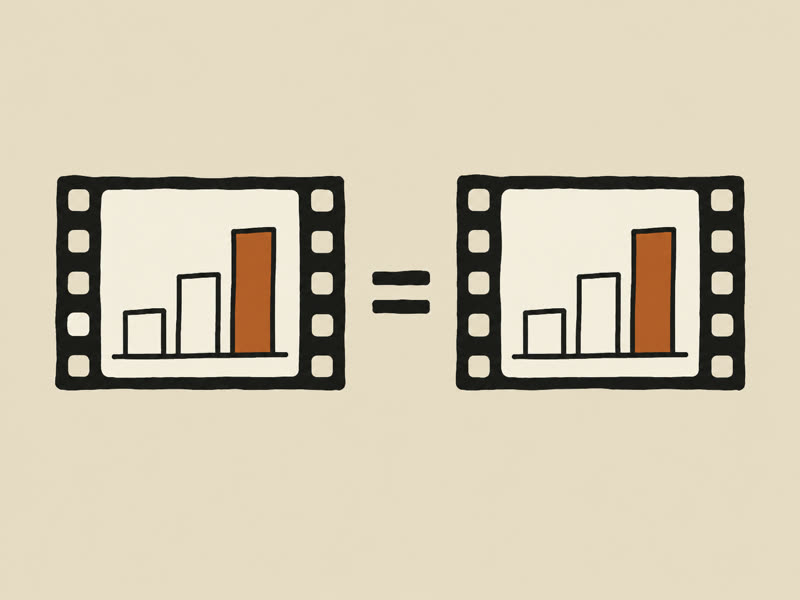
Rendered frame by frame with headless Chrome and FFmpeg, so a re-render matches the last one.

The skill tells the agent to use the source's figures exactly and never fill a chart with invented data.

Your agent writes the narration, you approve it, and the scenes are timed to the audio. 14 voices in 9 languages.

One command turns a finished video into a hosted page, public or password-protected, to send to anyone.
Single experience pass. Perfect for 1–3 video projects or presentations with zero subscription commitment.
For one person making explainers, lessons and launch clips.
For course makers, agencies and small teams shipping video weekly.
No. Motion is a beta feature Anthropic ships inside Claude for Team and Enterprise workspaces. MotionKit is a separate, independent skill pack that gives a coding agent the same kind of ability. We are not affiliated with or endorsed by Anthropic.
Anthropic's built-in Motion was announced for Team and Enterprise only. If you are on Pro or Max you already have Claude Code, and MotionKit adds document-to-motion there. On the Free plan you can use the pack with Codex or Cursor instead.
A licence key by email and instant access. You get two delivery paths: ready-to-paste Claude Web Artifacts templates for instant browser playback with zero setup, and the full skill pack for Claude Code, Cursor and Codex. It includes all 37 styles, realistic AI voiceover credits, custom picture generation, music beds, and hosted share links. You keep everything you make.
You can preview and export animations offline anytime on your machine. Starter Pass is a one-time payment that never expires. Monthly subscriptions (Creator/Studio) keep working until the end of the billing period. All videos, decks and source files you make remain yours forever.
No. Your agent reads the file locally and HyperFrames renders locally with headless Chrome and FFmpeg. Our server checks your licence key each time a tool runs and sends the skill and style files. The one exception is your choice: if you create a share link, that finished MP4 is uploaded so we can host it.
Your agent writes a narration line for each scene, shows you the lines and the cost, and after you approve it generates the audio and times the scenes to it. 1 credit is 1 character of narration. Creator includes 80,000 credits a month and Studio 240,000; credits reset on the first of each month and a failed generation is not charged.
Yes. From the same content your agent can build an interactive deck (one HTML file with charts you can filter, quizzes, drag-to-match and speaker notes) and a .pptx with editable text and native charts. Quizzes and matching are interactive in the deck; in PowerPoint the answers go in the notes.
Yes, two ways. Describe the music you want ("slow warm piano, hopeful") and a track is made for that video, instrumental and as long as the video, up to three minutes: 10 tracks a month on Creator, 40 on Studio. Four original music beds also come with the pack and do not count against anything. Both are yours to use in commercial work, and you can always use your own track instead.
A hosted page for a finished video or interactive deck. Run one command and you get a link to send to anyone, public or locked with a password. Creator includes 10 links, Studio includes 100 with view counts. Links stop working if the subscription ends, and you can remove one at any time.
Nothing for the Web Artifacts route: simply paste the storyboard prompt into Claude Chat and watch the animation play directly in Artifacts! For local batch rendering, you just need a coding agent (Claude Code, Codex, Cursor, OpenCode, Antigravity or Kimi) and Node.js 22+.
Yes. The agent writes the animation code, so it uses your normal agent usage the same way any coding task does. Rendering has no quota. The only metered part is voiceover, which uses the credits in your plan.
Yes, any time from the link in your receipt. The pack keeps working until the end of the paid month; after that the installer stops delivering updates. Videos you already made are yours.
An open-source HTML-to-video framework by HeyGen (Apache-2.0). MotionKit builds on it and is not affiliated with HeyGen.
One command, then hand your agent a document.